
Streams
Create a stream directly by assembling the published cards, lifecycle rules, and role assignments it needs.
Purpose
A stream is where the design-layer building blocks come together into something operational.
In ArQiver, a stream is created directly by assembling the cards, rules, and assignments that have already been prepared and published.
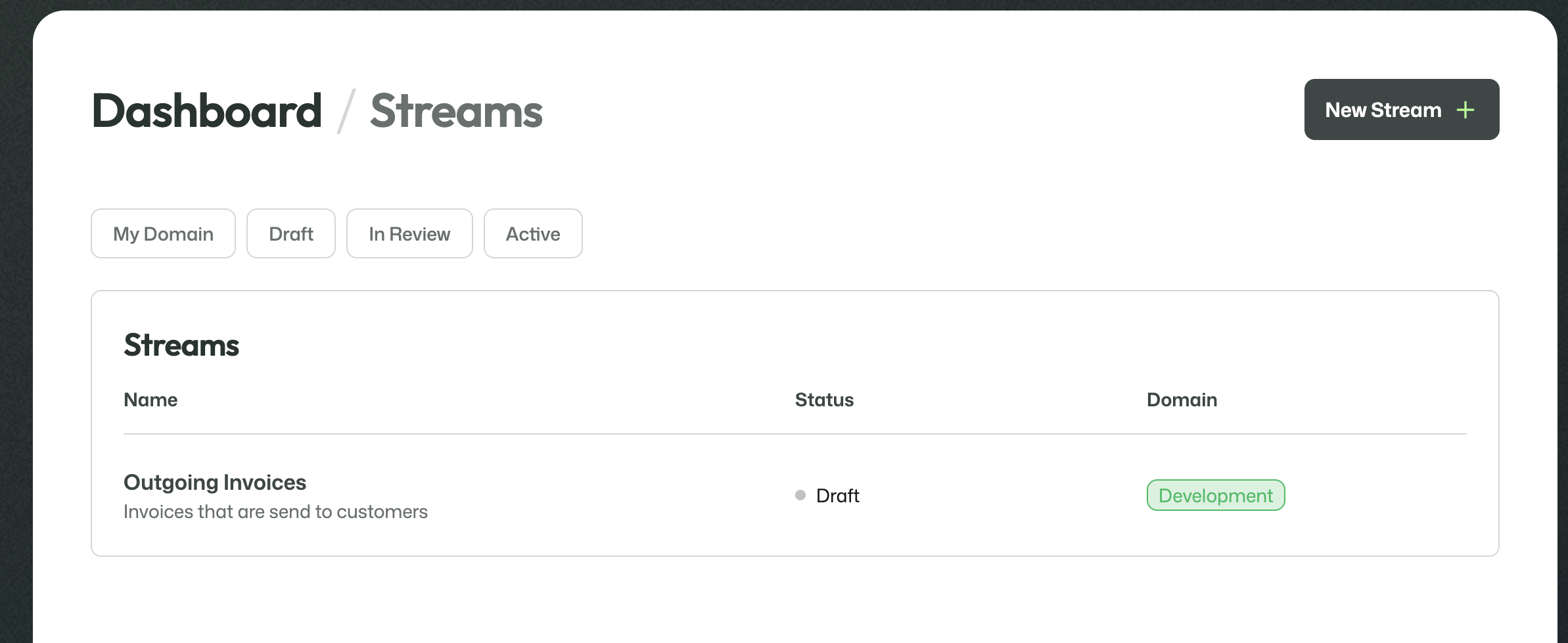
Streams overview screen with a draft stream in a domain.
What this screen is for
The Streams overview shows the streams available in the current domain and their status.
This is where a new stream can be created and where existing streams can be opened for further configuration.
Direct stream setup
The stream setup process depends on the work that was done earlier in the design layer.
Published Data Cards, Metadata Cards, Retention Protocols, and Records Management strategies become available here so they can be attached to the stream.
That means the earlier setup work is not theoretical. It directly feeds into stream creation.
Stream information
Each stream also has its own basic information, such as a title, description, and purpose.
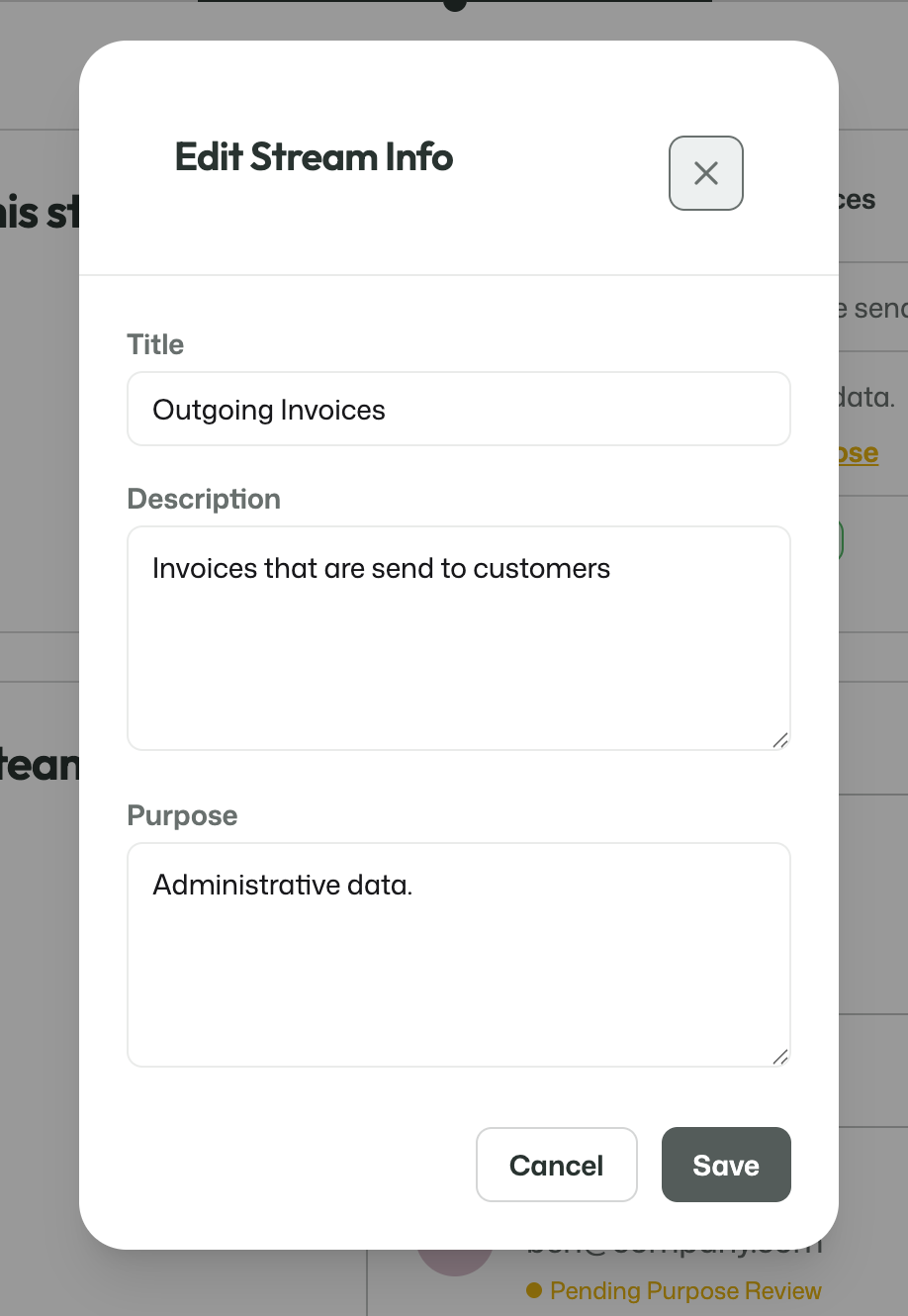
Editing the basic stream information.
This information gives the stream a clear identity and explains what it is meant to be used for.
Stream team
Streams also require role assignments for the later review and approval process.
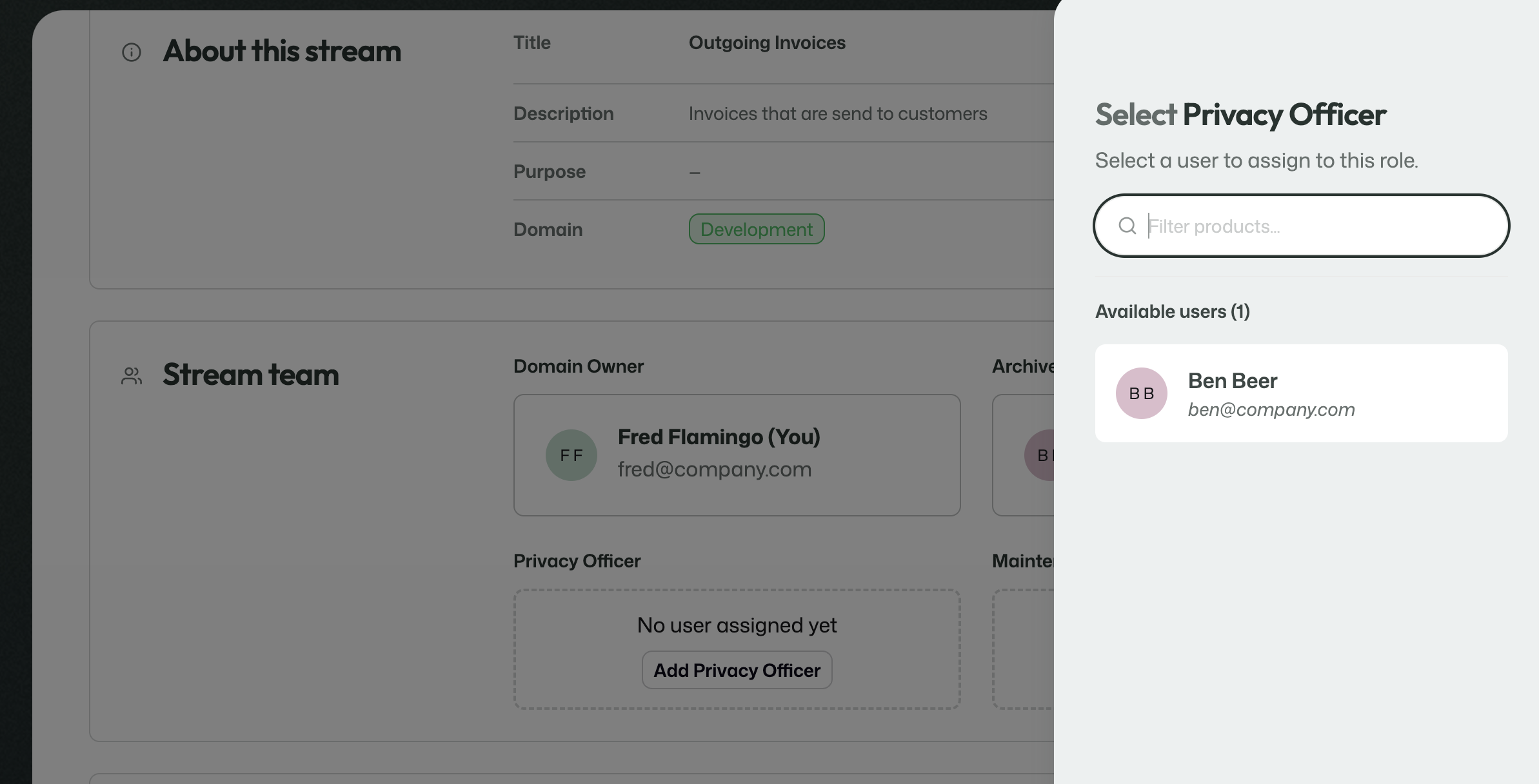
Assigning a stream team role, such as Privacy Officer, from the available users.
Users can be assigned to the roles that are needed around the stream. In your setup, several users were already given the roles needed for the review flow, which made them available for assignment here.
Add Data Cards
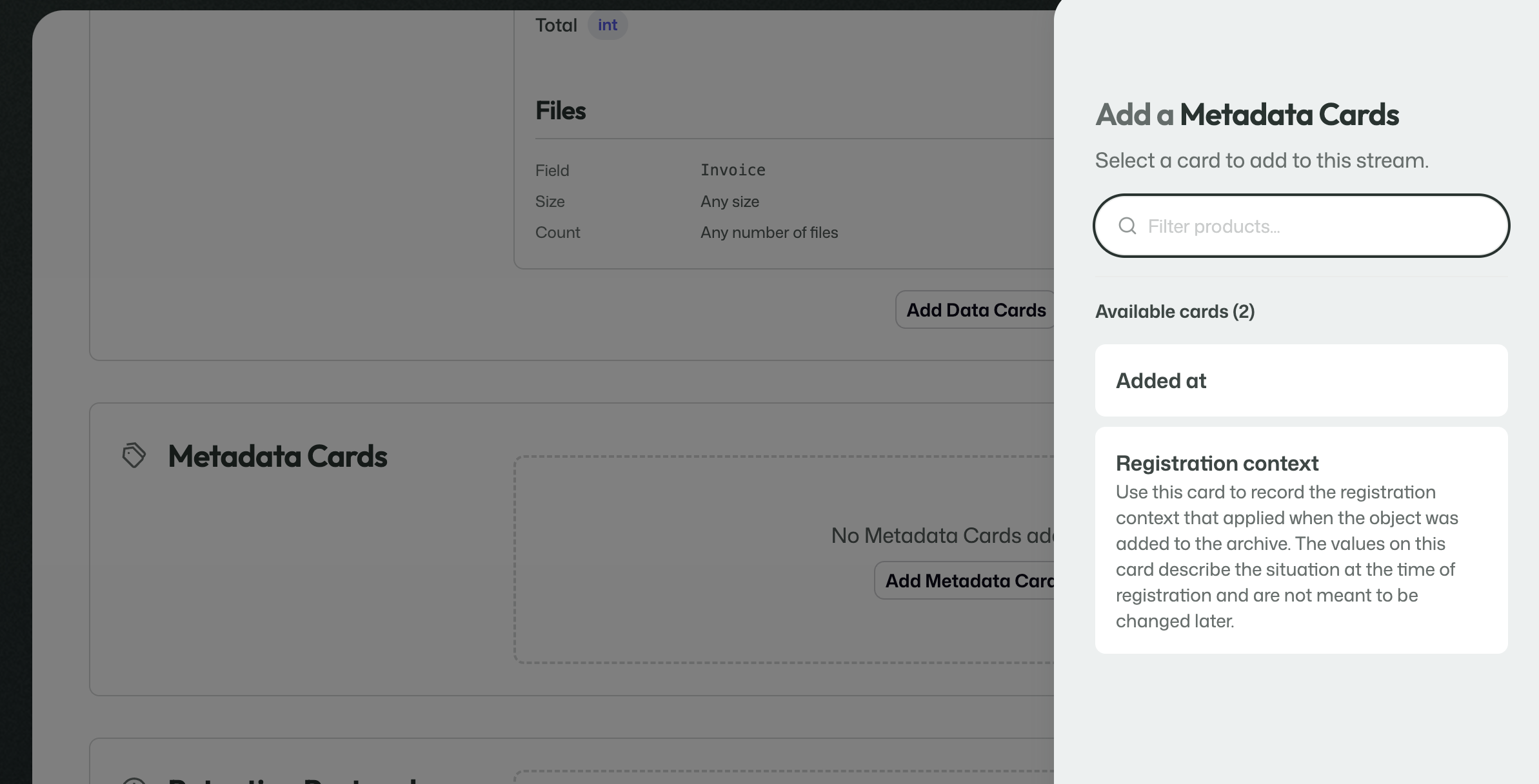
Published Data Cards can be selected and added to the stream.
This is where you attach the published Data Cards that describe the incoming payload for the stream.
Add Metadata Cards
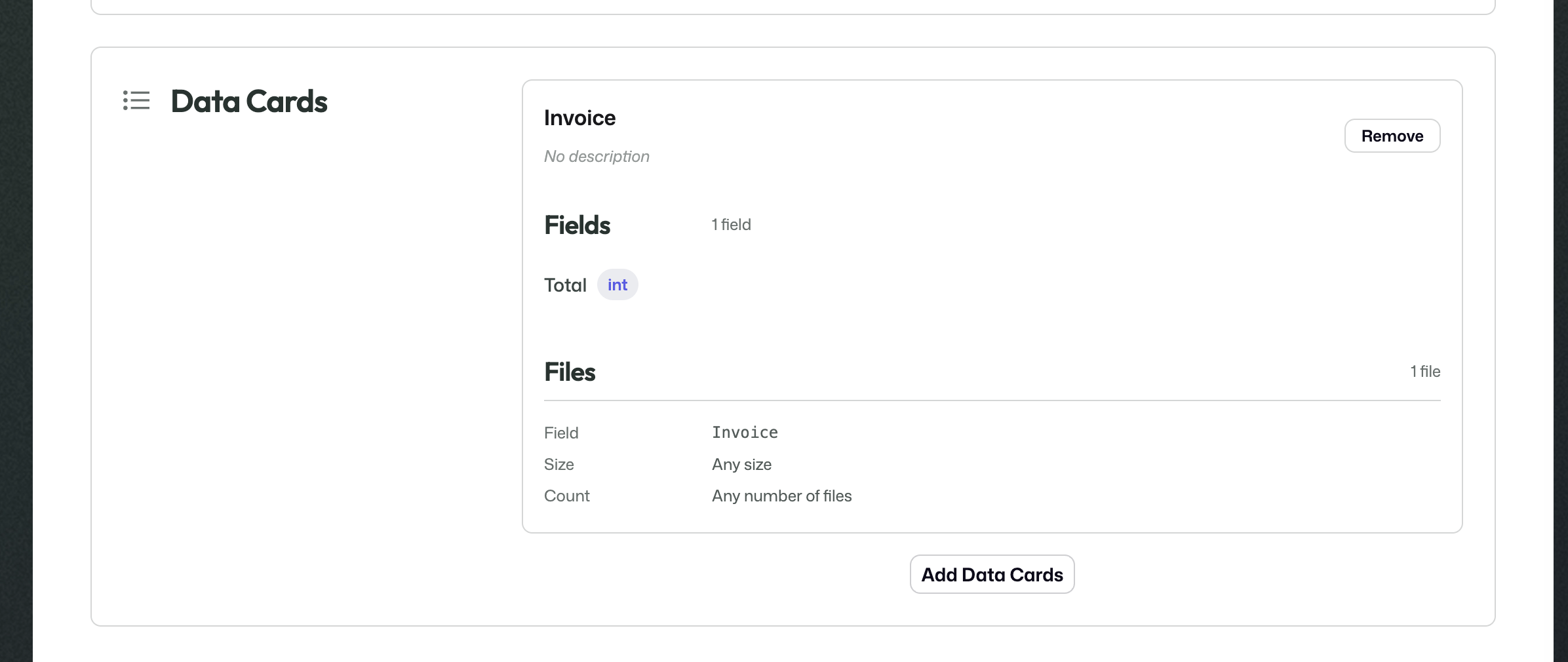
Published Metadata Cards can be selected and added to the stream.
This is where you attach the published Metadata Cards that describe the metadata and context the stream should use.
Add Retention Protocol

A Retention Protocol can be attached directly to the stream.
The selected Retention Protocol determines how long information handled by the stream should remain available in the archive.
Add Records Management
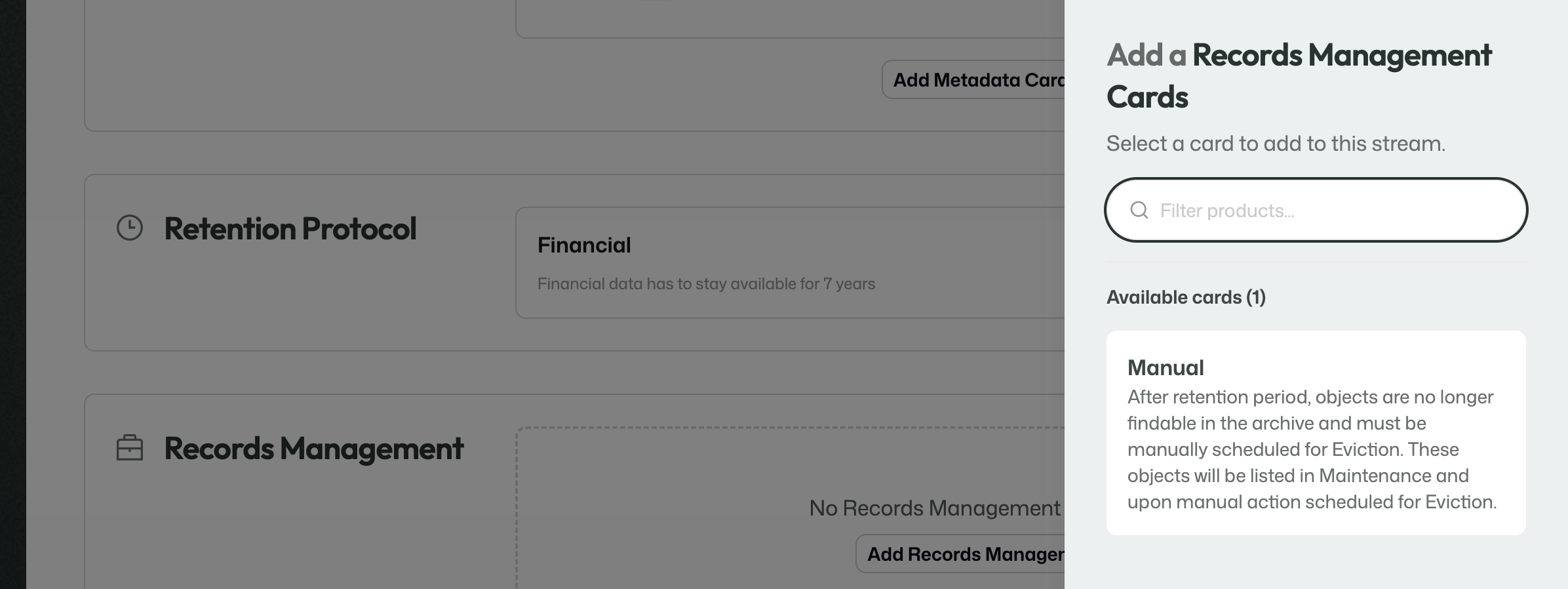
A Records Management strategy can be selected and attached to the stream.
This determines what should happen once the retention period has ended.
Storage location
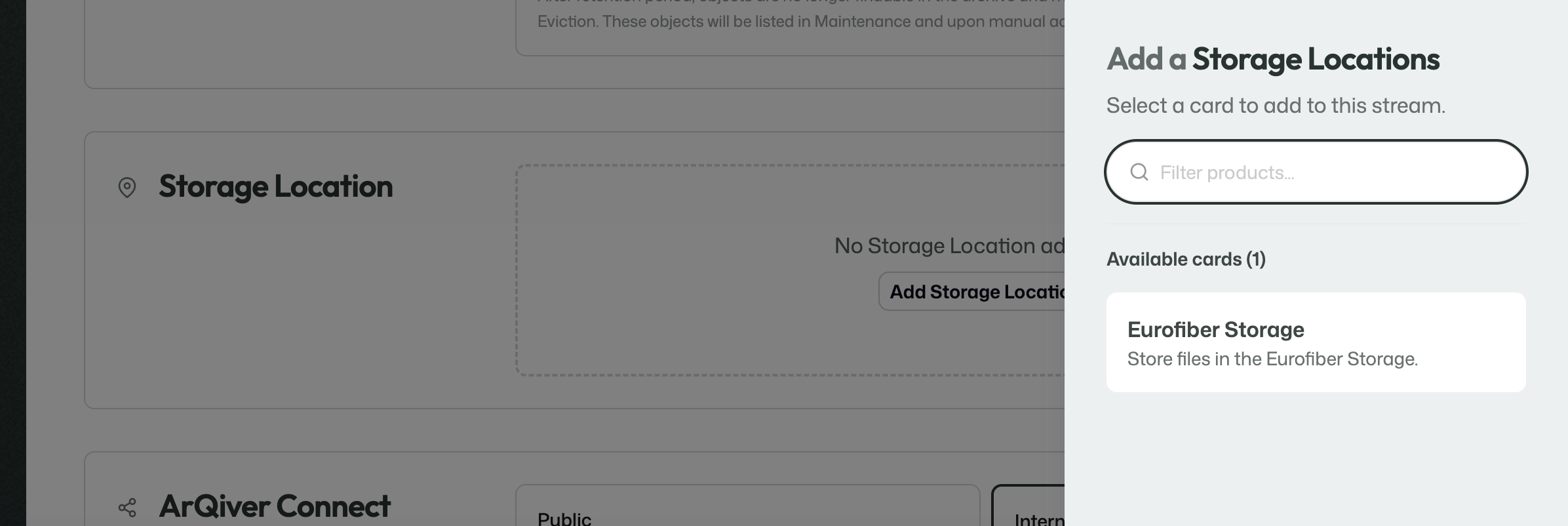
The stream can be linked to a storage location for file storage.
The storage location determines where the files handled by the stream are stored.
ArQiver Connect
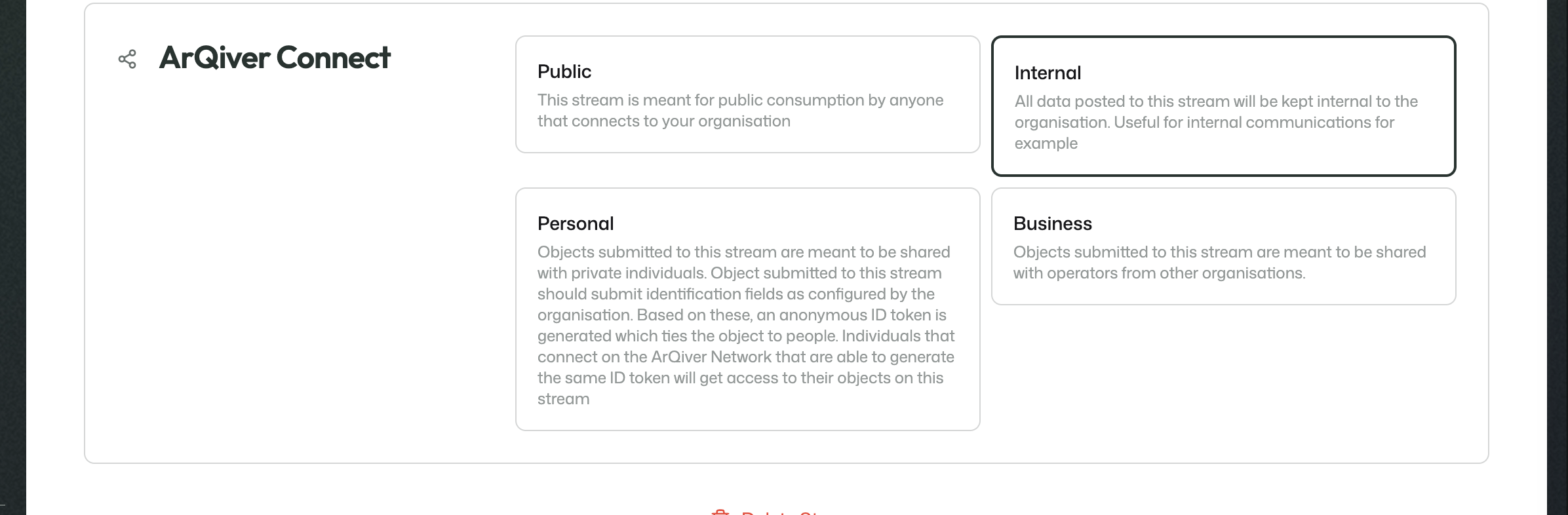
A stream can be configured for different ArQiver Connect modes, such as Internal, Public, Personal, or Business.
This section determines how the stream is meant to be shared or consumed in the wider ArQiver ecosystem.
Review and approval
Unlike several of the earlier design-layer components, the stream process is more structured.
That is because a stream brings together the definition of how data will be stored, described, retained, and managed. At this stage, the stream team and the archive-related roles are no longer only contributing building blocks. They are confirming that the full setup is ready to be used responsibly.
Each involved role has its own responsibility in that process. Together, they help ensure that the stream is complete, correct, and suitable for real use.
End-to-end flow
The stream moves through three visible stages before it becomes available for use: Review, Approval, and Publishing.
Step 1: Review
During the review step, the stream can still be changed.
This is the collaborative phase in which the involved roles check the setup, make adjustments where needed, and work towards a complete definition of the stream.
The Domain Owner starts this process and can already complete the first check for their own part.
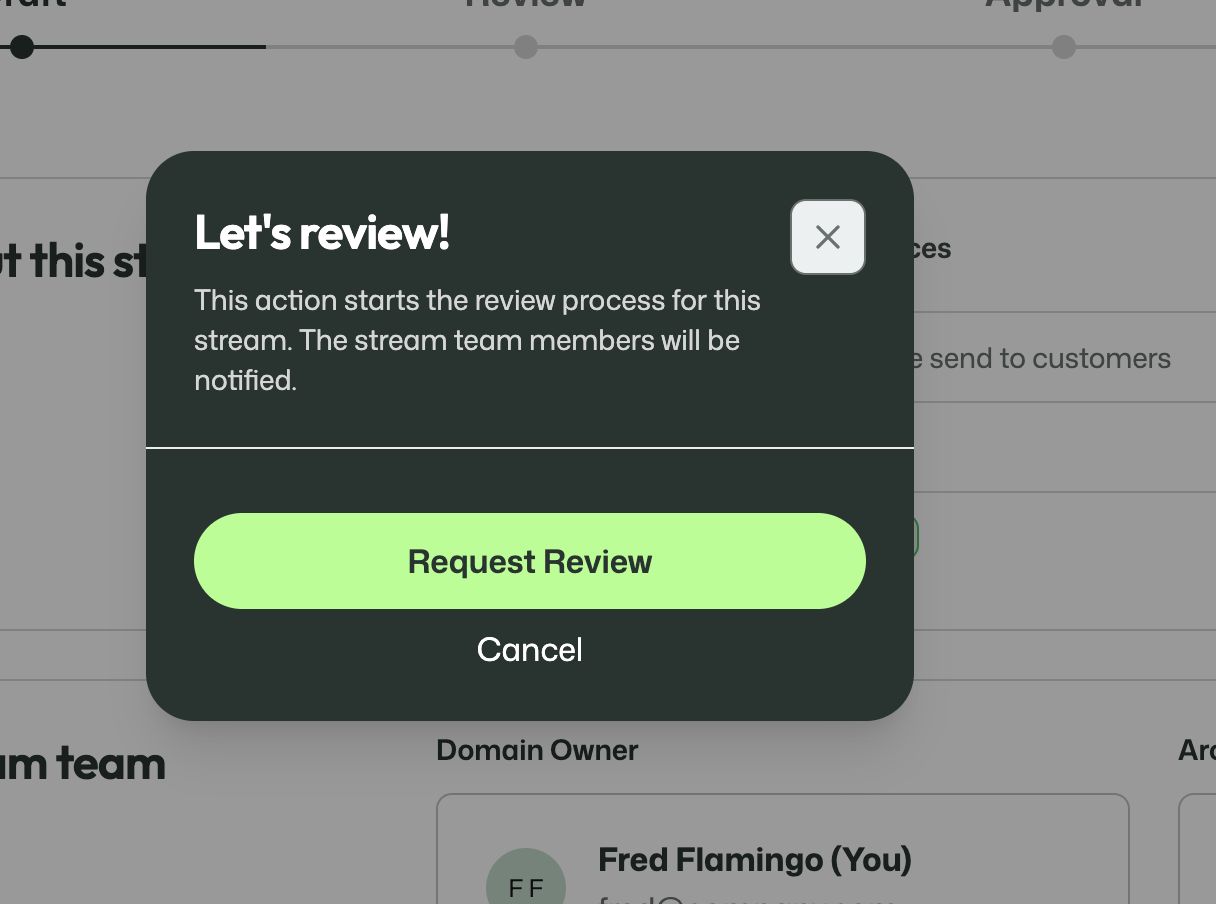
A Domain Owner reviewing the stream and submitting their part of the review.
The review step can also include more specific checks by other roles. One example is the Purpose field of the stream, which can be reviewed explicitly by a Privacy Officer.
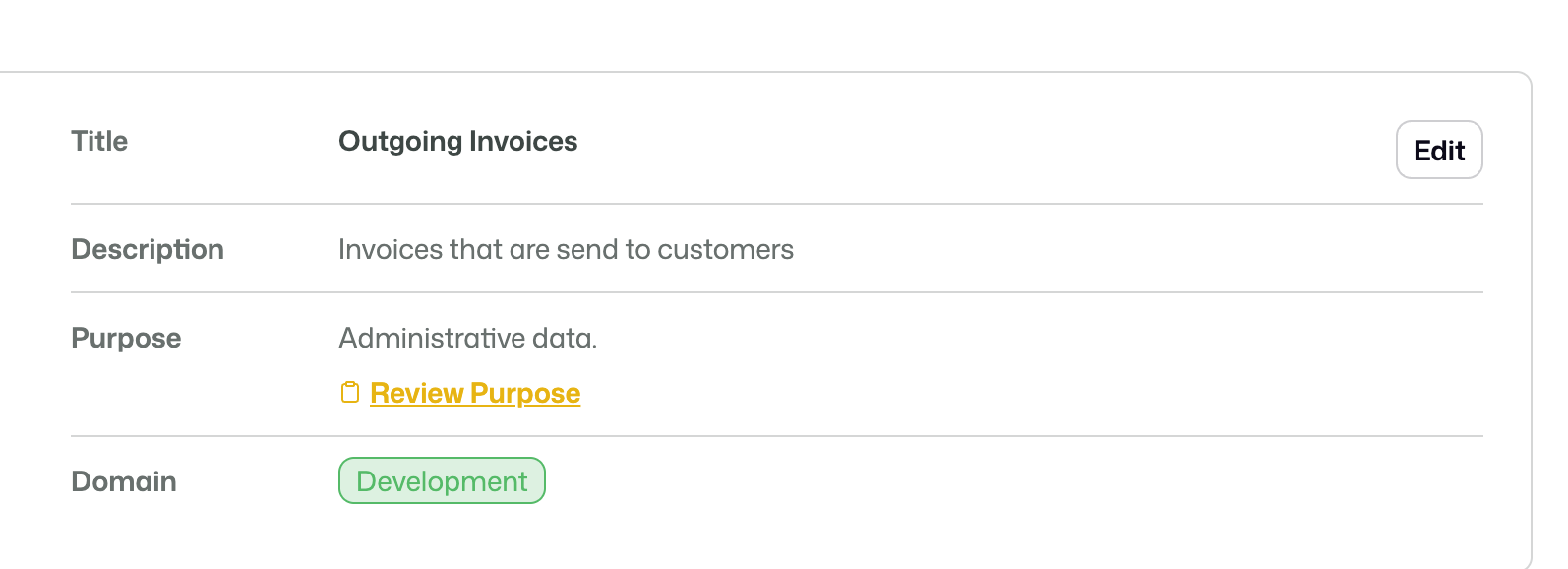
The stream shows that the purpose still requires privacy review.
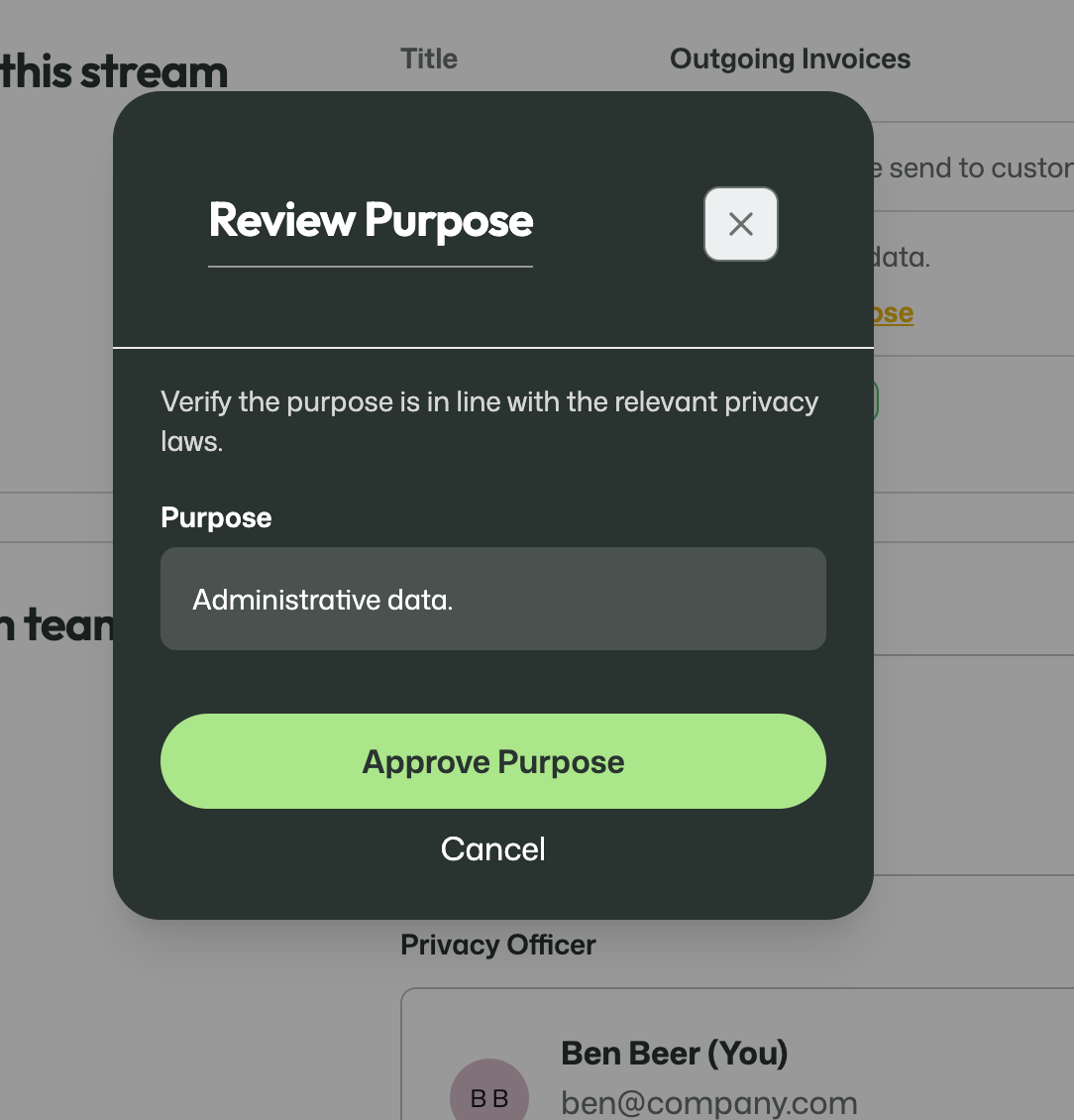
A Privacy Officer reviewing whether the stated purpose matches the relevant privacy requirements.
Each participant can indicate that they are ready for the next step. Only when the required reviewers have completed this part can the stream move on.
Step 2: Approval
During the approval step, the stream is no longer meant to be edited.
This is the stricter confirmation phase. The involved roles review the final state of the stream and confirm that it is ready to be published as it stands.
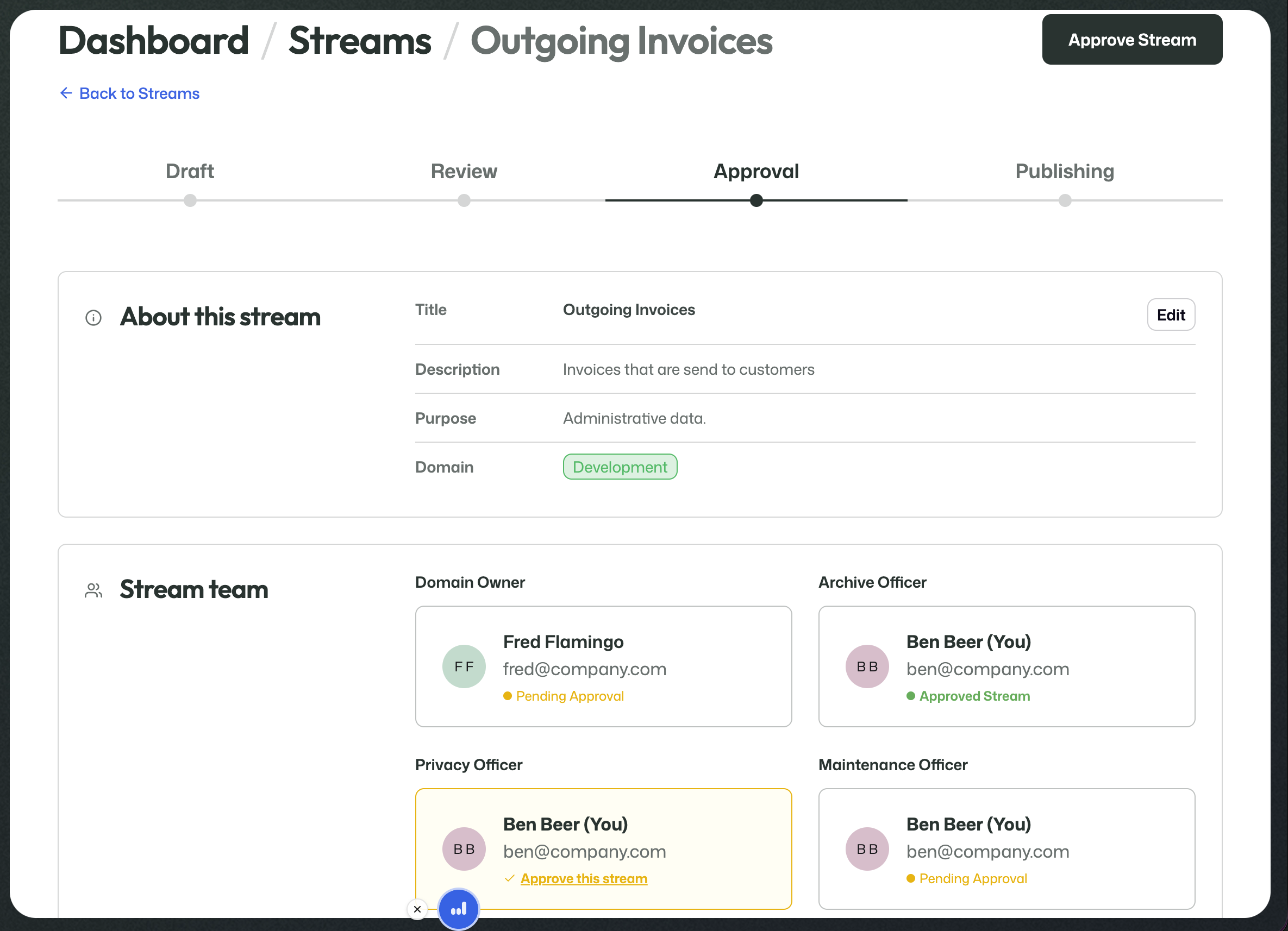
The stream in the approval stage, where further edits are no longer part of the process.
At this point, the Domain Owner can no longer make further changes either. The work in this phase is to approve, not to keep editing.
Once all required approvals have been given, the stream can be published.
Step 3: Publishing
Once approval is complete, the stream moves to Publishing.
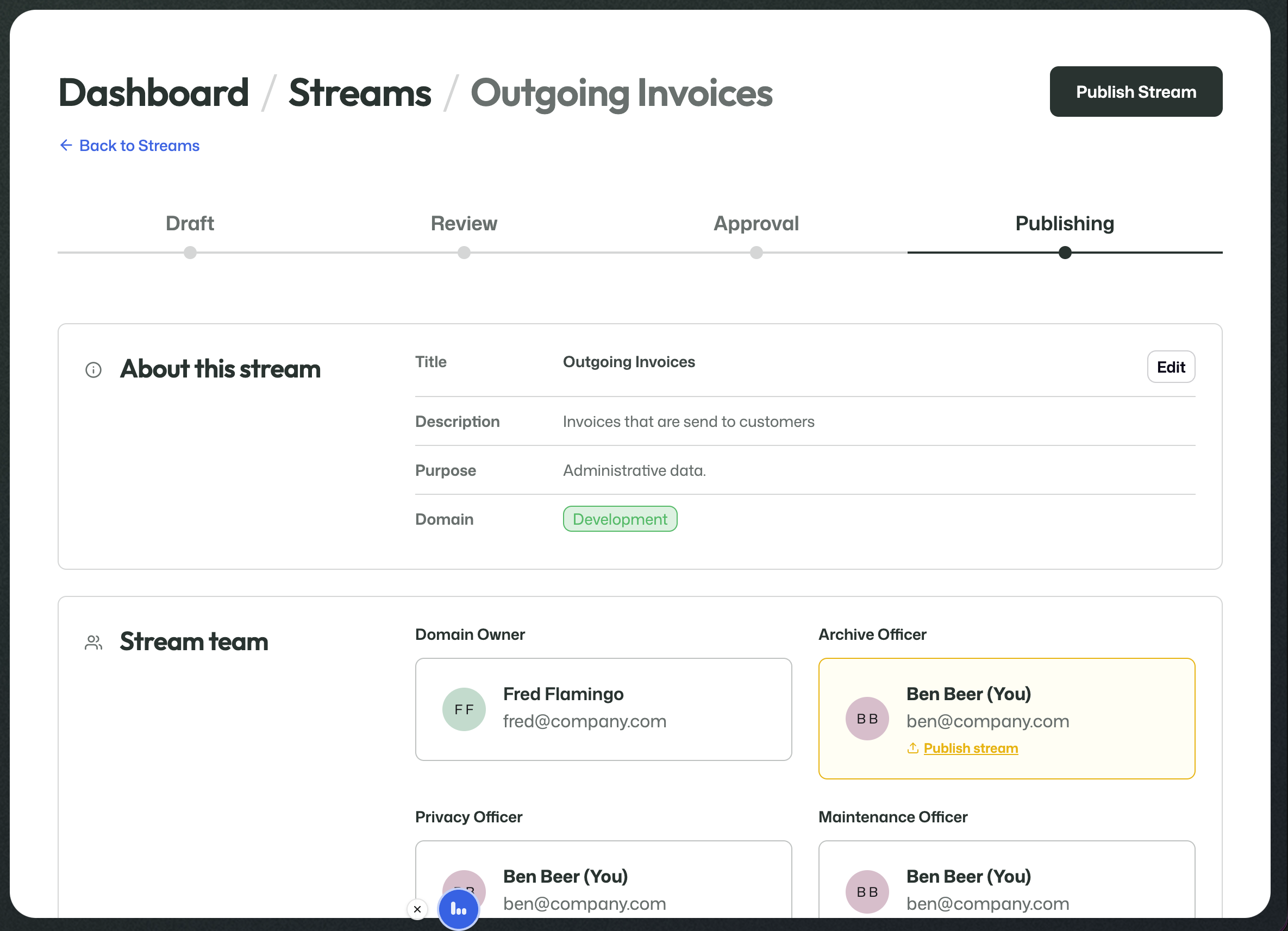
The stream has moved on to publishing and is ready for the final release action.
At this stage, the Archive Officer can perform the final publish action.
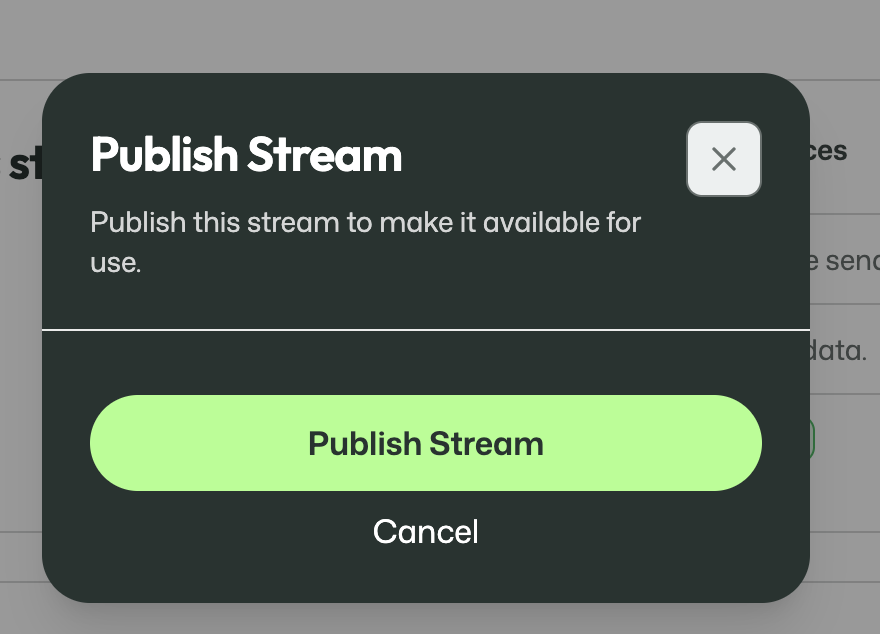
The final publish action makes the stream available for use.
Publishing means the stream becomes available for real use. From that moment on, data can actually be uploaded into it.
After publishing
After the publish action, the stream appears in the overview as available online.
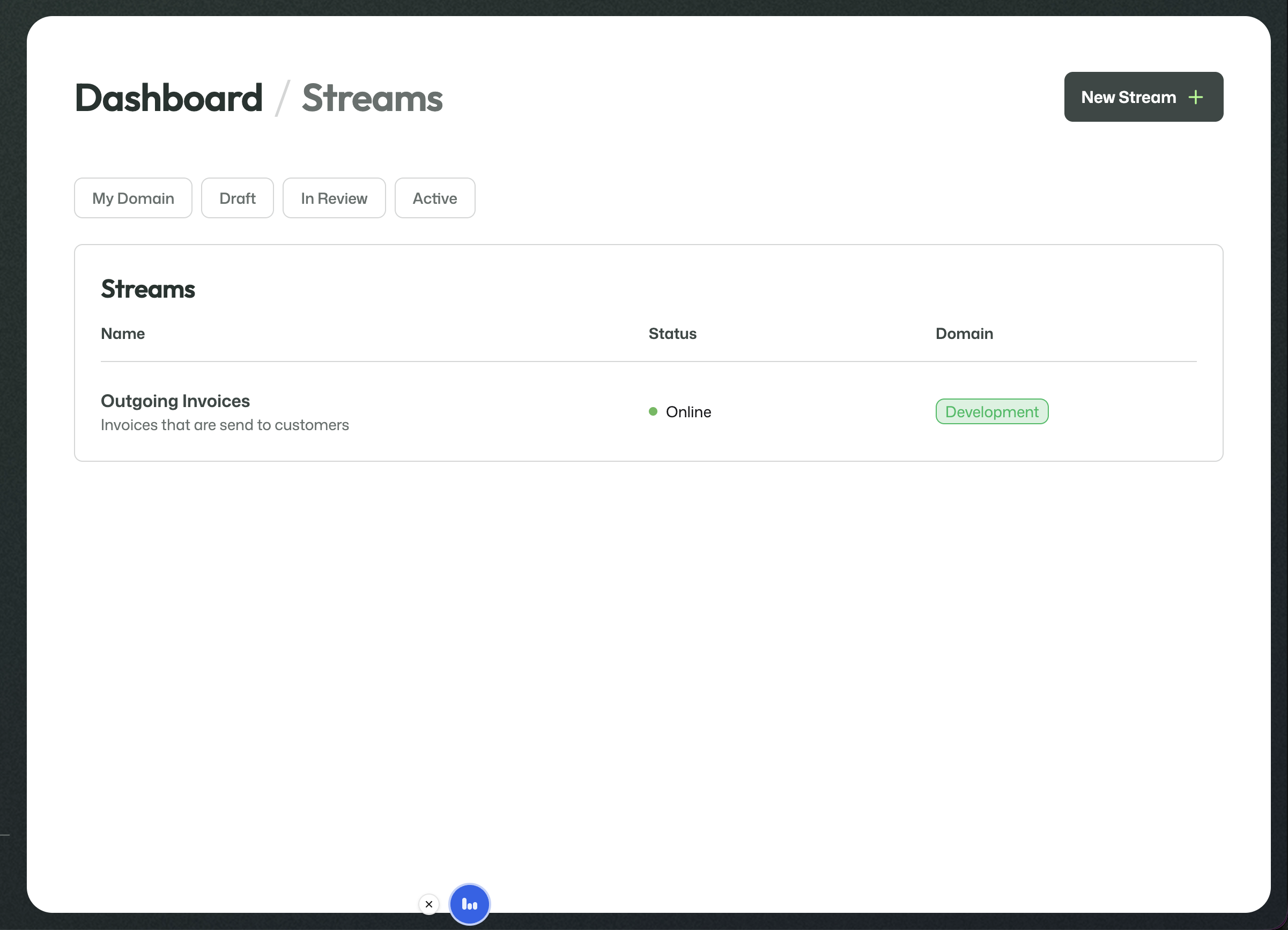
The stream overview after publication, showing the stream as online.
From that point on, the stream moves into its live operational phase. For the tabs and controls that are available once a stream is online, see Active streams.
Why this matters
Streams are where the earlier design work becomes operational.
By the time you are creating a stream, the cards, lifecycle rules, and relevant roles should already exist. Stream setup then becomes the process of selecting the right pieces, assigning the right responsibilities, and turning that into a working stream.