
Dashboard
The dashboard gives you access to the main setup and maintenance areas of the portal.
Purpose
After signing in, ArQiver opens on the dashboard. This is the main starting point for working in the portal.
The dashboard groups the most important setup and maintenance areas into clear sections, so you can move directly to the part of the system you need.
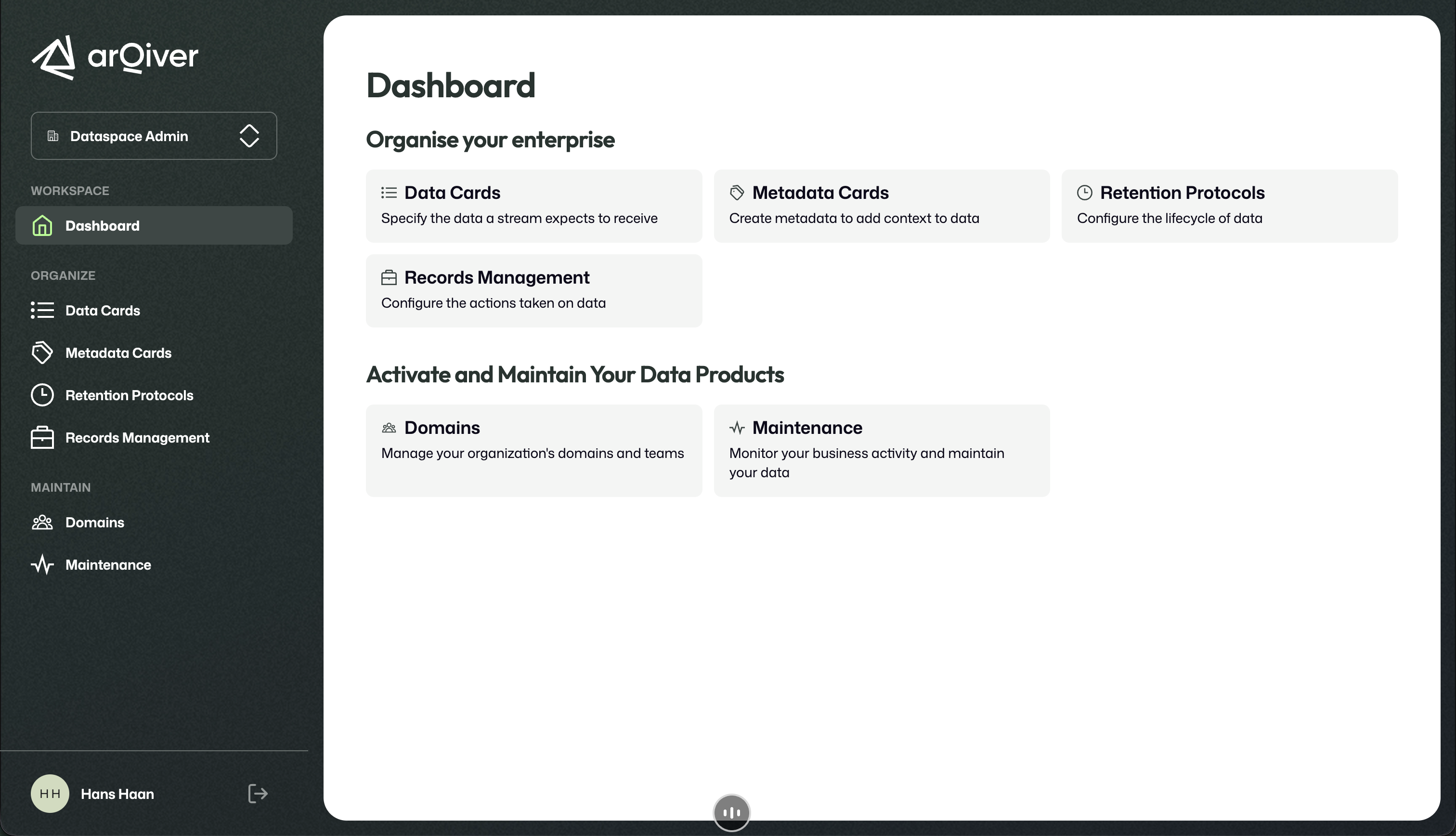
Dashboard shown after signing in.
What you see on this screen
The dashboard is split into two main groups:
- Organise your enterprise for defining structure and rules;
- Activate and Maintain Your Data Products for managing domains and ongoing operational maintenance.
The left sidebar gives you another way to reach the same areas.
How to read the dashboard
The top section is focused on design and setup:
Data Cardsdefine what data a stream is expected to receive.Metadata Cardsdefine the metadata used to describe and contextualise data.Retention Protocolsdefine how long information must be kept.Records Managementdefines what should happen to information over time.
The lower section is focused on structure and operational oversight:
Domainslets you manage your organisation's domains and teams.Maintenancegives access to lifecycle and clean-up related work.
What you do from here
Use the dashboard as your starting point for configuring the archive structure.
In a fresh setup, this is typically where you begin organising the environment before adding more users, assigning roles, or building out the archive structure in more detail.
Role context
The role switcher in the sidebar shows which role you are currently using. What you can see and do from the dashboard depends on that active role.
Not every role has access to every feature shown in the portal. The tiles, navigation options, and actions available on the dashboard depend on the role you have selected.
If you switch to another user or another role later, the available options may change.
Role switcher
ArQiver allows one user to have multiple roles. A user may also have different roles in different domains.
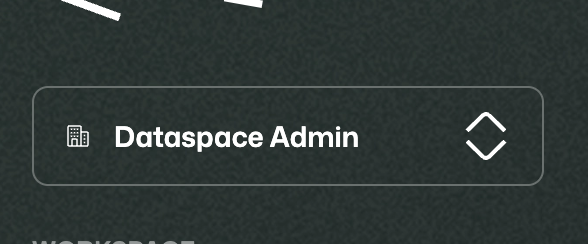
The role switcher lets you change the active role used in the portal.
What matters in the portal is the active role you have selected, not the full combined set of permissions attached to all your roles together.
For more about active roles and why ArQiver separates them, see Roles and responsibilities.
Sign out
At the bottom of the sidebar, you can sign out of the current session.
Use the sign-out action to leave the current session.