
Data Cards
Define reusable data building blocks for later stream design.
Purpose
Data Cards are reusable building blocks used to describe the data that a stream is expected to receive.
They belong to the design layer of ArQiver. Instead of redefining expected data over and over again for every stream, Data Cards allow teams to create reusable definitions that can later be combined into stream setups.
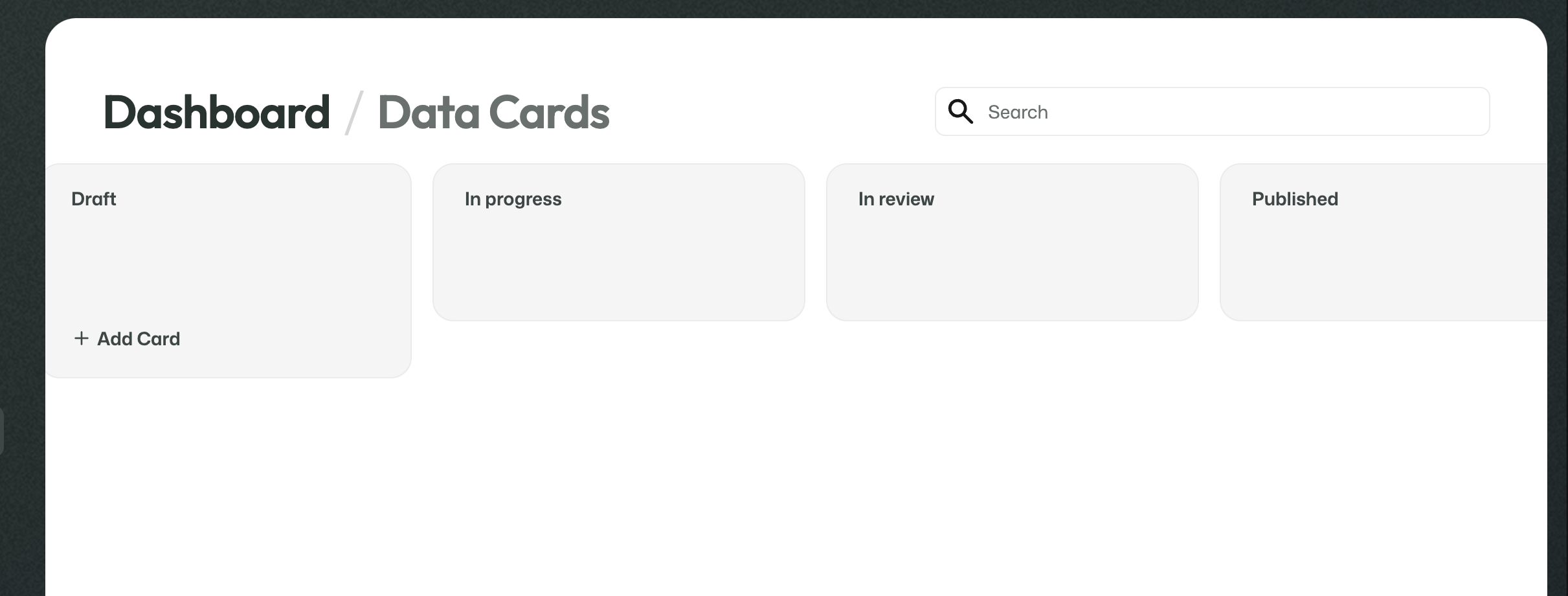
Data Cards overview screen.
What this screen is for
This page gives an overview of the Data Cards that are available in the current context.
Data Cards help define what kinds of incoming data a stream should expect. That makes them a practical way to reuse structure across multiple streams instead of designing each stream from scratch.
Relationship to Metadata Cards
Data Cards and Metadata Cards work alongside each other, but they are not the same thing.
Data Cardsdescribe the data a stream receives.Metadata Cardsdescribe the metadata and context used around that data.
Together, they help build streams from reusable design-layer components.
Open and configure a Data Card
Data Cards look very similar to Metadata Cards in the portal, but they are used for a different purpose.
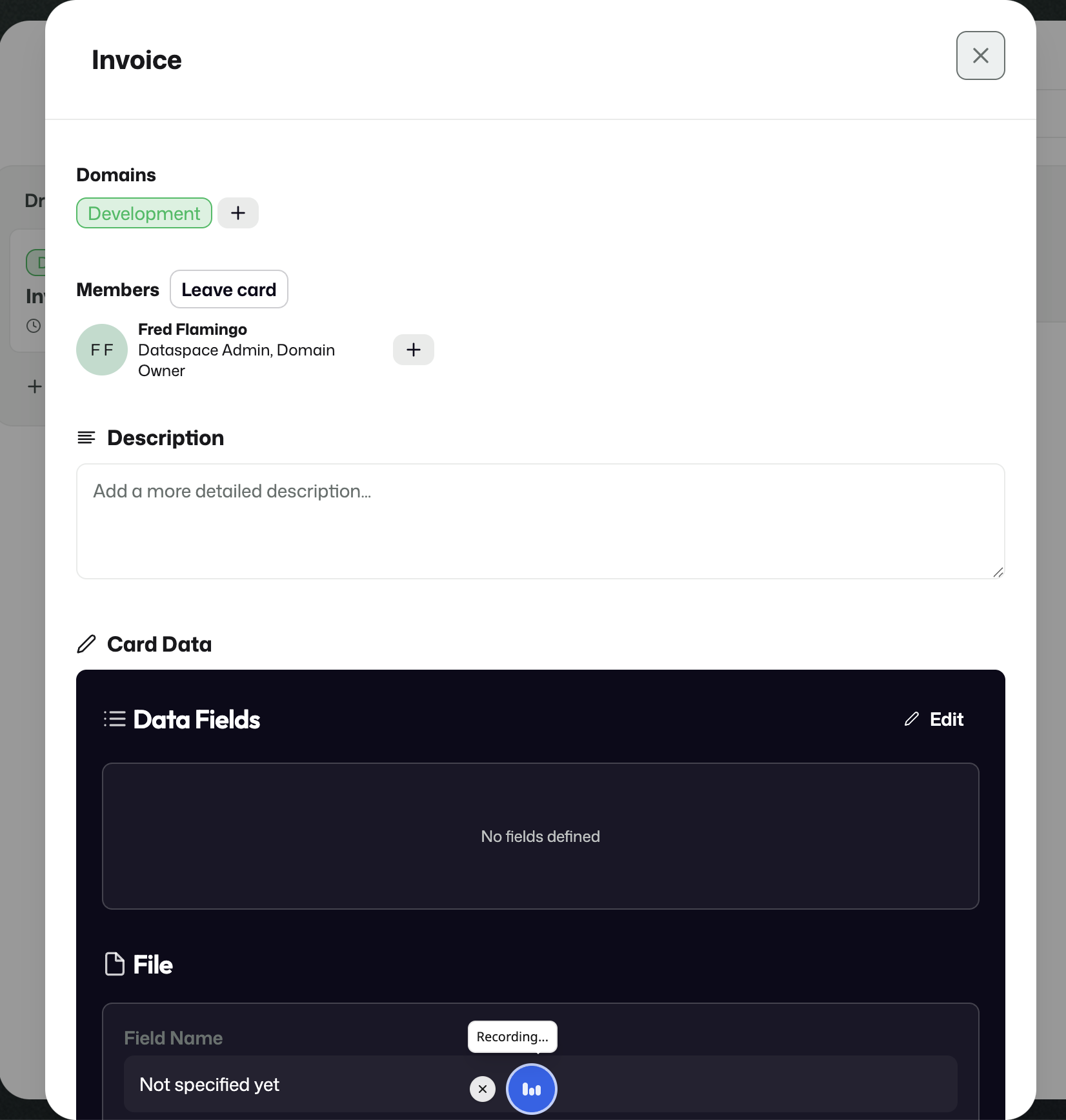
A Data Card is used to define the actual incoming data a stream is expected to receive.
Where Metadata Cards describe context, Data Cards describe the incoming payload itself.
This is where you configure things such as:
- how many files are expected;
- what file types are allowed or expected;
- whether one file is expected or multiple files;
- and whether plain structured data is expected in addition to, or instead of, uploaded files.
What you define in a Data Card
A Data Card helps describe the real data shape of what comes into the archive.
For example, you may configure:
- that a stream should receive one file;
- that the file should be of a certain type;
- that exactly three files are expected;
- or that the incoming data includes both a file and additional structured values.
ArQiver also supports plain data that goes directly into the database rather than being stored as a separate uploaded file.
Example
An invoice flow could use a Data Card that expects:
- one invoice document as a file;
- and a structured value such as the total amount.
That makes it possible to describe both the uploaded file and the related incoming data in a reusable way.
The screenshot below shows that kind of setup in practice:
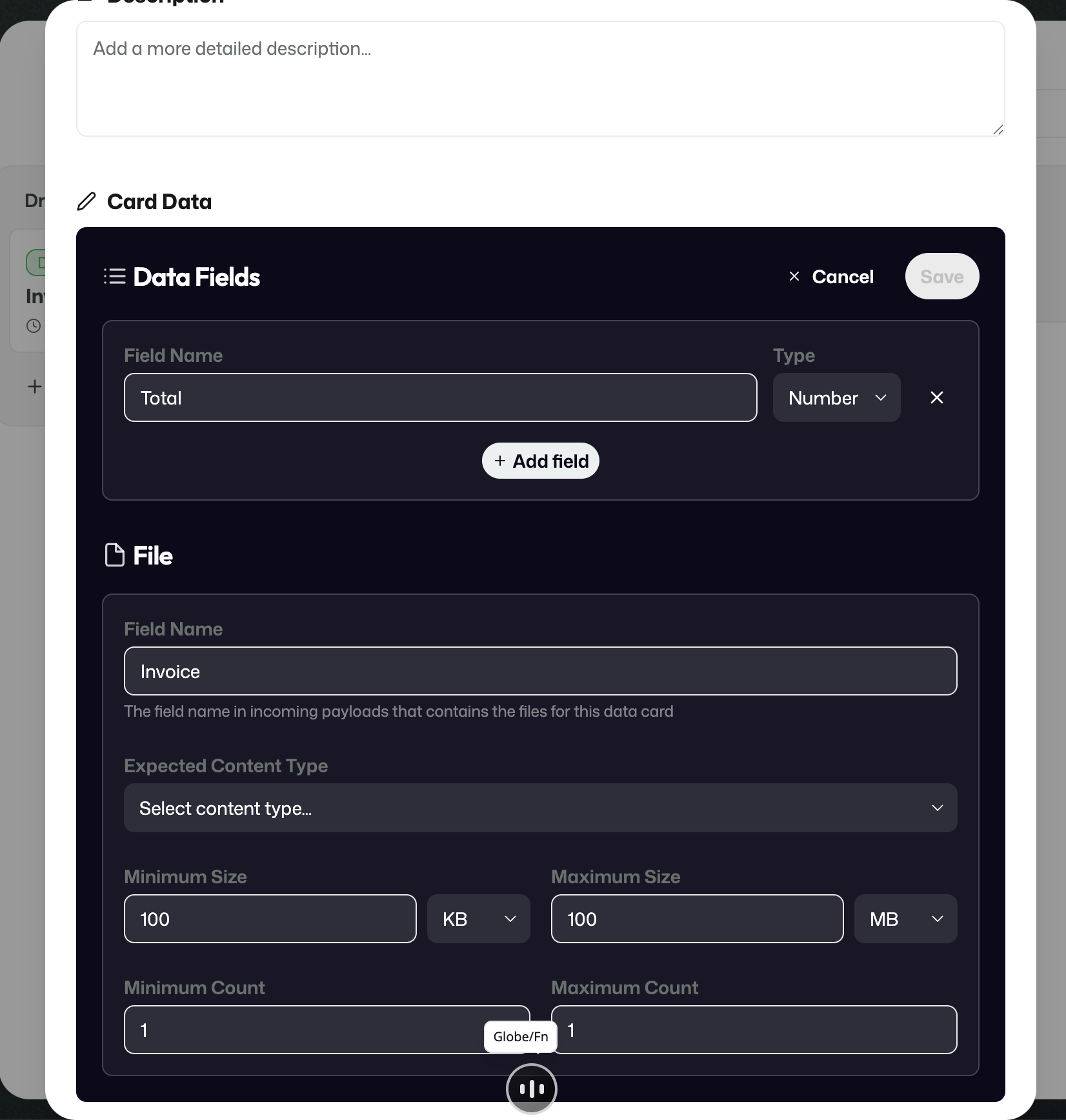
Example of a Data Card that expects one invoice file and one structured value such as a total amount.