
ArQiver User guide
A single ArQiver guide that combines onboarding, setup, publishing, and active stream management.
Introduction
This guide explains how ArQiver is structured, how streams are configured, and how active streams are used after publication.
Contents
- Getting started
- Roles and structure
- Dashboard and setup
- Metadata Cards and Data Cards
- Retention and Records Management
- Streams: review, approval, and publishing
- Active streams
- Operators and workspace access
1. Getting started
ArQiver asks organisations to define structure, roles, and context up front.
That takes some care at the beginning, but it reduces ambiguity later and helps keep governance, privacy, and daily work clear and manageable.
Demo environment
In the demo environment, ArQiver starts with a special sign-in page that offers fictive users.
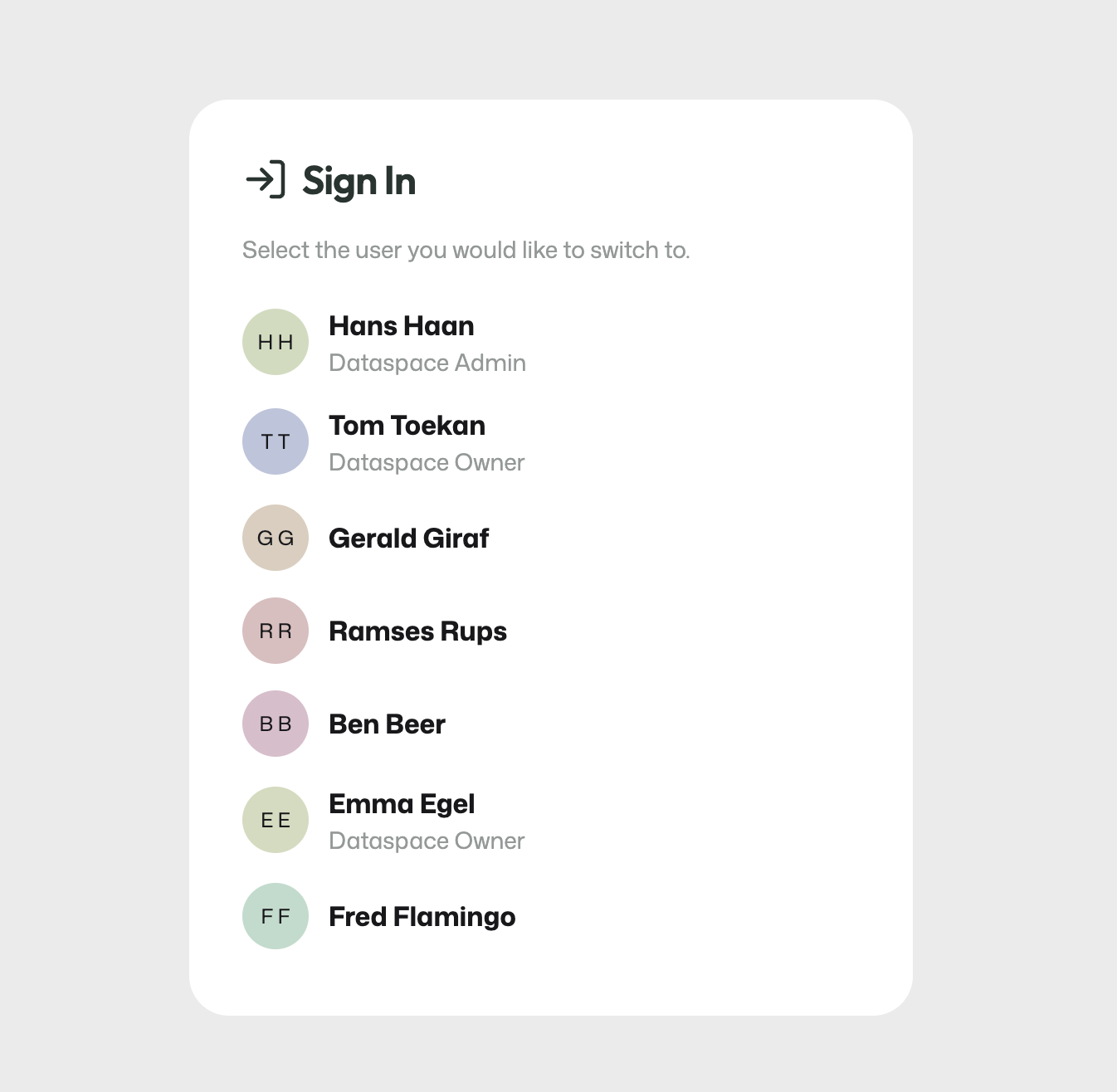
The demo sign-in page is only used in the demo environment.
This page is only meant for demonstration and testing. In a production environment, users sign in with their own account and do not see this screen.
The demo environment may also reset after a restart or update. Changes made there are not intended to be permanent.
2. Roles and structure
ArQiver starts with an Enterprise Data Space. Within that dataspace, work is separated into Domains.
Inside each domain, ArQiver distinguishes between two closely connected layers:
- a
design layer, where cards, lifecycle rules, and stream definitions are prepared; - a
runtime layer, where real archived data is processed and used.
Roles work across those layers. Some roles are focused on structure and governance, while others are focused on operational use.
Hierarchy
The hierarchy in ArQiver starts with the organisation-wide context and becomes more specific from there.
Enterprise Data SpaceDomainsDesign layerRuntime layer
The Enterprise Data Space is the broadest context. It represents the organisational space in which ArQiver is configured and governed.
Within that dataspace, Domains separate work into bounded contexts. A domain keeps meaning, responsibility, and governance grouped together in the right place.
Inside a domain, the design layer is where structure is defined. This is where Metadata Cards, Data Cards, Retention Protocols, Records Management, and Streams are prepared.
The runtime layer is where real archived data is actually used. This includes active streams, operators, workspace access, and the live data that has been uploaded.
This means roles are not simply attached to one flat list of features. They work across a hierarchy in which structure, governance, and real usage are intentionally kept distinct.
Products and streams exist across the boundary between design and runtime:
- on the design side, they are defined and configured;
- on the runtime side, they become active and carry real work and data.
Only after the structure above is in place does operational work become meaningful. At that point, operators can work in the workspace, collections can be managed, and execution can happen in the right context.
This order matters because ArQiver is designed so that:
- enterprise gives the overall boundary;
- domains give contextual separation;
- the design layer defines meaning, structure, and rules;
- the runtime layer handles live work and real data;
- roles carry responsibility across those layers;
- workspace actions happen only after that structure exists.
Typical roles
Dataspace Admin: enterprise setup and top-level ownershipDataspace Owner: domains, structural roles, and higher-level governanceDomain Owner: structure and responsibility within one domainProduct OwnerandProduct Manager: stream and product accountabilityArchive Officer,Privacy Officer,Maintenance Officer: review and control rolesMember: contributes to setup under governanceOperator: works with active data in the workspace
ArQiver uses role-based access with an active role model. What a user can see and do depends on the role they are currently acting in.
This separation is intentional. It helps users work with the right permissions in the right context, especially across domains, governance responsibilities, and operational work.
Important
ArQiver does not normally merge all permissions from all roles into one combined runtime view. Users act from one active role at a time and should switch roles consciously when working in another context.
Role switching
ArQiver uses an active-role model. A user may hold multiple roles, but the portal always works from one active role at a time.
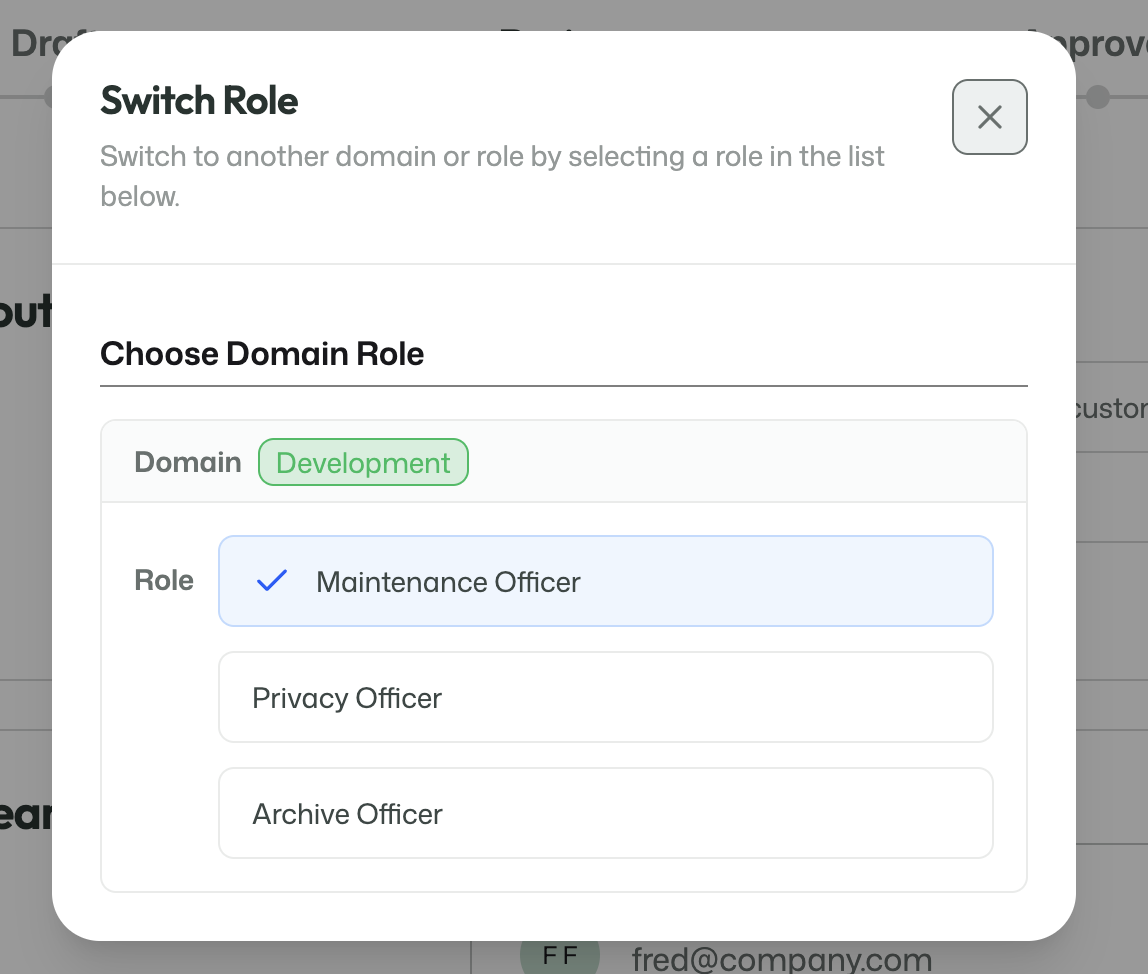
The role switcher shows the roles available to the signed-in user.
When a user switches roles, the navigation, available features, and permitted actions change with that role.
This is intentional. ArQiver keeps responsibilities, domains, and governance contexts separate so users do not accidentally act from the wrong context.
When a user selects another role, the portal updates to that role's context. That affects:
- the navigation options that are visible;
- the features that can be opened;
- the actions that can be performed;
- the domain-specific responsibilities available in that context.
Setting up a domain context
Domain-level roles only become useful once the right context exists.
In practice, that usually means:
- a dataspace already exists;
- a
Dataspace Ownercreates a domain; - a
Domain Owneris assigned to that domain; - after that, additional domain-level roles can be assigned and used meaningfully.
Role reference
The table below is a practical reference for the current role model in ArQiver.
| Role | Level | Scope | Primary purpose | Typical capabilities | Typical limitations |
|---|---|---|---|---|---|
| Dataspace Admin | Enterprise | Enterprise-wide | Establish and maintain the dataspace | Manage enterprise setup, view domains, assign dataspace owners | Does not create domains directly |
| Dataspace Owner | Enterprise | Enterprise-wide | Govern structure and ownership | Manage domains, assign high-level roles, manage products, approve go-live | Not a general operational role |
| Domain Owner | Domain | Own domain | Govern meaning and structure within a domain | Manage domain roles, streams, products, approvals | Limited to own domain |
| Product Manager | Domain | Own domain | Safeguard product coherence | Manage products, approve go-live | Limited to product/domain context |
| Product Owner | Domain | Own domain | Product accountability | Submit reviews, approve go-live | Limited to product/domain context |
| Archive Officer | Domain | Own domain | Archival review | Submit stream reviews and publish streams | Review-focused role |
| Privacy Officer | Domain | Own domain | Privacy review | Review privacy-related setup and submit reviews | Review-focused role |
| Maintenance Officer | Domain | Own domain | Lifecycle and maintenance review | Submit stream reviews | Review-focused role |
| Member | Domain | Own domain | Contribute under governance | Create metadata, manage data cards, retention, and records management | Cannot approve or govern broadly |
| Operator | Runtime | Own role context | Perform operational work | View workspace, manage collections | Does not govern structure or setup |
ArQiver is designed to keep money, meaning, governance, and execution separate where needed. The role model is one of the main ways the platform keeps responsibilities clear and manageable.
3. Dashboard and setup
The dashboard is the main starting point for working in the portal.
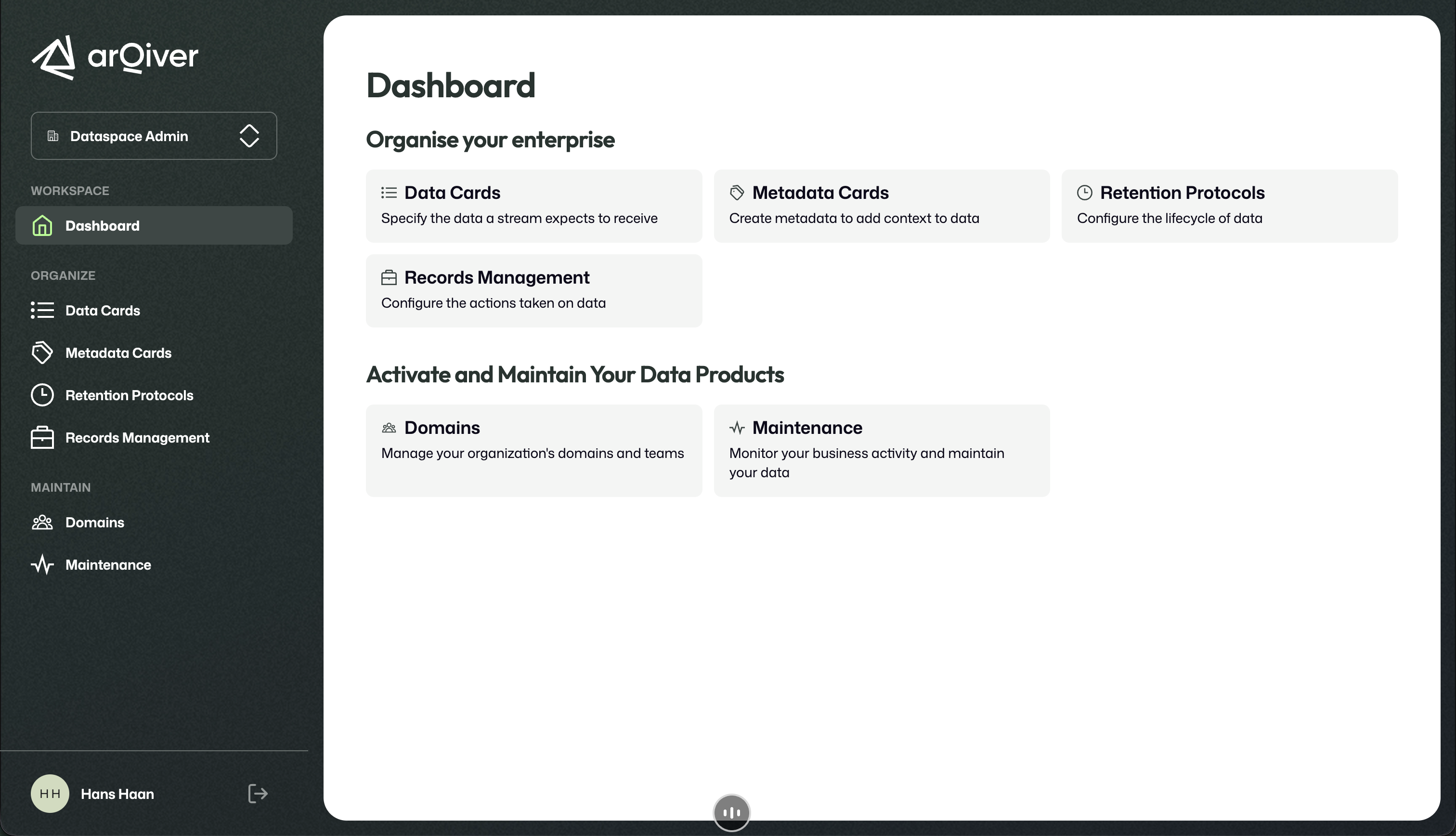
The dashboard groups the main setup and maintenance areas.
What a user sees here depends on the active role.
User and domain management
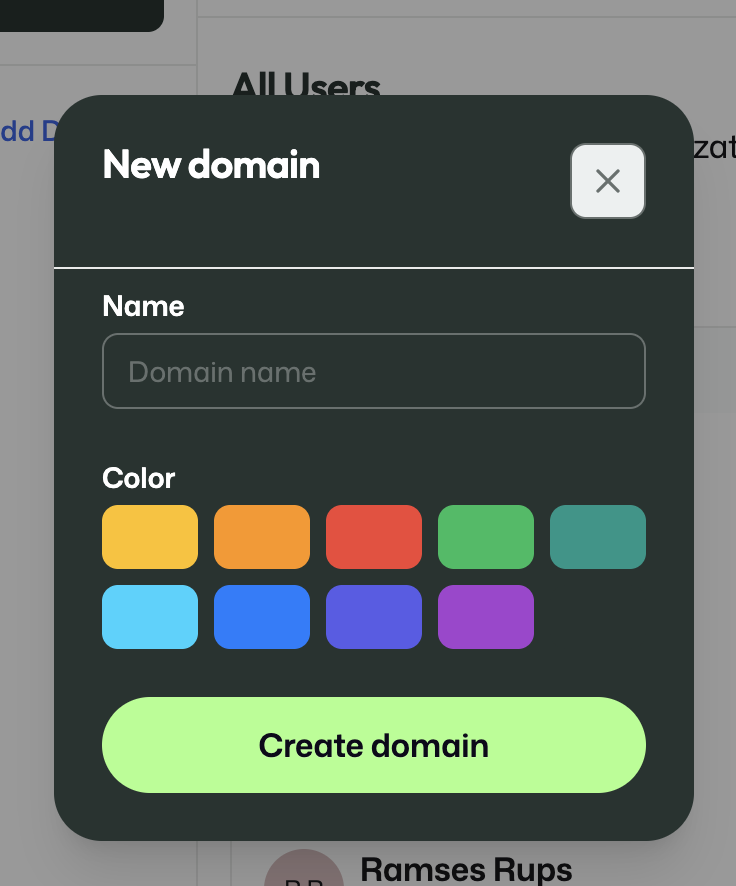
User and domain management is where the structure of the organisation is maintained.
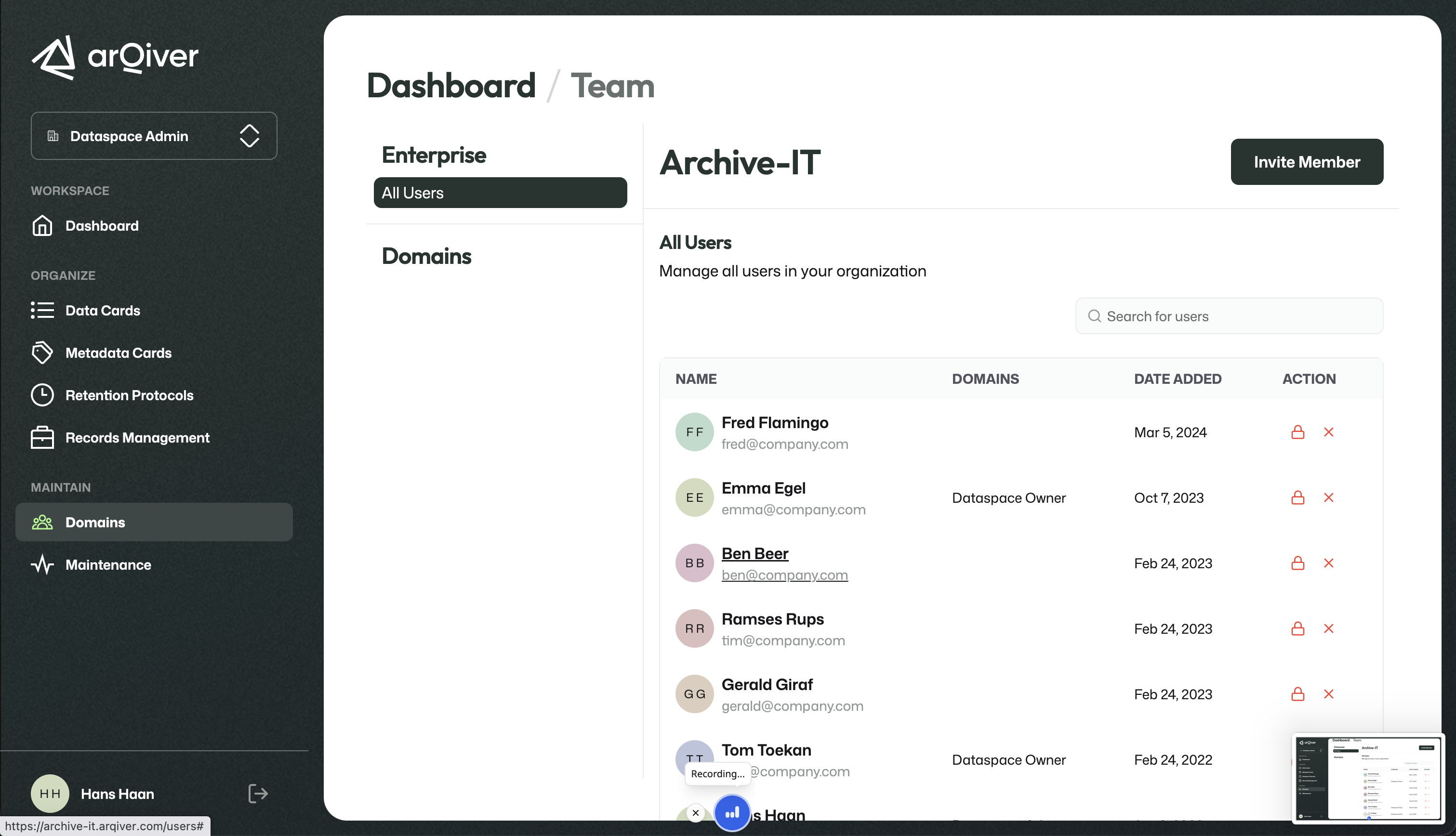
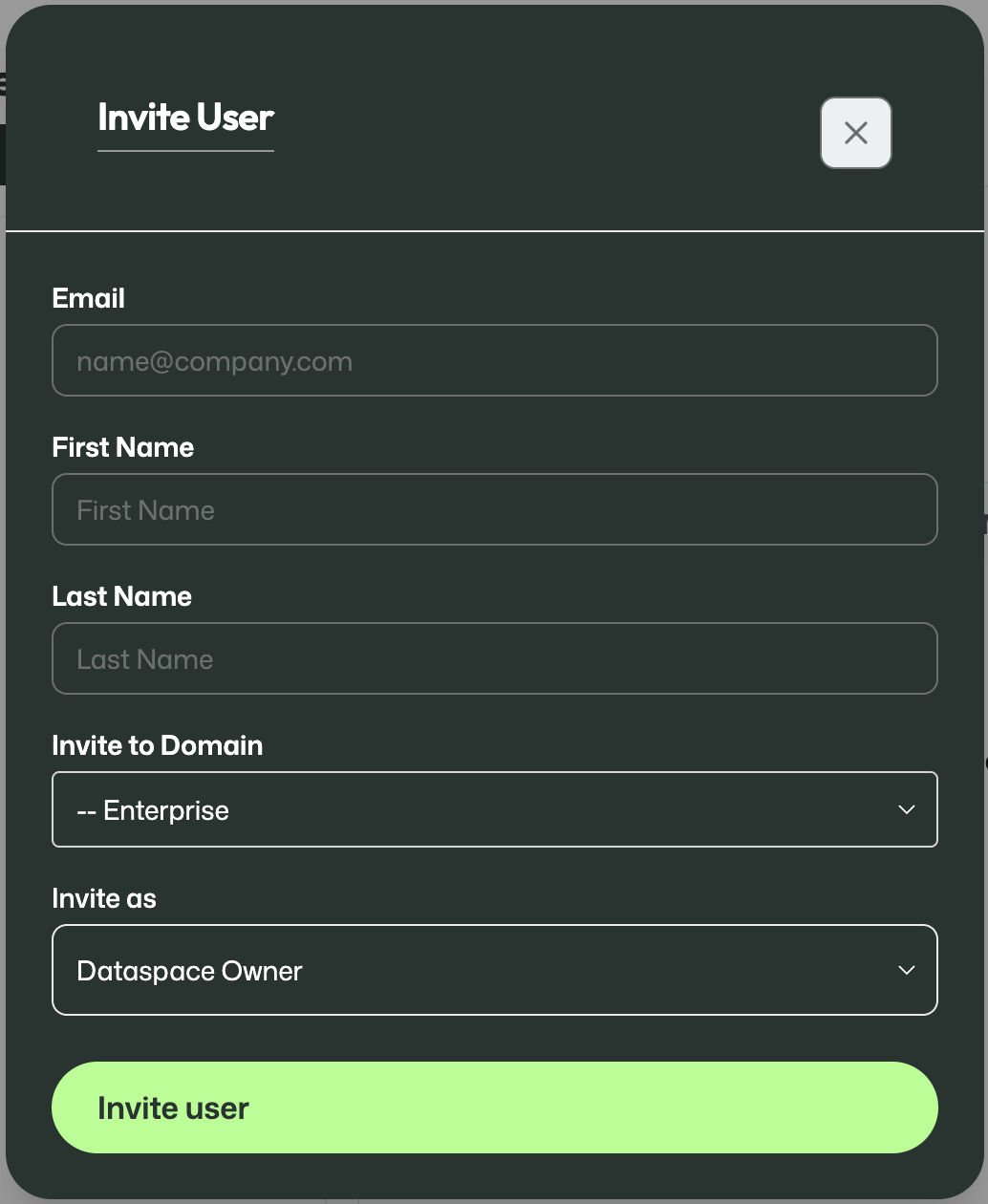
This is where domains can be created and users can be invited.
Important
Always use the first name and last name exactly as shown on the passport or other identification document.
4. Metadata Cards and Data Cards
Metadata Cards
Metadata Cards are reusable building blocks in the design layer. They define the metadata and context that later become part of a stream.
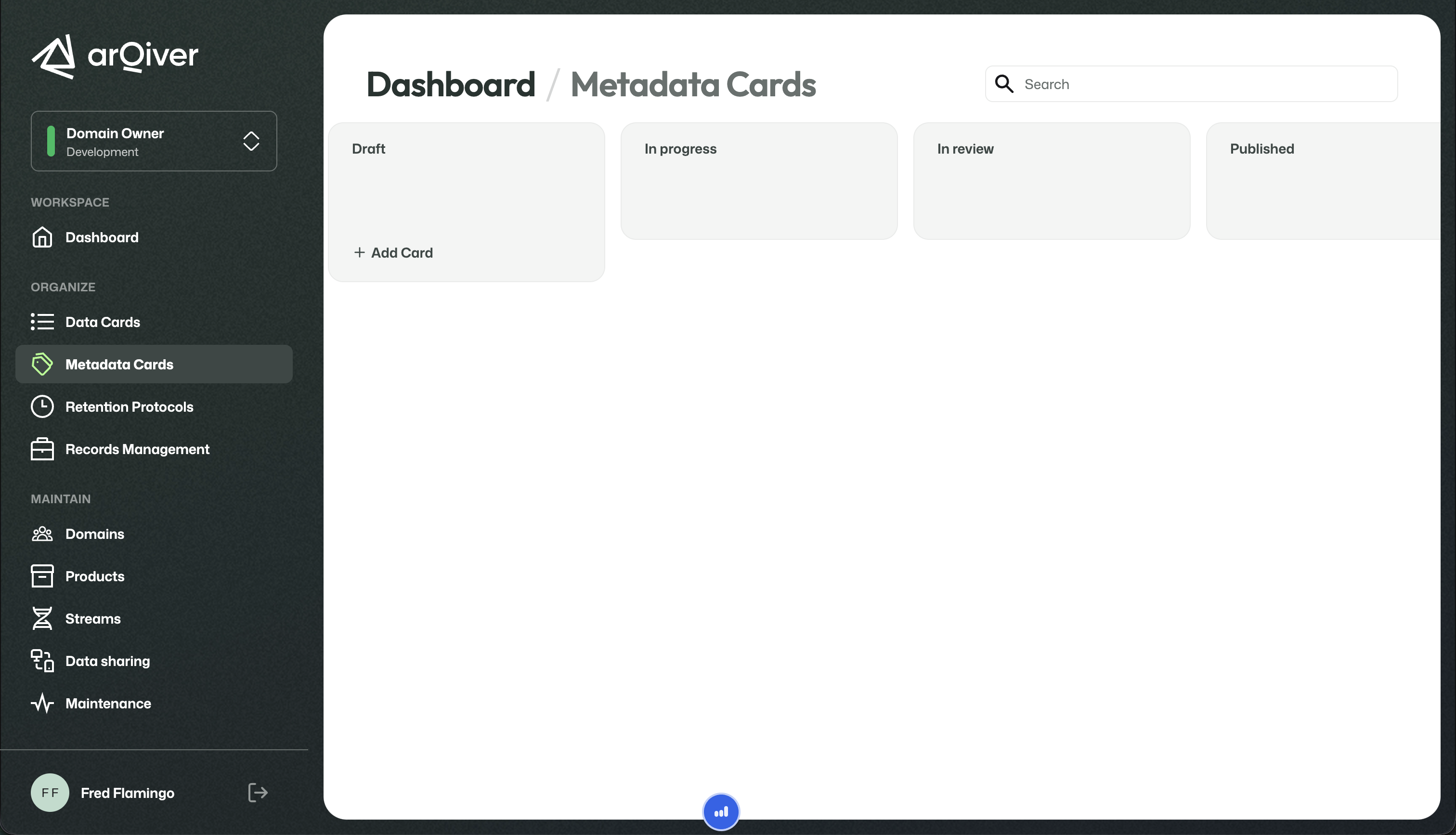
A new Metadata Card starts with a name and can then be opened to add domains, description, and fields.
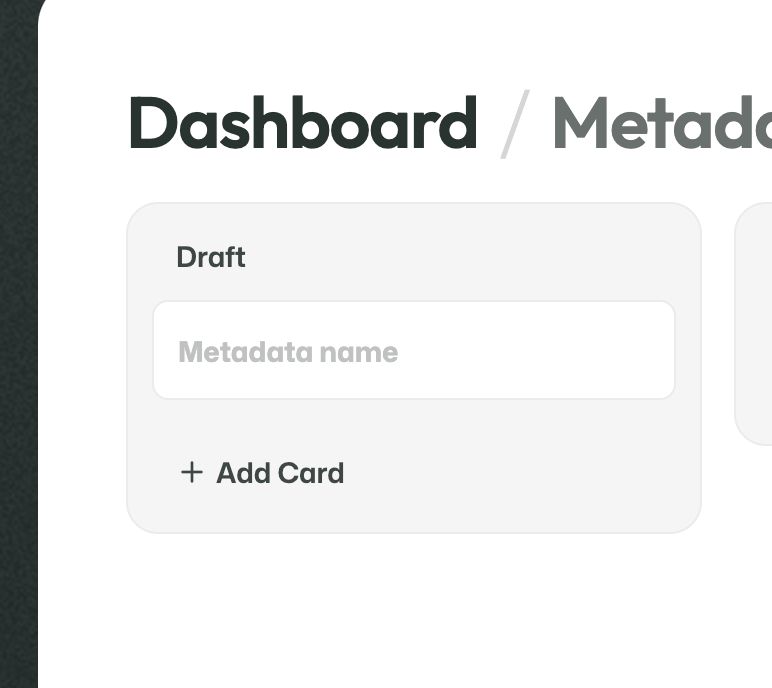
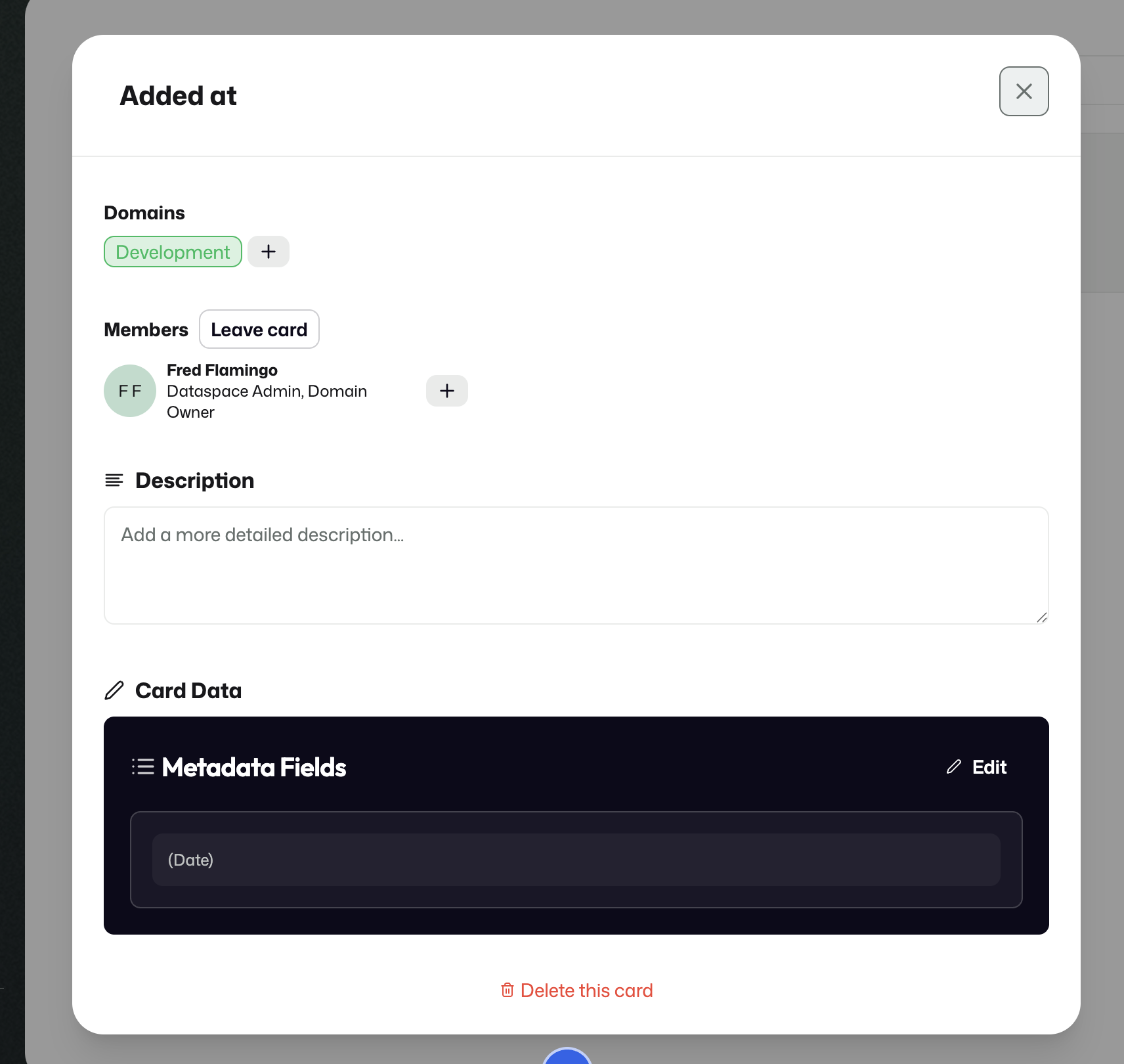
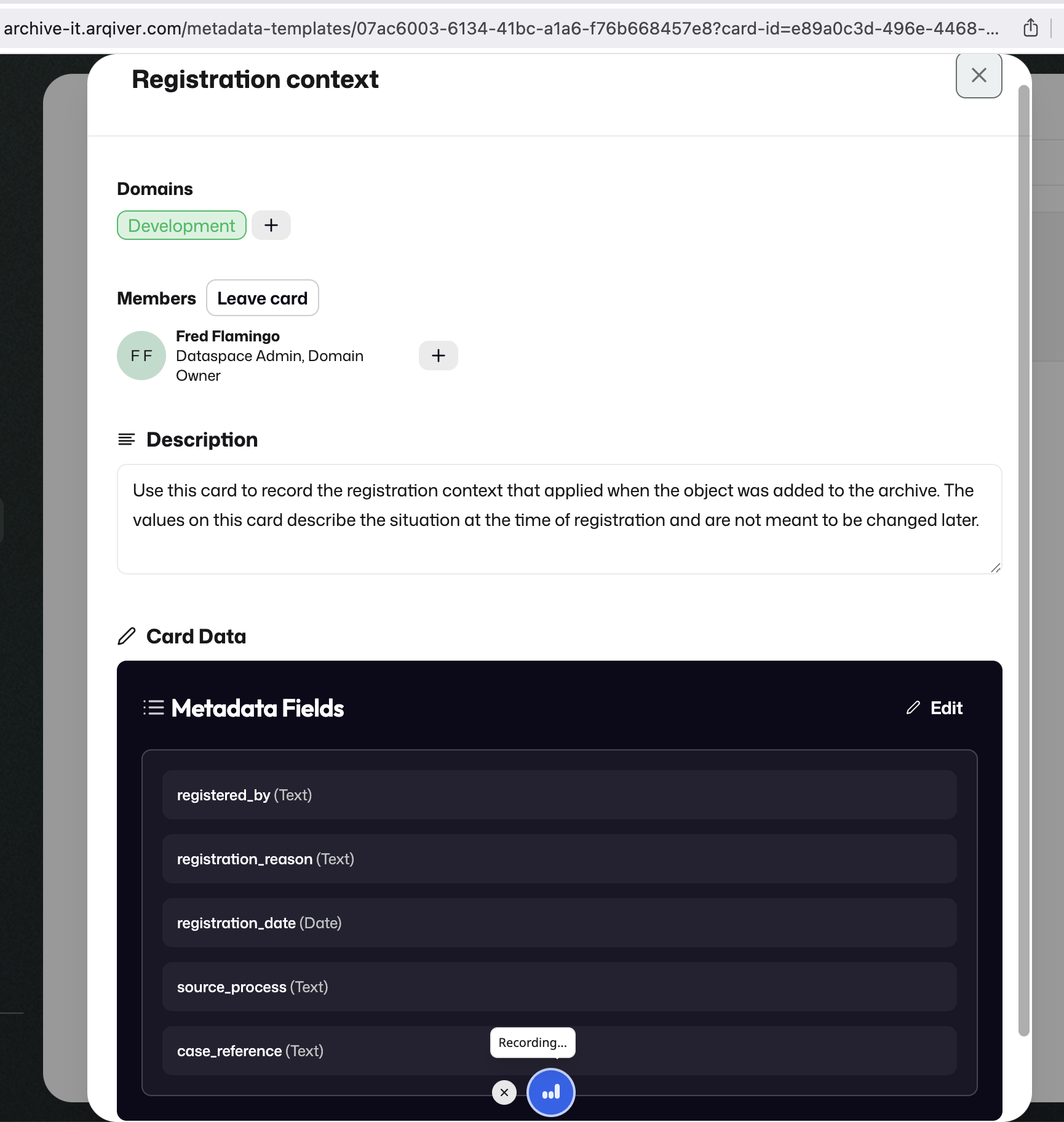
Fields are configured under Card data.
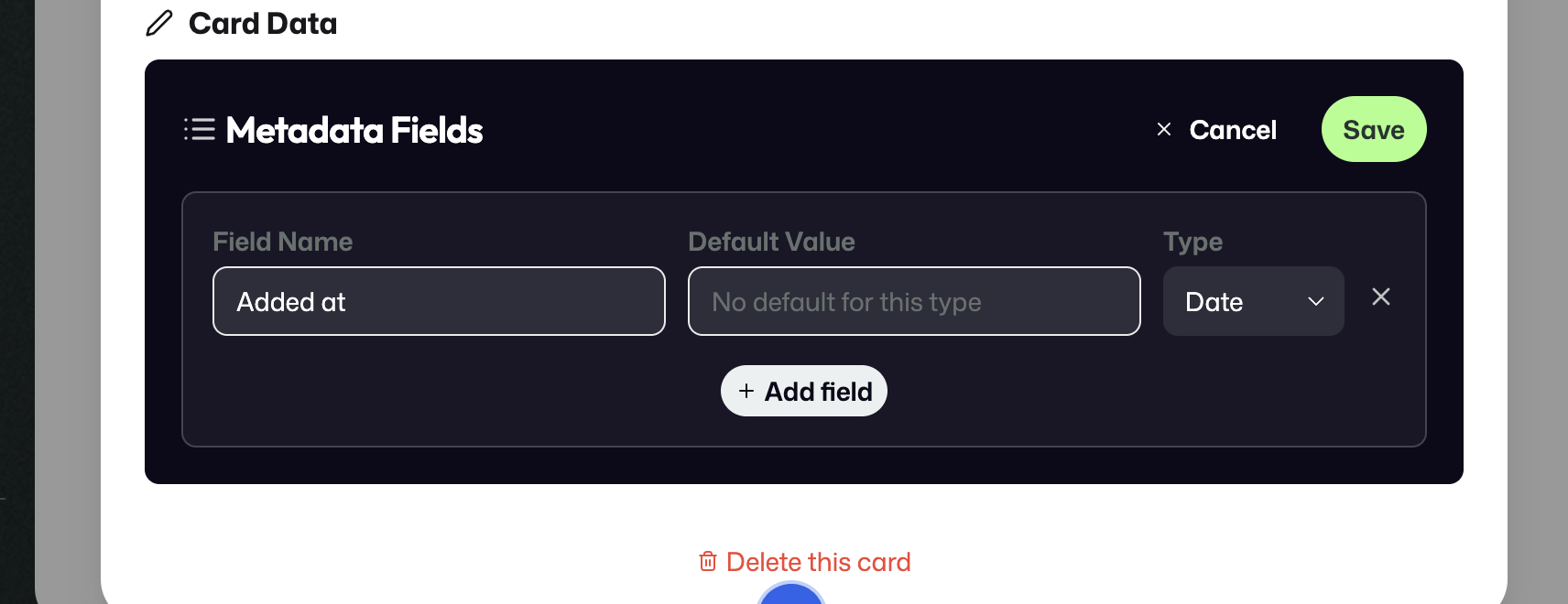
If the selected type supports it, a default value can be configured as well.
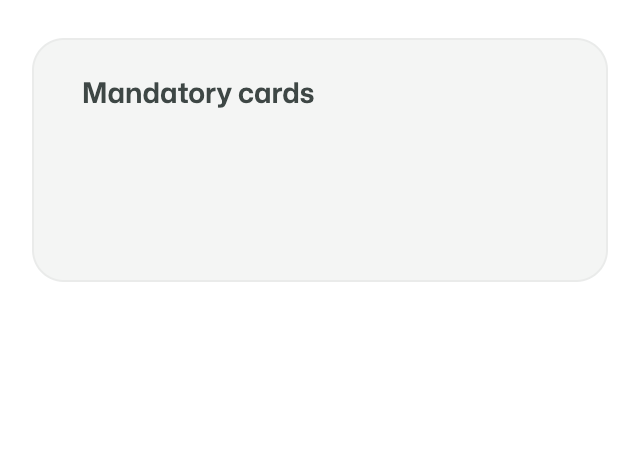
Some Metadata Cards can be treated as Mandatory Cards, which are automatically attached to every new stream.
Metadata Cards are intended to capture stable facts and context. They are not meant to be rewritten every time something changes. If a legal or operational situation changes, ArQiver models that through a new event, object, or stream context rather than by overwriting the original metadata.
Data Cards
Data Cards define the actual incoming data that a stream expects to receive.
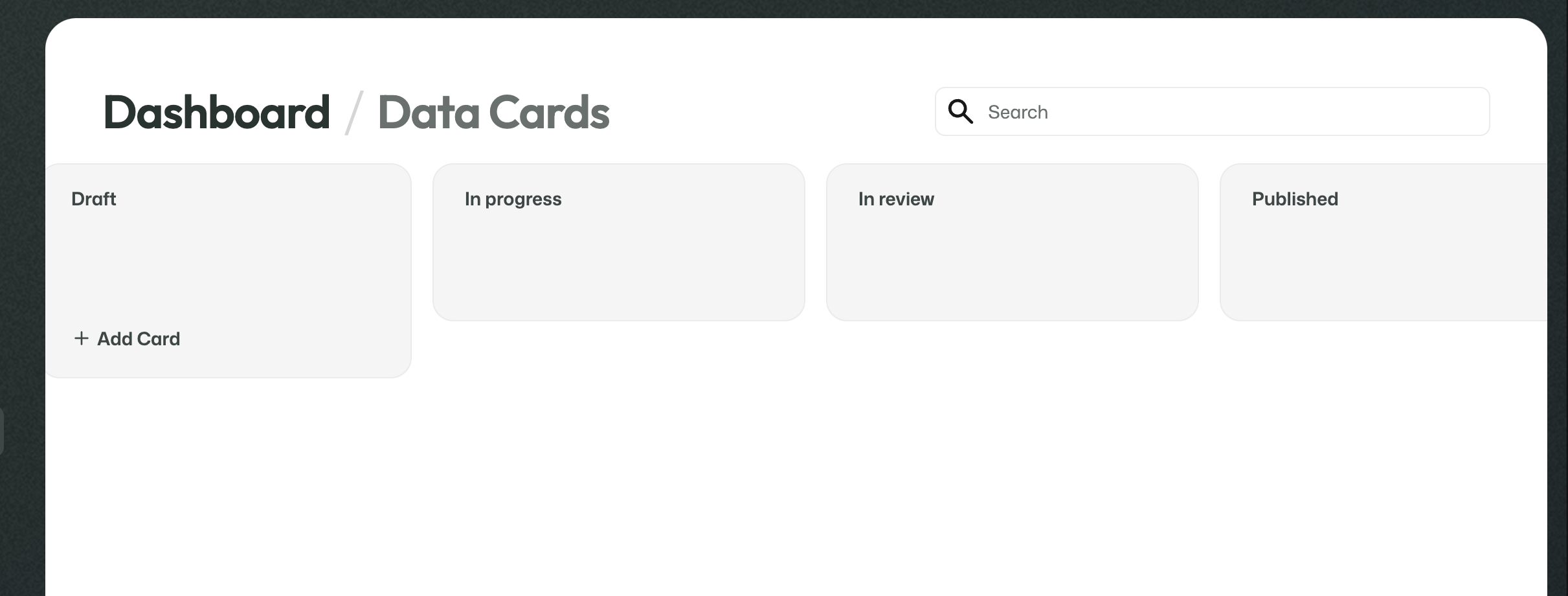
This includes things like:
- how many files are expected;
- what kind of files they are;
- whether structured values should be received alongside the files.
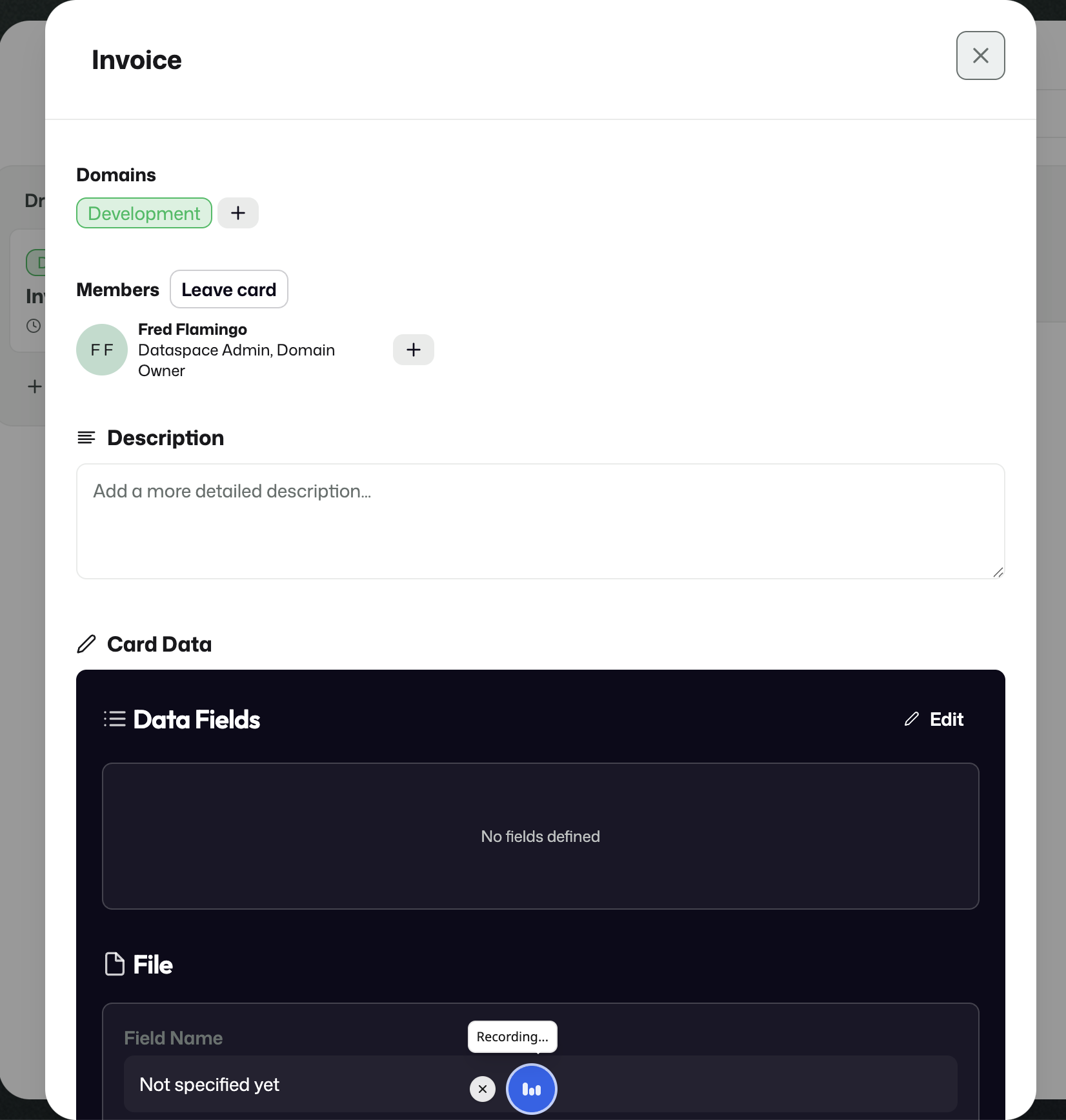
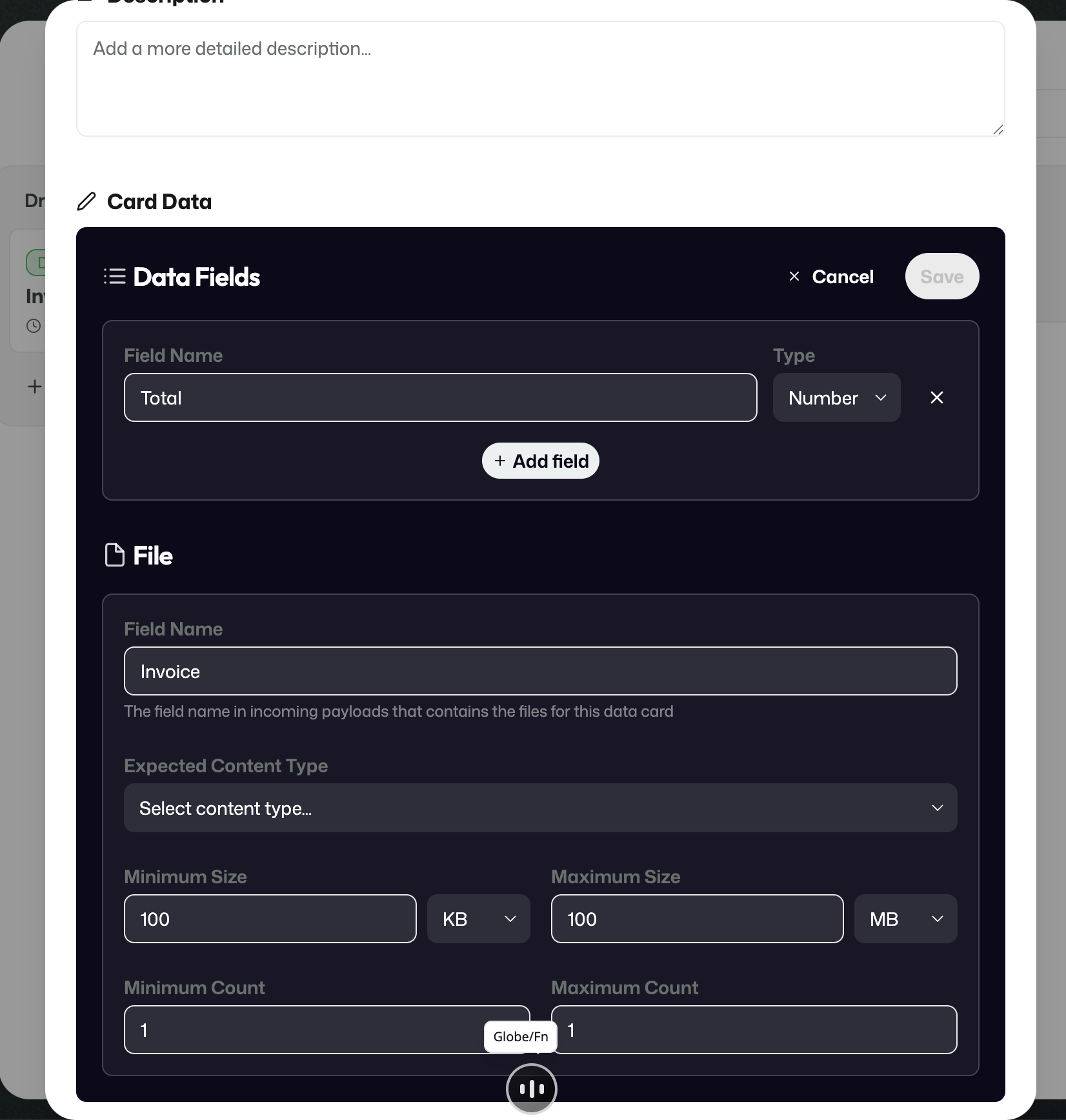
In practical terms, this means a stream can expect both files and structured values. In the invoice example, the stream expects one invoice file plus structured information such as a total amount.
5. Retention and Records Management
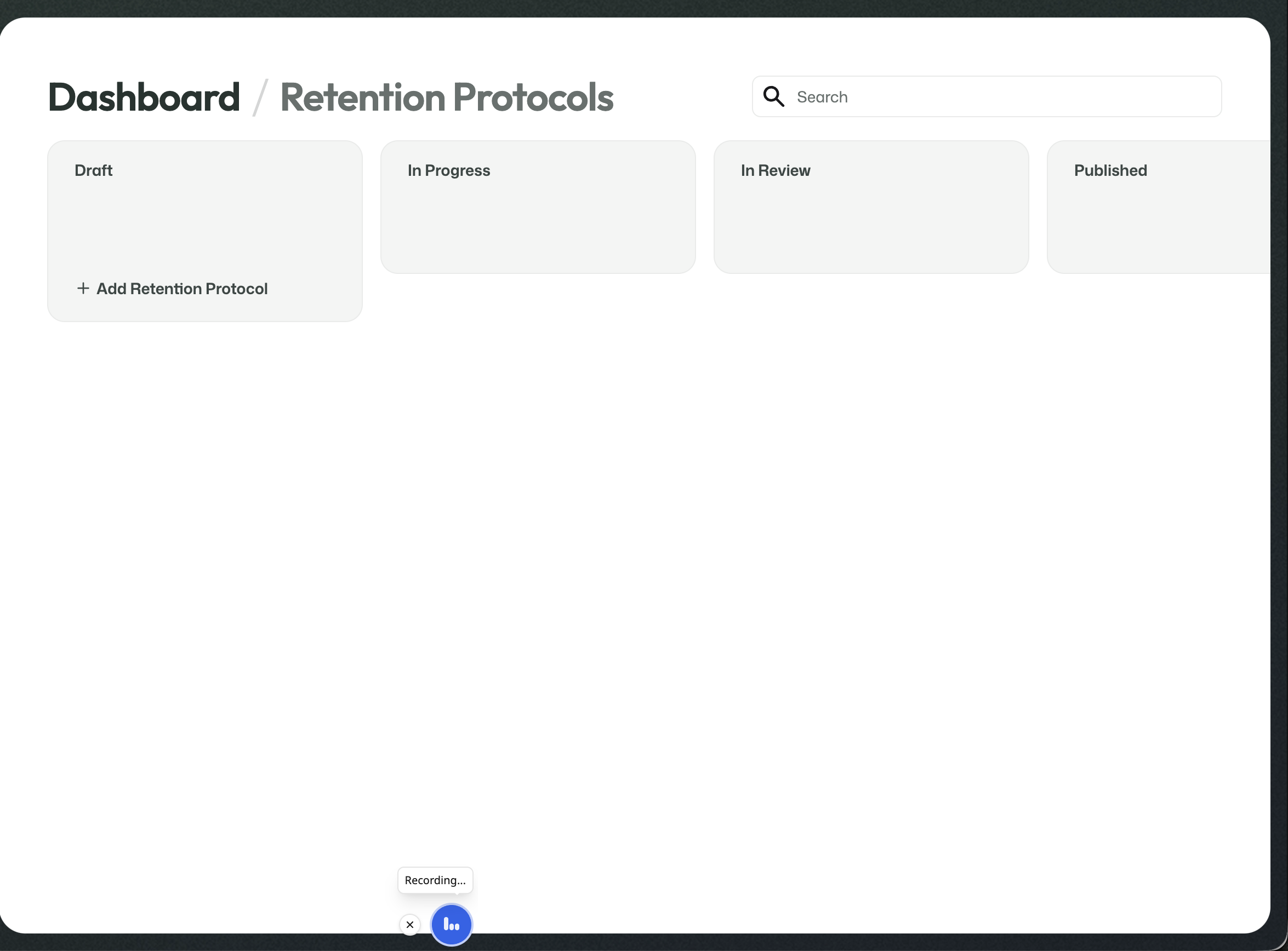
Retention Protocols
Retention Protocols define how long information should remain available in the archive.
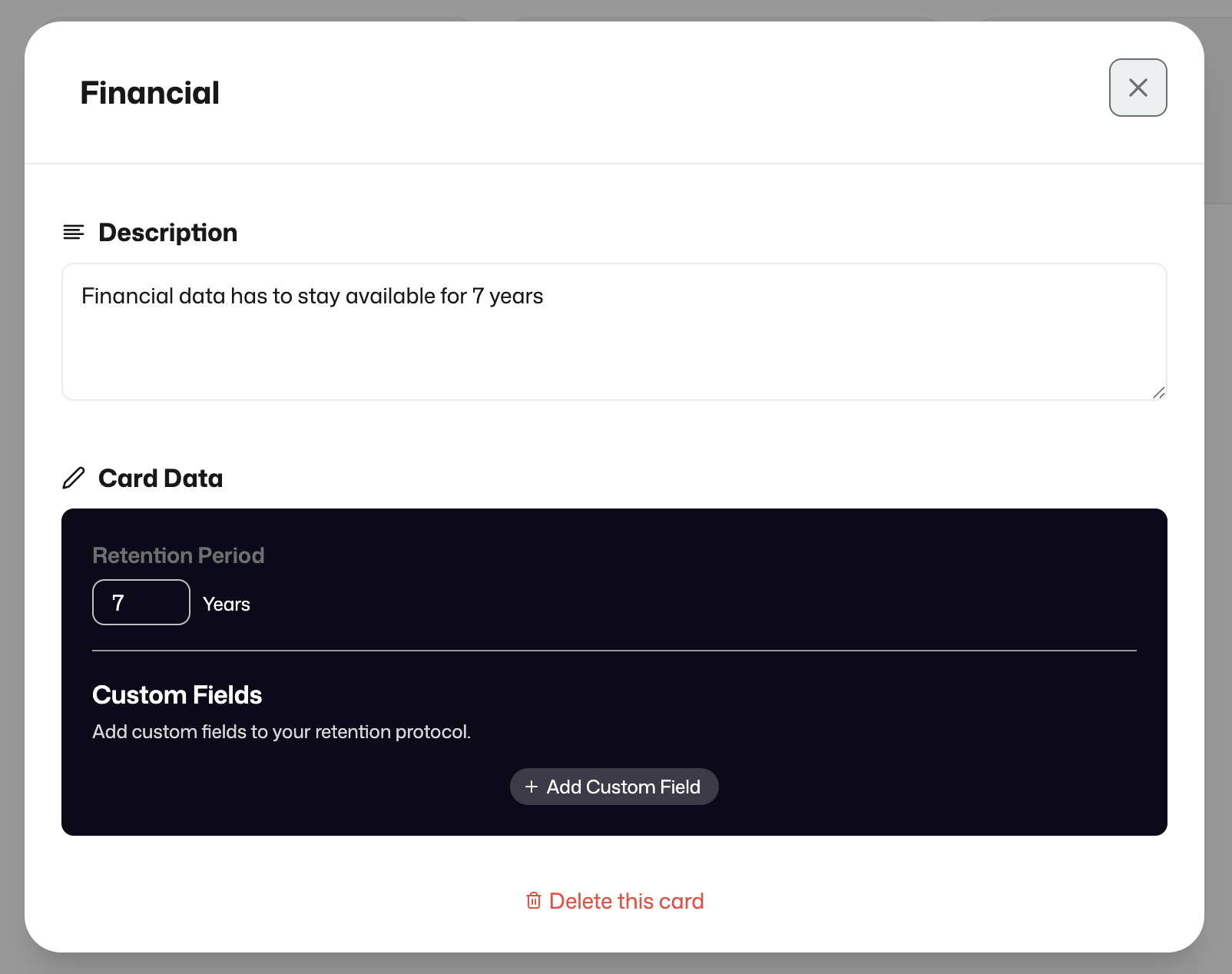
Records Management
Records Management defines what should happen once the retention period has ended.
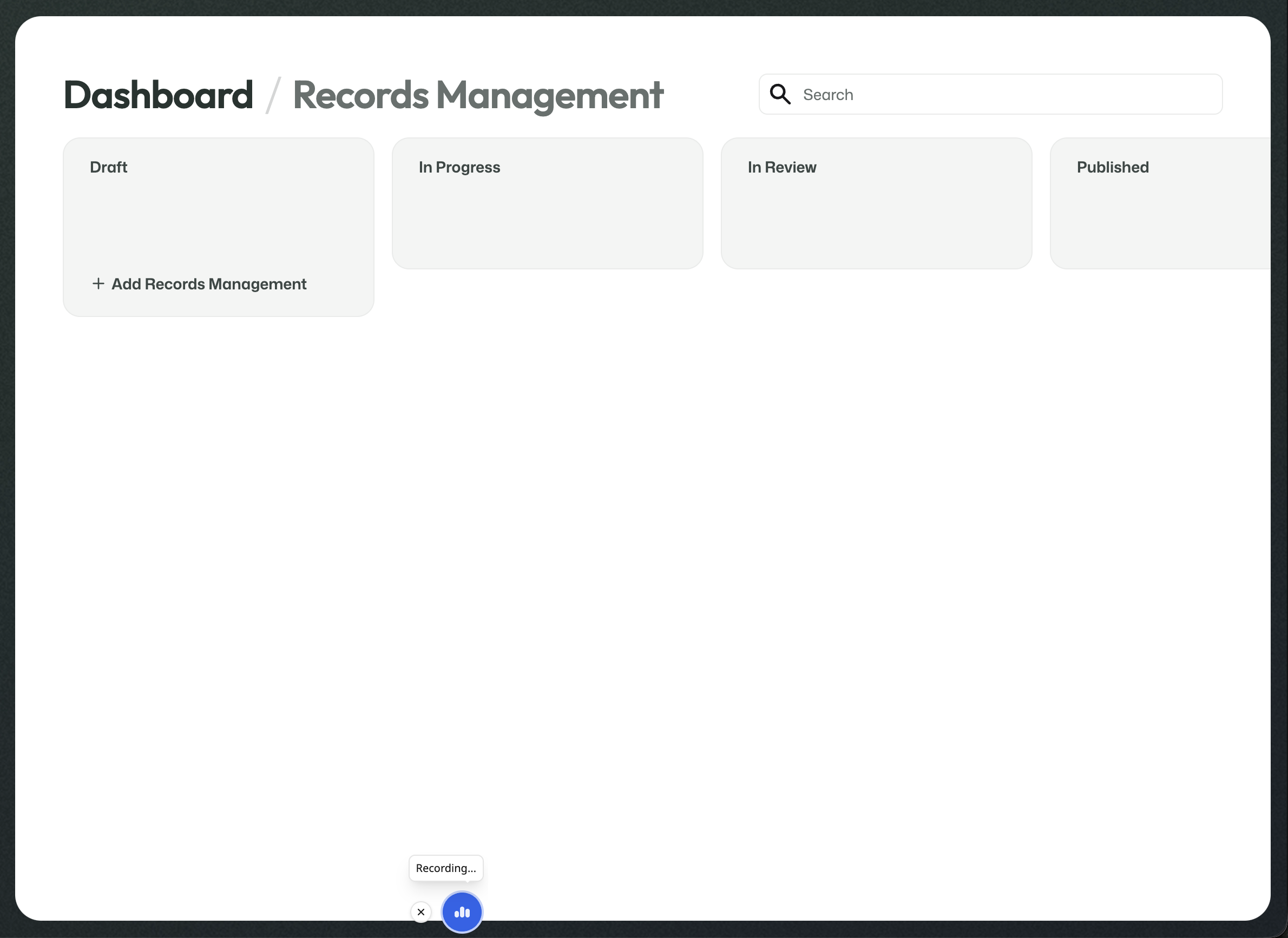
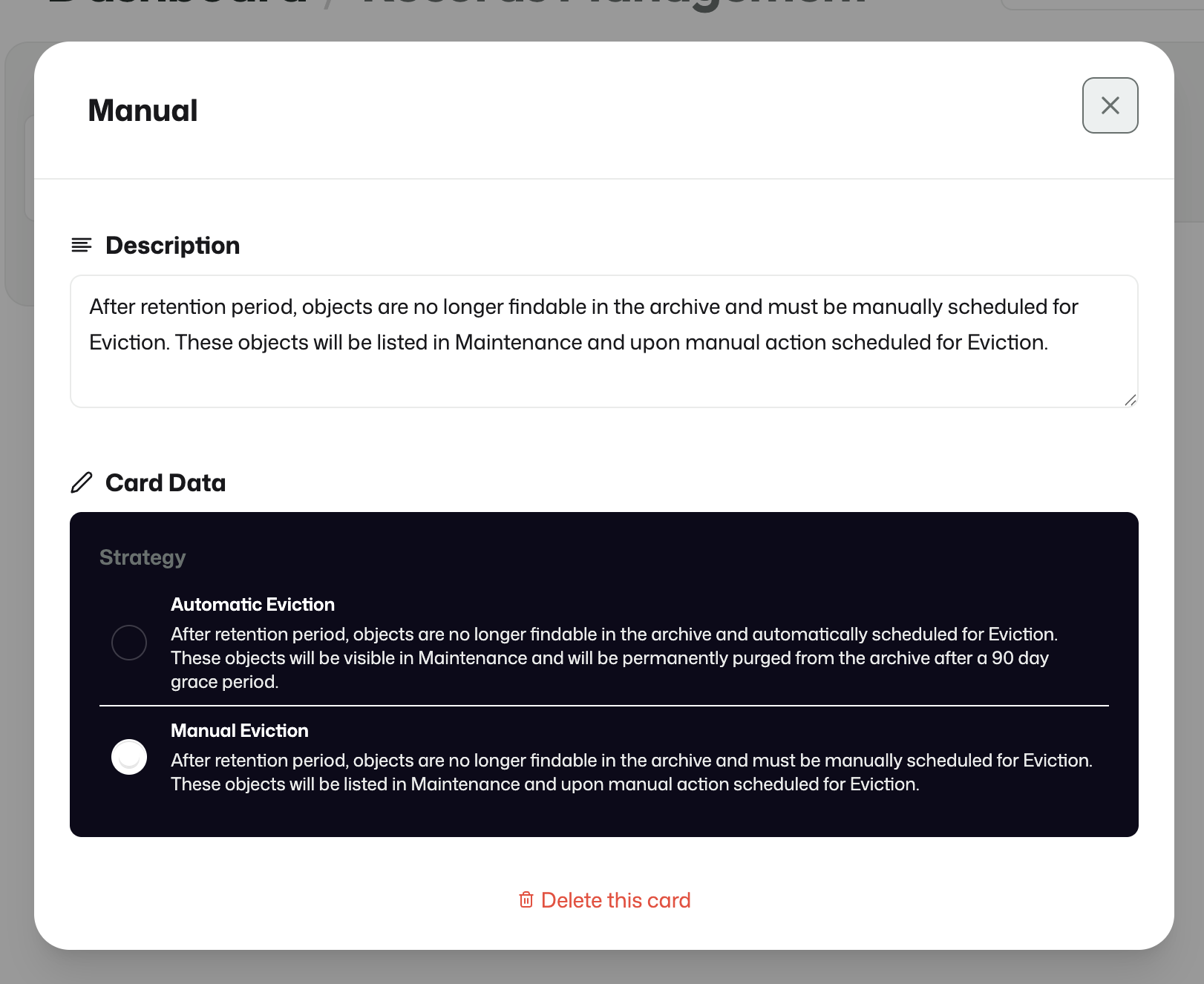
This can be configured as automatic removal or as a manual approval path for later eviction.
6. Streams: review, approval, and publishing
A stream brings all previously published building blocks together into something operational.
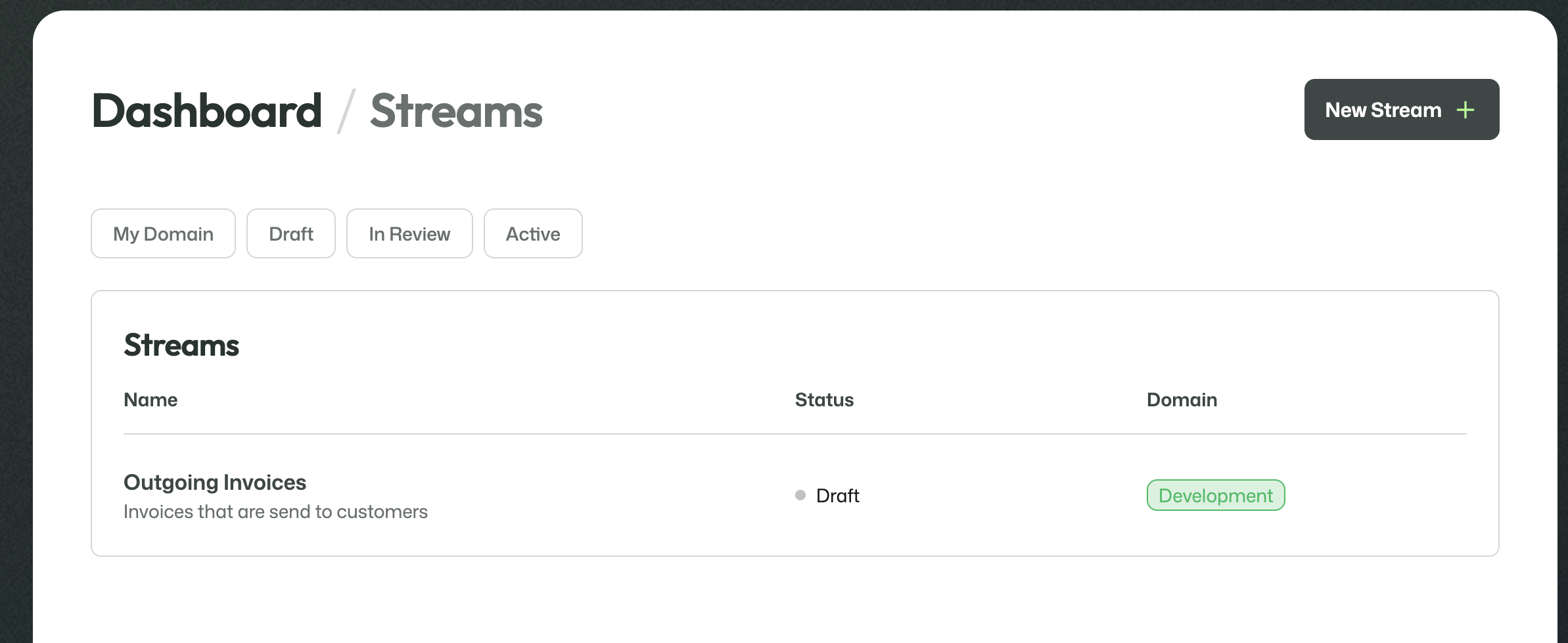
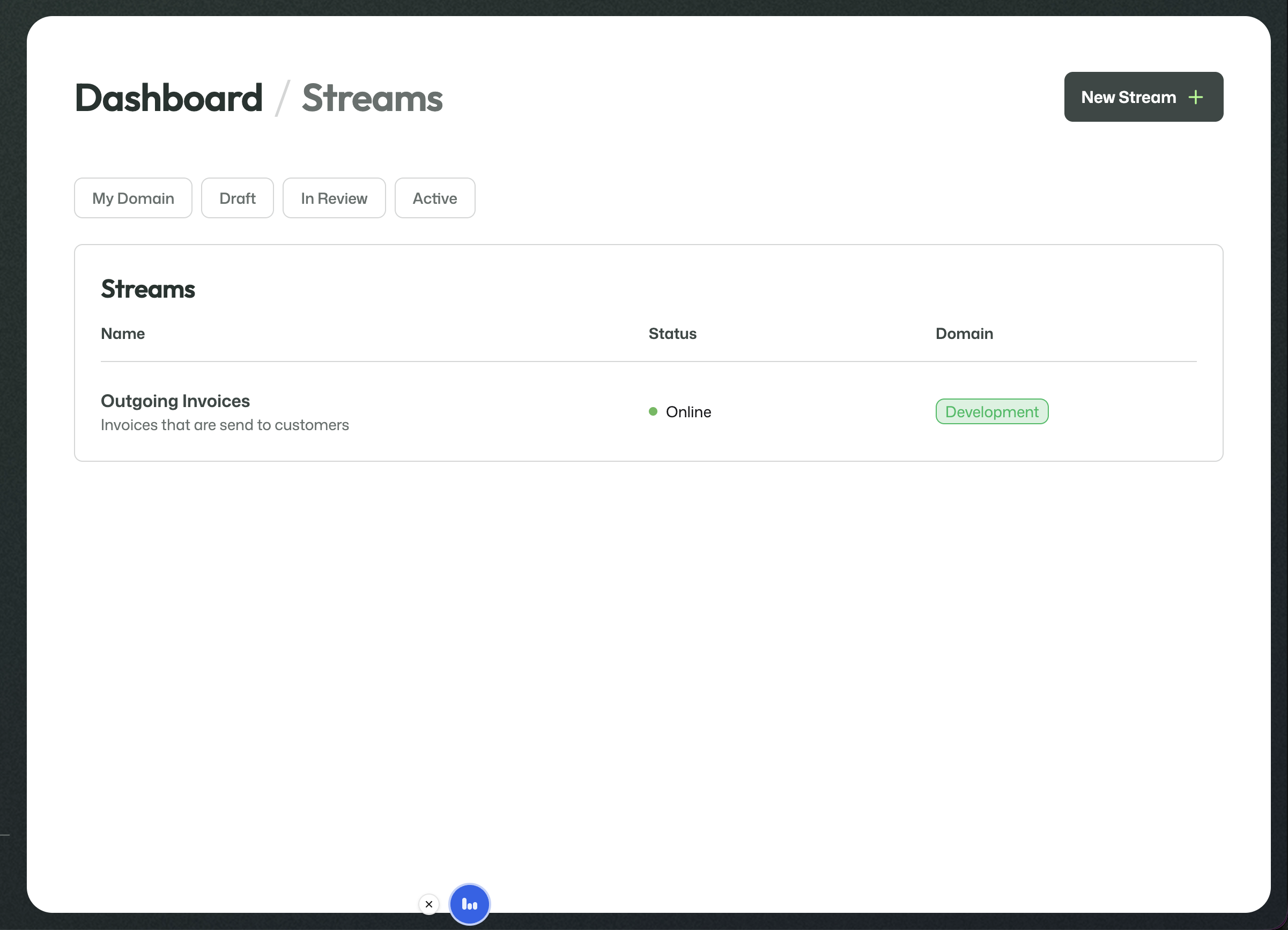
The Streams overview shows the streams available in the current domain and their status. This is where a new stream can be created and where existing streams can be opened for further configuration.
Stream setup
The stream contains:
- stream information
- stream team assignments
- Data Cards
- Metadata Cards
- Retention Protocol
- Records Management
- storage location
- ArQiver Connect mode
The stream setup process depends on the work that was done earlier in the design layer. Published Data Cards, Metadata Cards, Retention Protocols, and Records Management strategies become available here so they can be attached to the stream.
That means the earlier setup work is not theoretical. It directly feeds into stream creation.
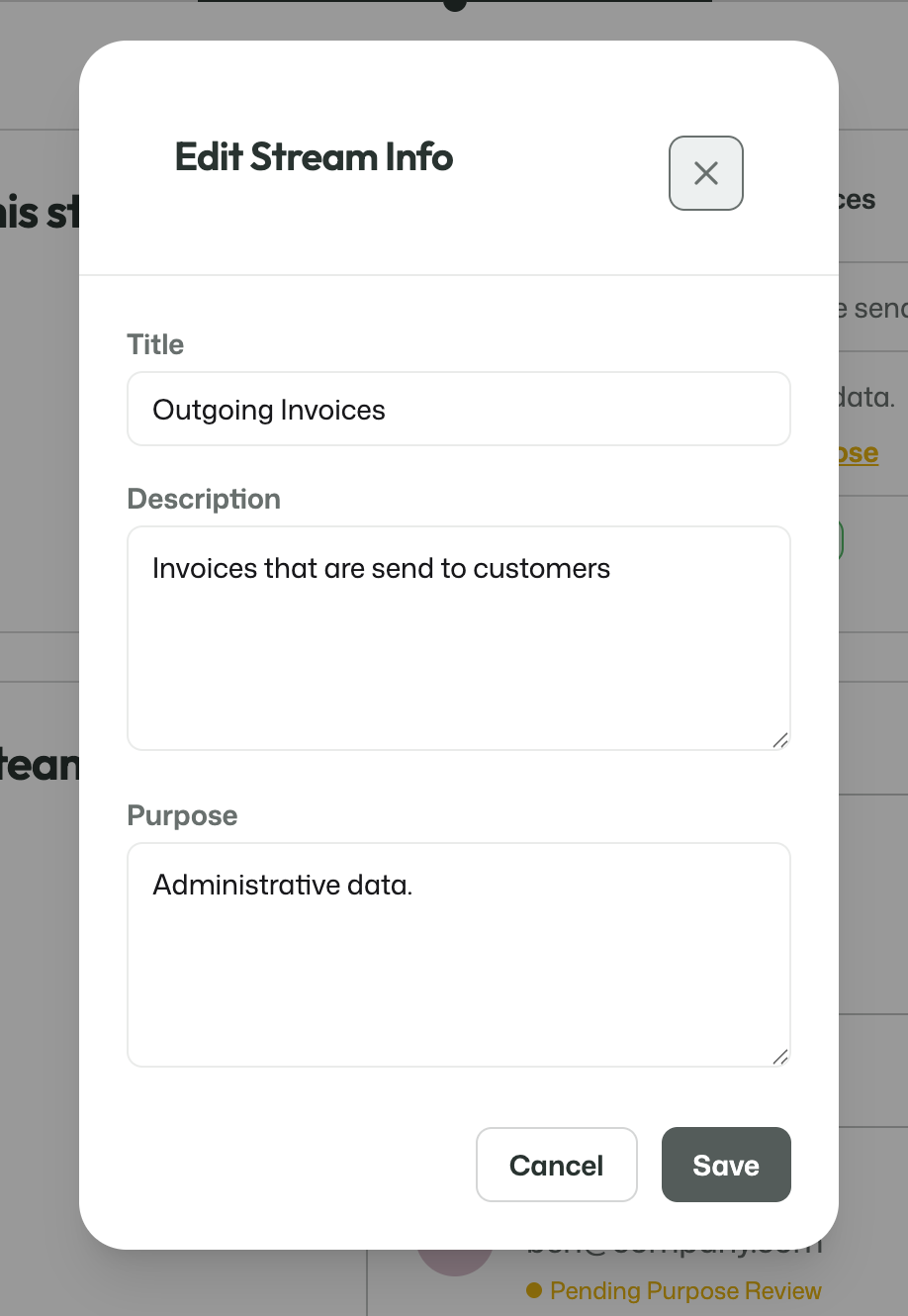
Each stream has its own basic information, such as a title, description, and purpose. This information gives the stream a clear identity and explains what it is meant to be used for.
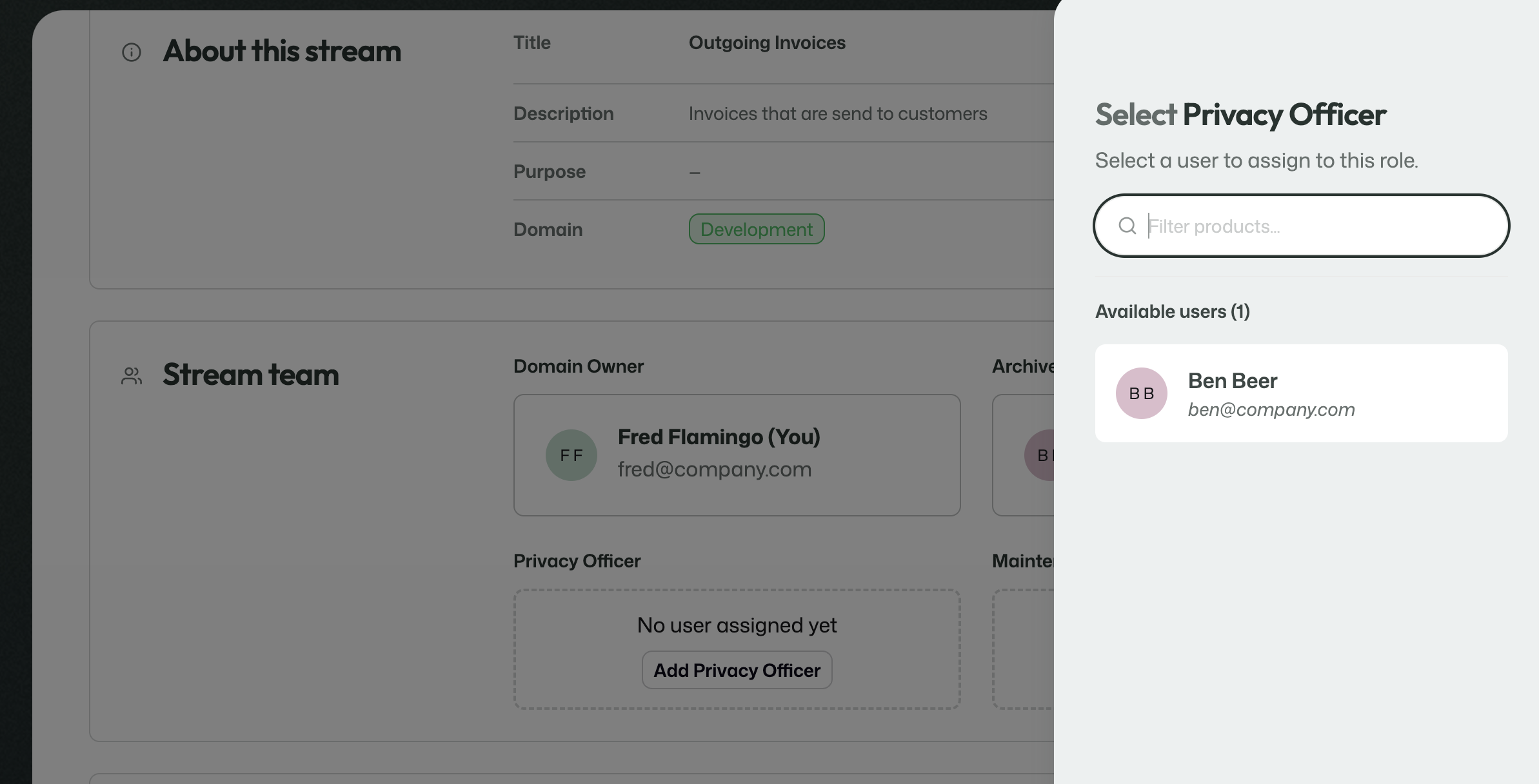
Streams also require role assignments for the later review and approval process. Users can be assigned to the roles that are needed around the stream.
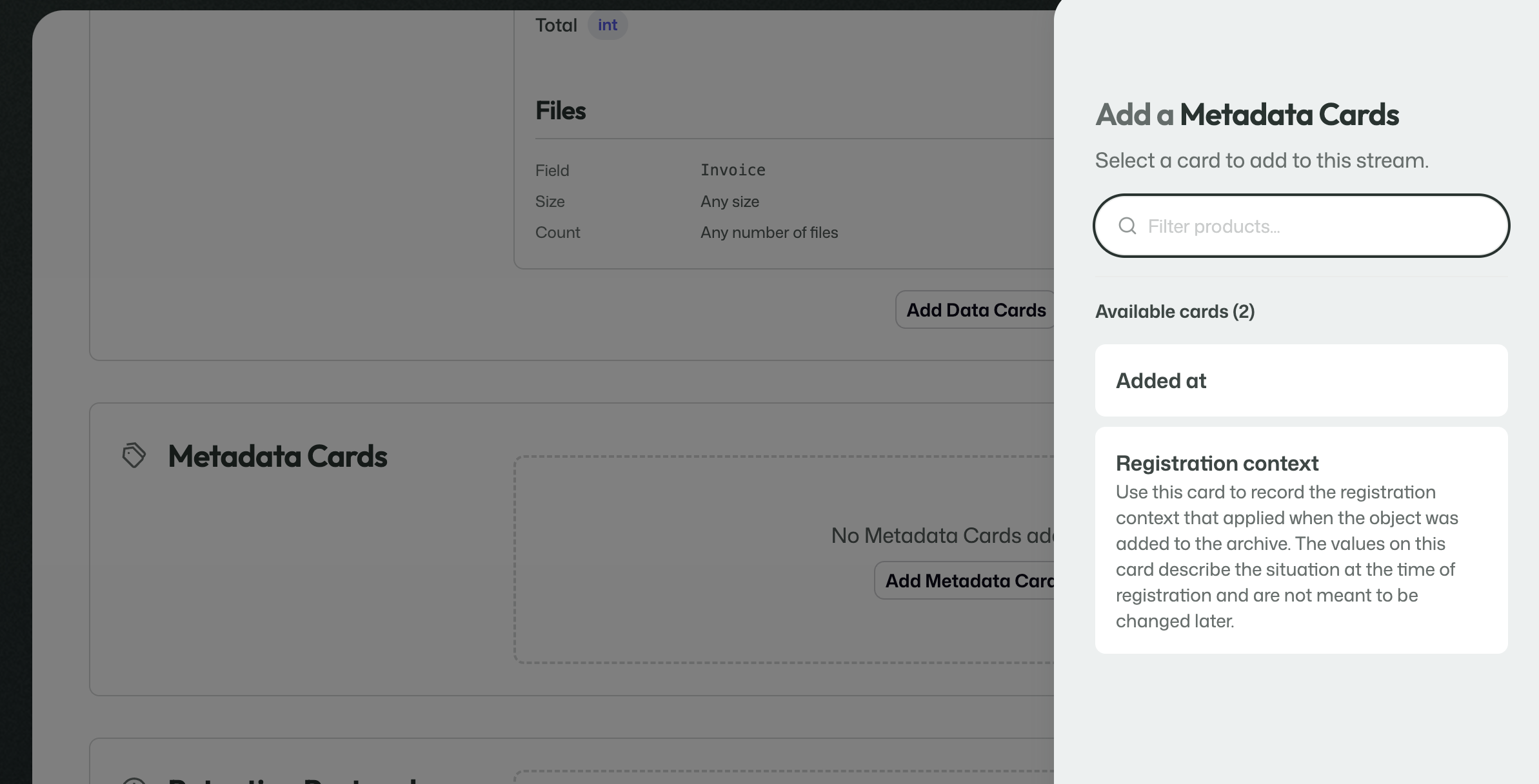
This is where you attach the published Data Cards that describe the incoming payload for the stream.
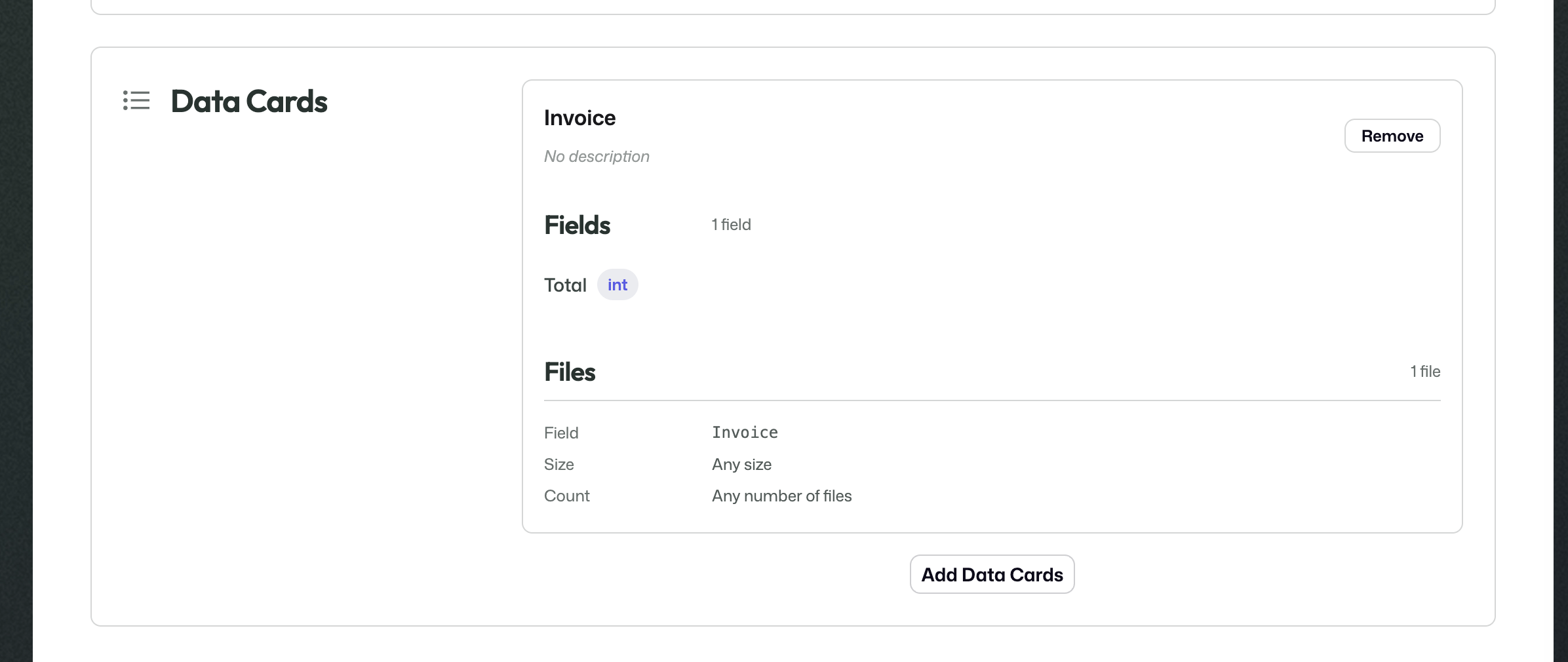
This is where you attach the published Metadata Cards that describe the metadata and context the stream should use.

The selected Retention Protocol determines how long information handled by the stream should remain available in the archive.
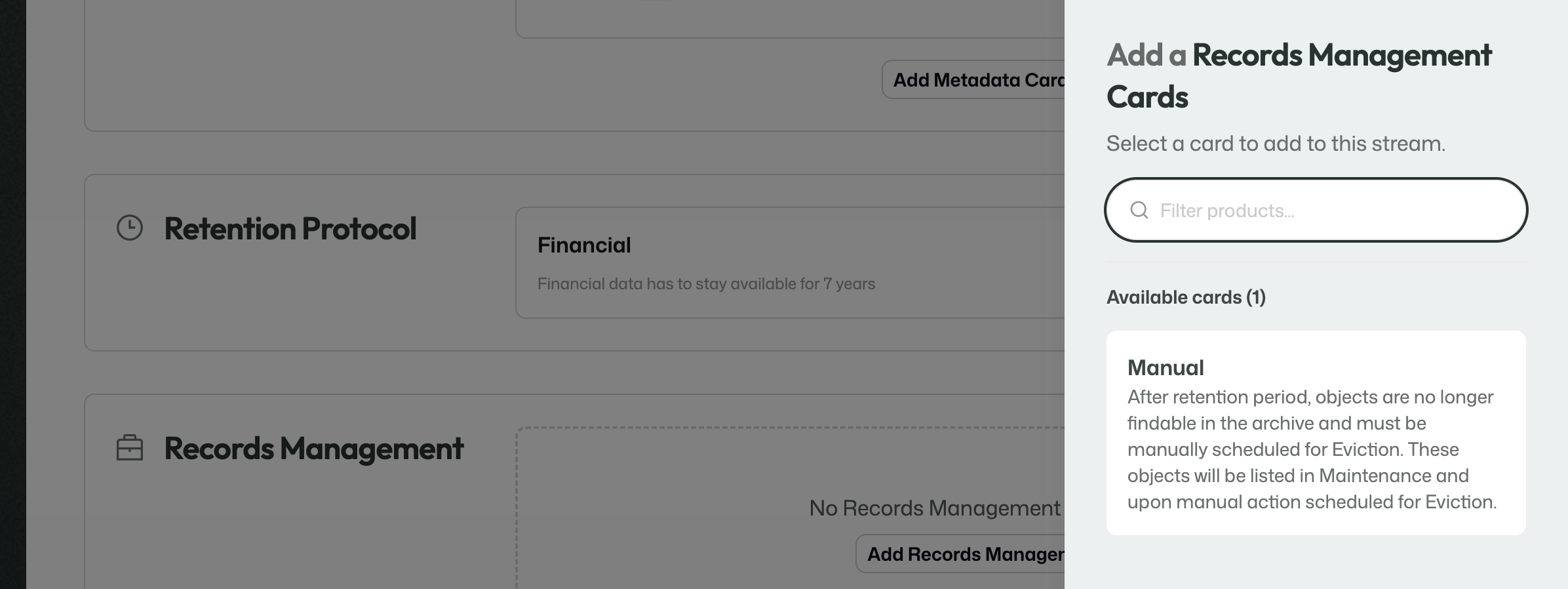
This determines what should happen once the retention period has ended.
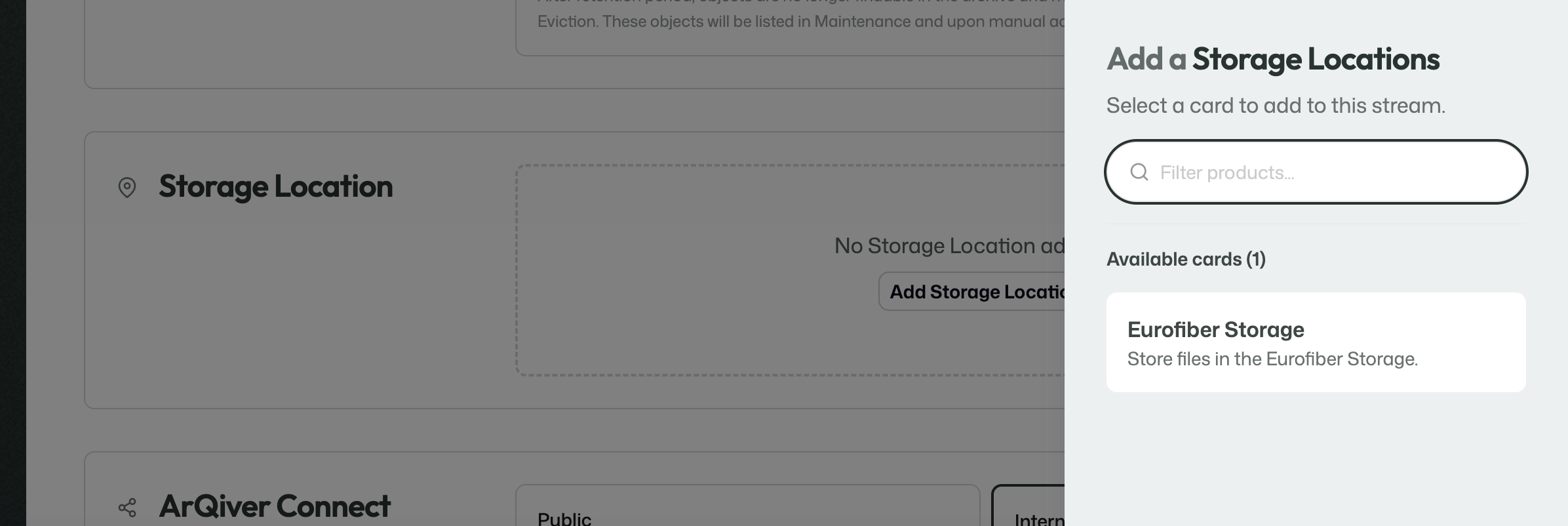
The storage location determines where the files handled by the stream are stored.
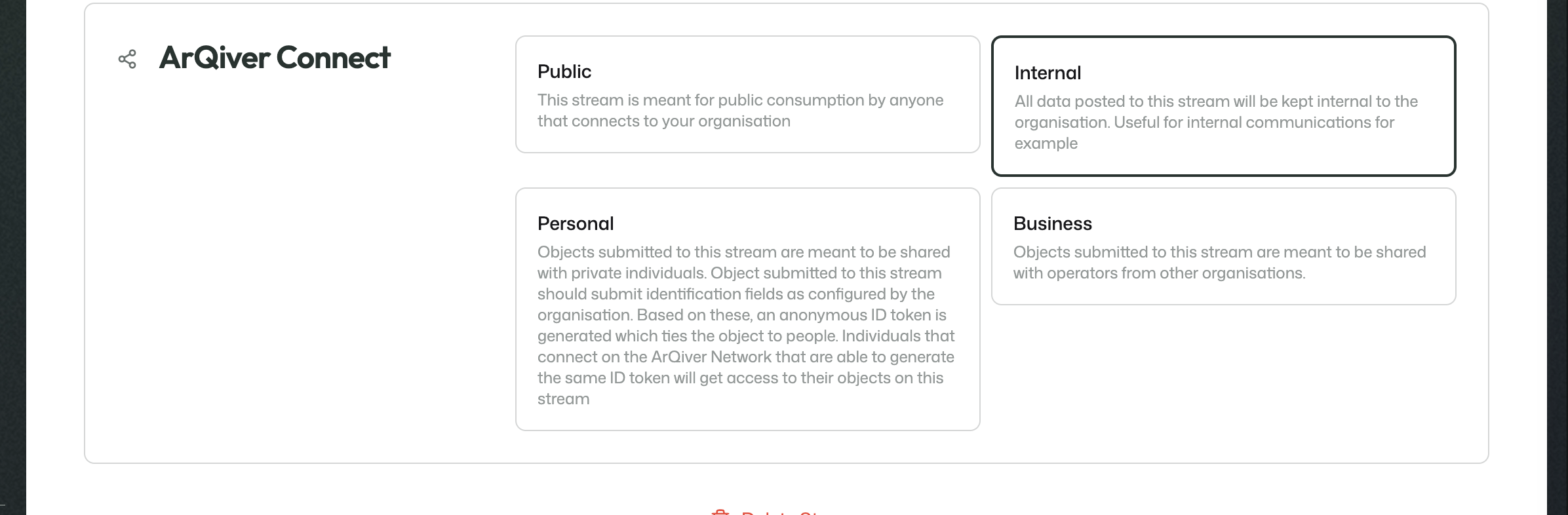
This section determines how the stream is meant to be shared or consumed in the wider ArQiver ecosystem.
Review
During Review, the stream can still be changed.
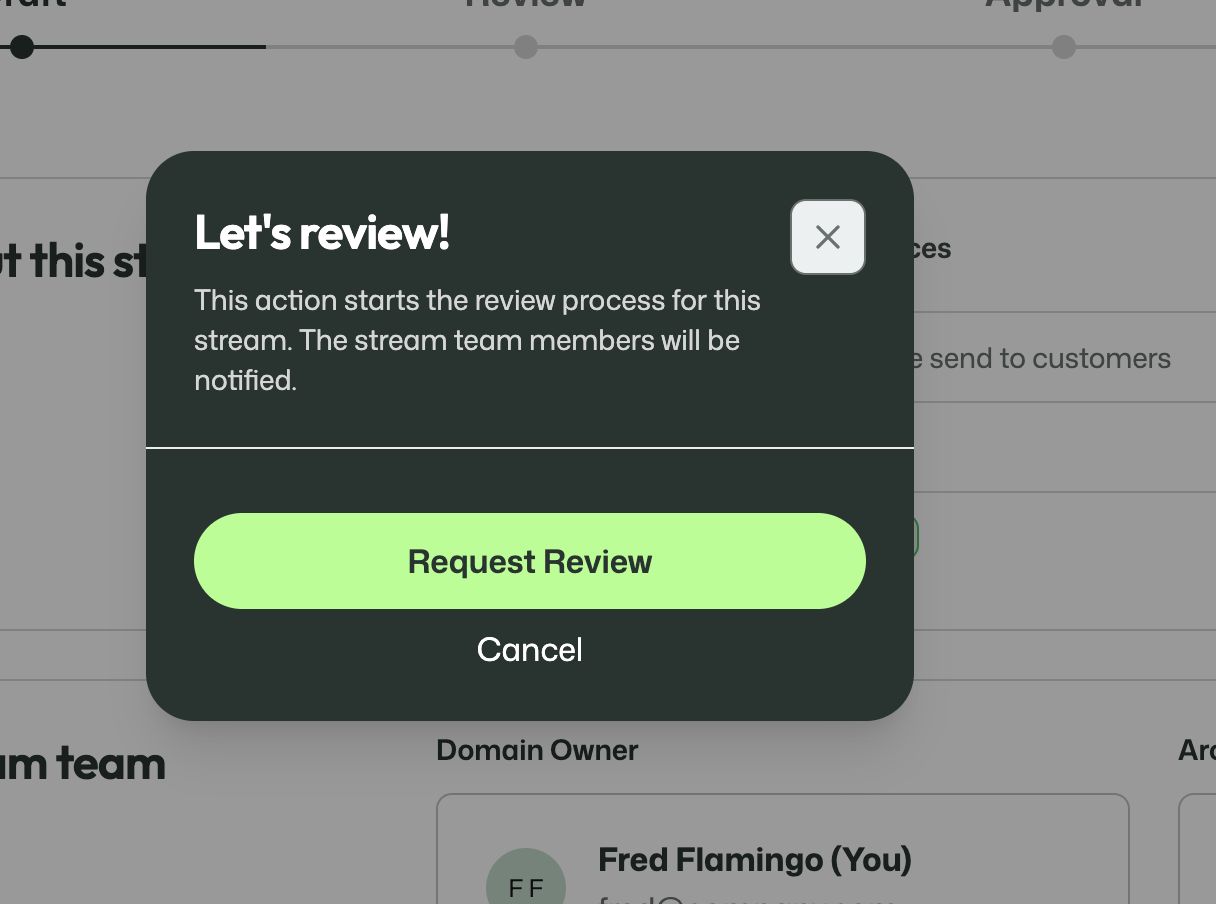
The Domain Owner can start the review and submit their own part.
This is the collaborative phase in which the involved roles check the setup, make adjustments where needed, and work towards a complete definition of the stream.
Other roles can review specific parts as well. One example is the Privacy Officer reviewing the stream purpose.
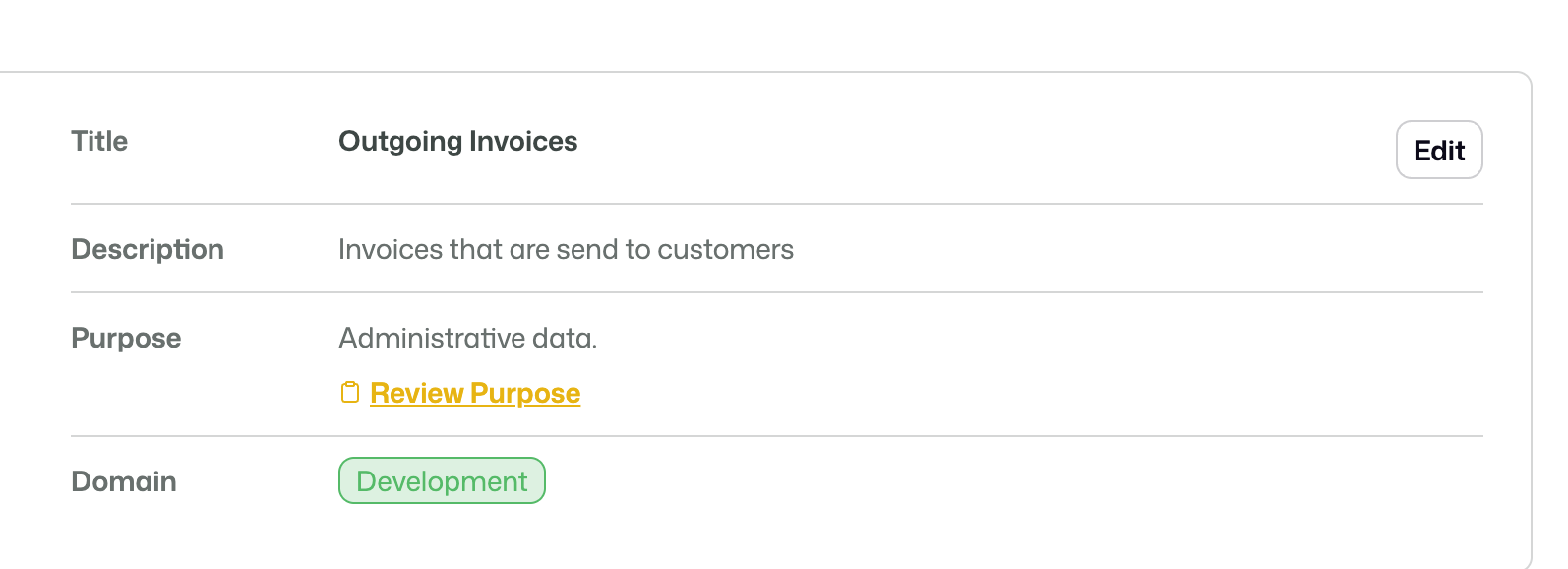
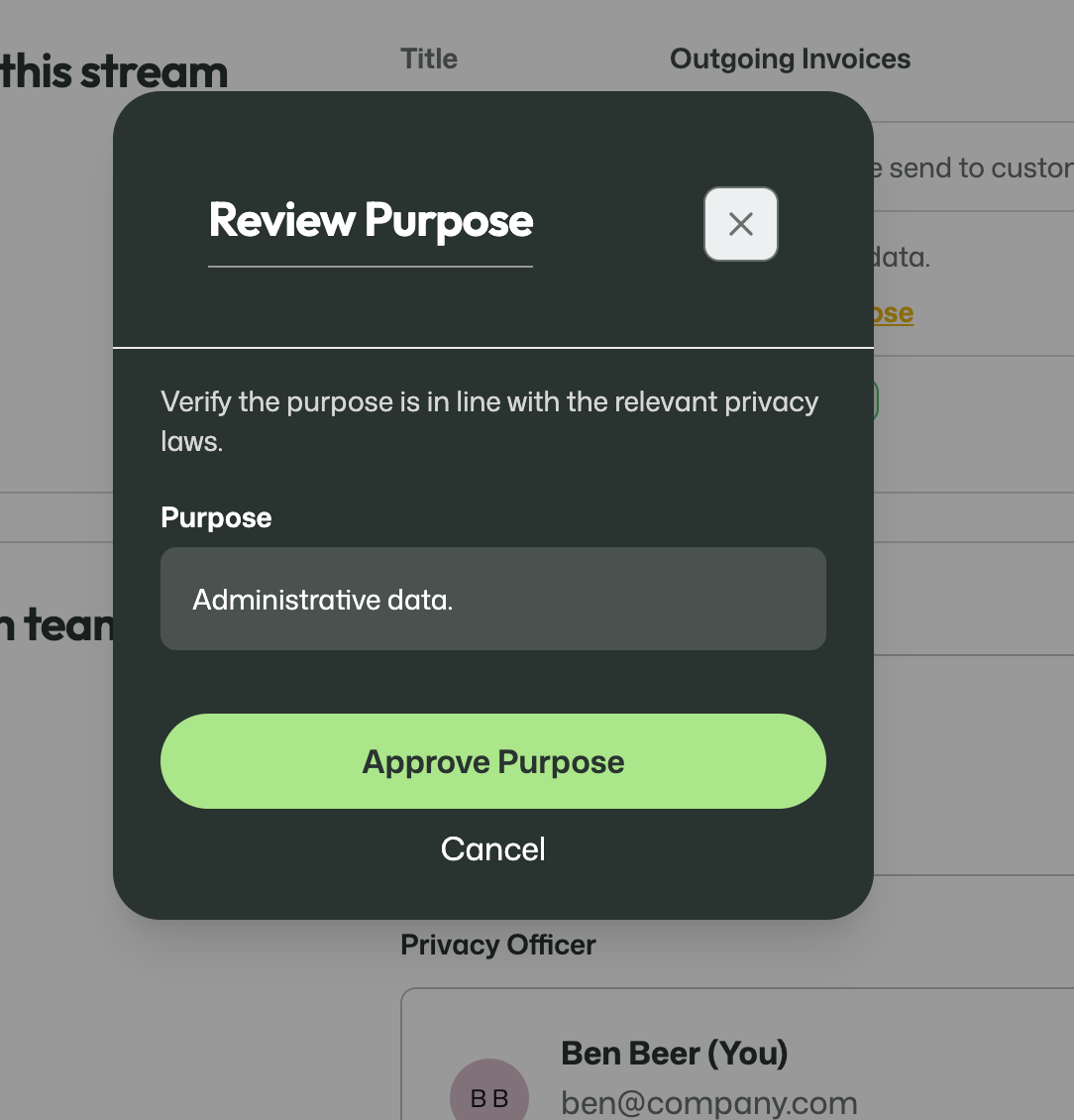
Each participant can indicate that they are ready for the next step. Only when the required reviewers have completed this part can the stream move on.
Approval
During Approval, the stream is no longer meant to be edited.
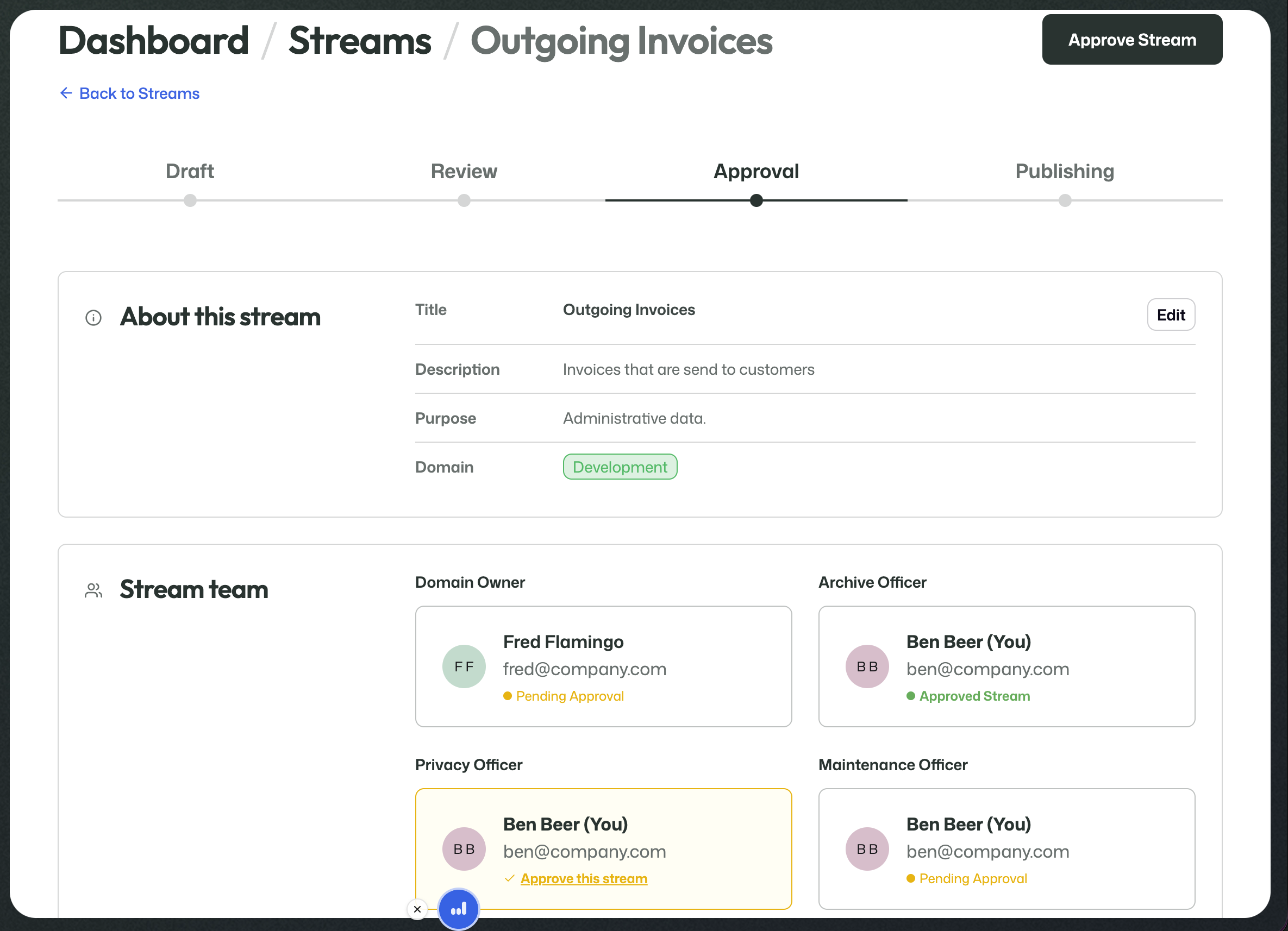
The work in this phase is to confirm the final state of the stream.
At this point, the stream team and the archive-related roles are no longer only contributing building blocks. They are confirming that the full setup is ready to be used responsibly.
Publishing
Once the required approvals have been given, the stream moves to Publishing.
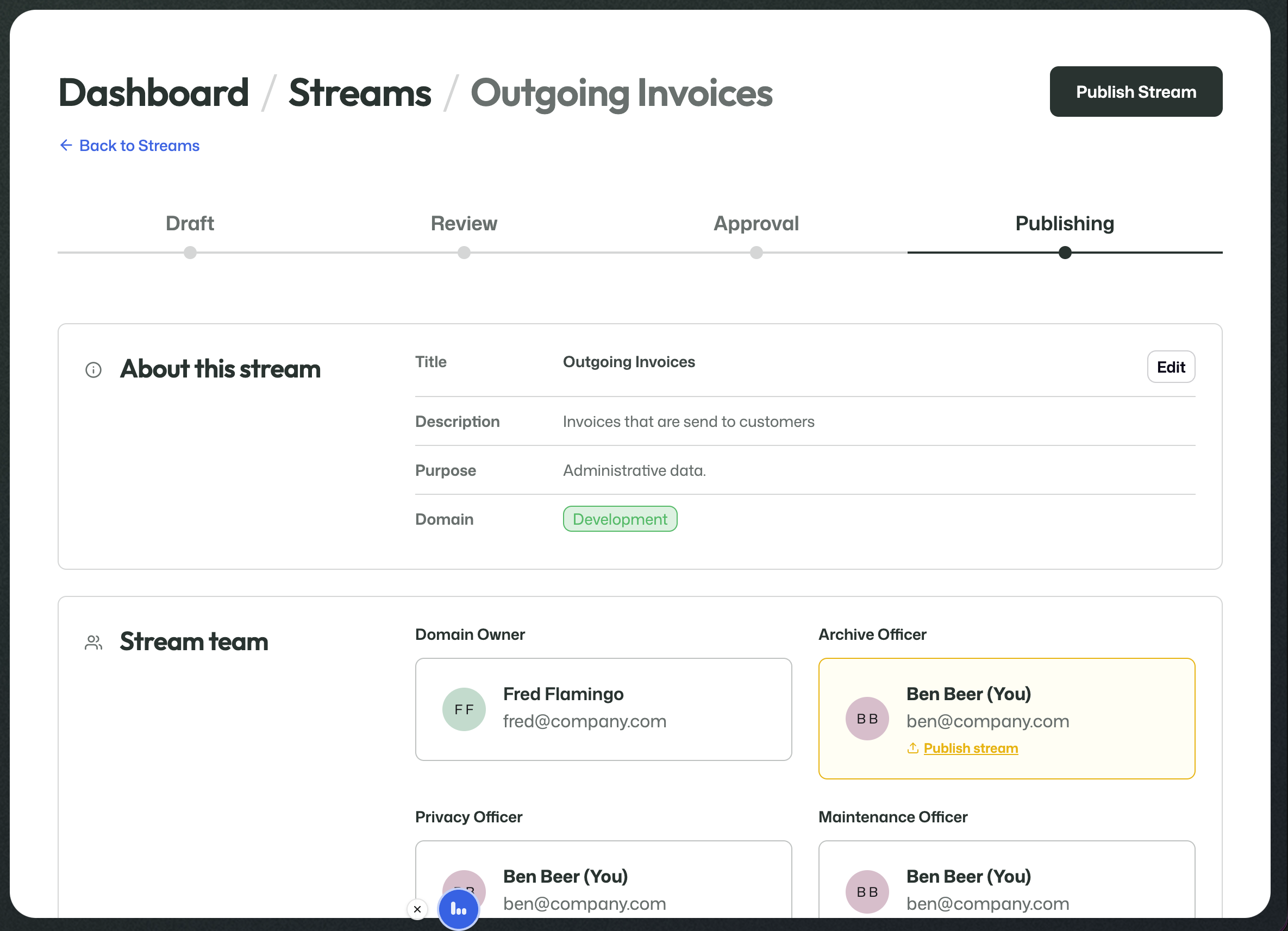
The Archive Officer can then perform the final publish action.
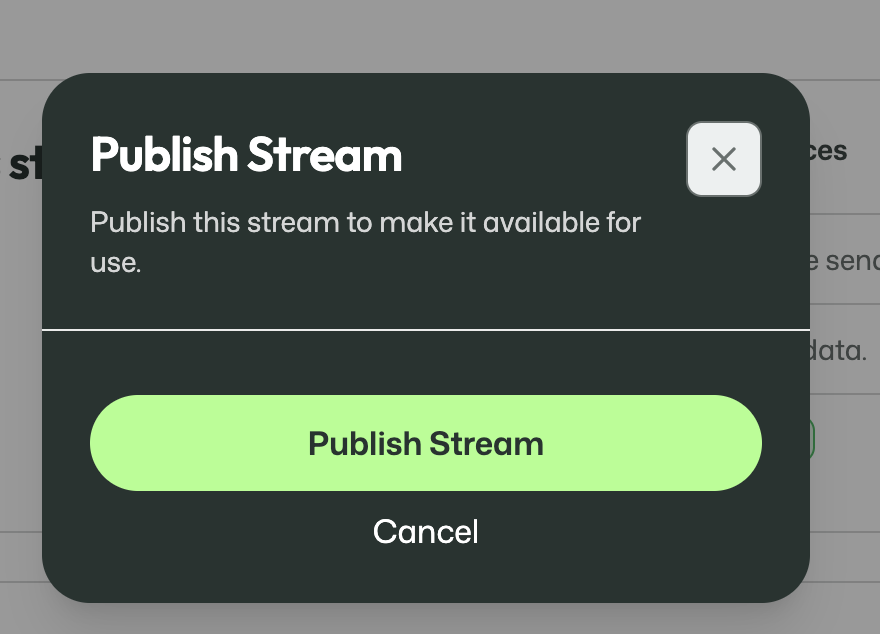
Publishing makes the stream available for real use.
From that moment on, data can actually be uploaded into it.
7. Active streams
Once a stream has been published, it becomes an active stream.
At that point, the focus shifts from setup and approval to operational use, visibility, and access control.
Overview tab
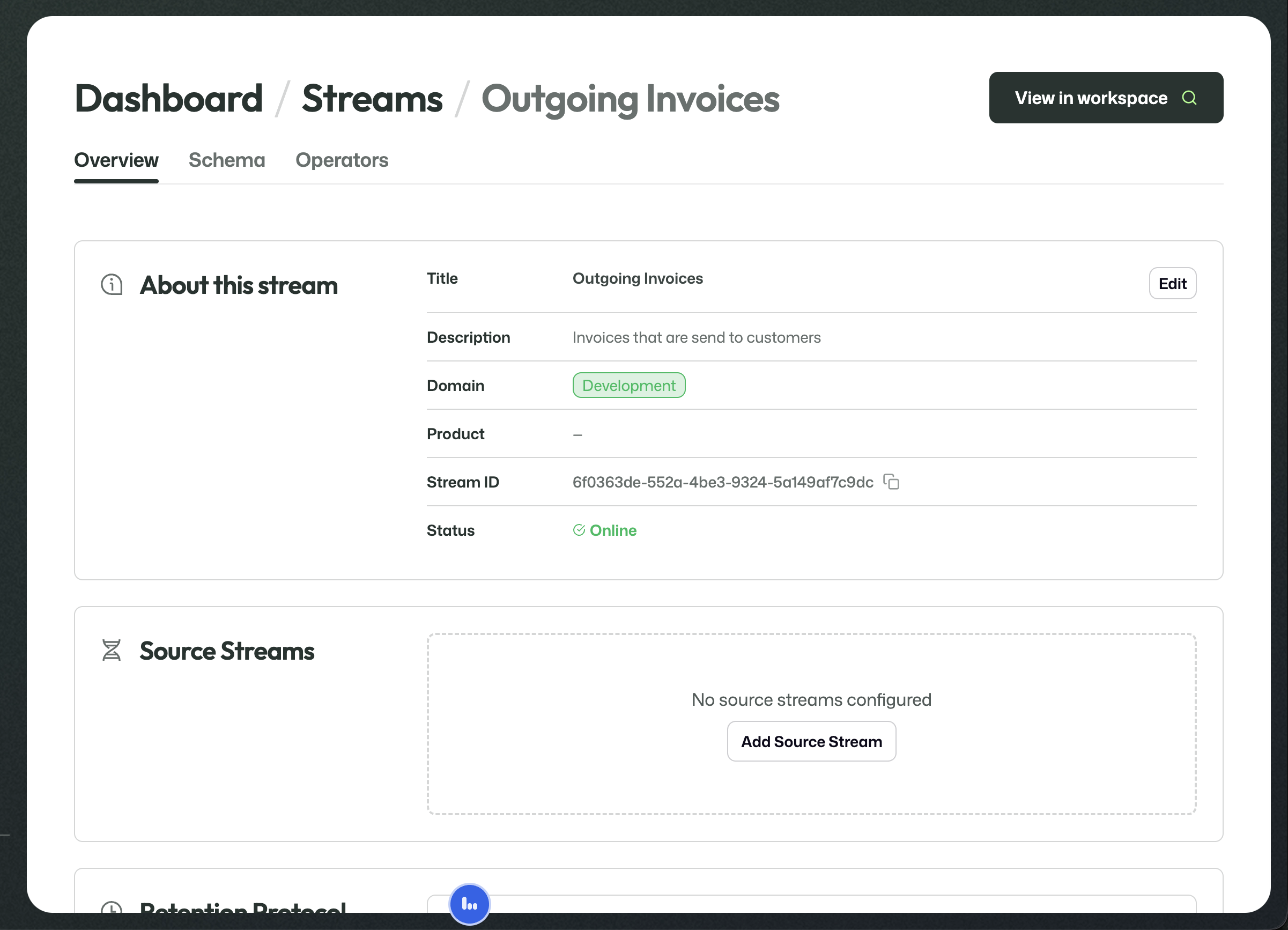
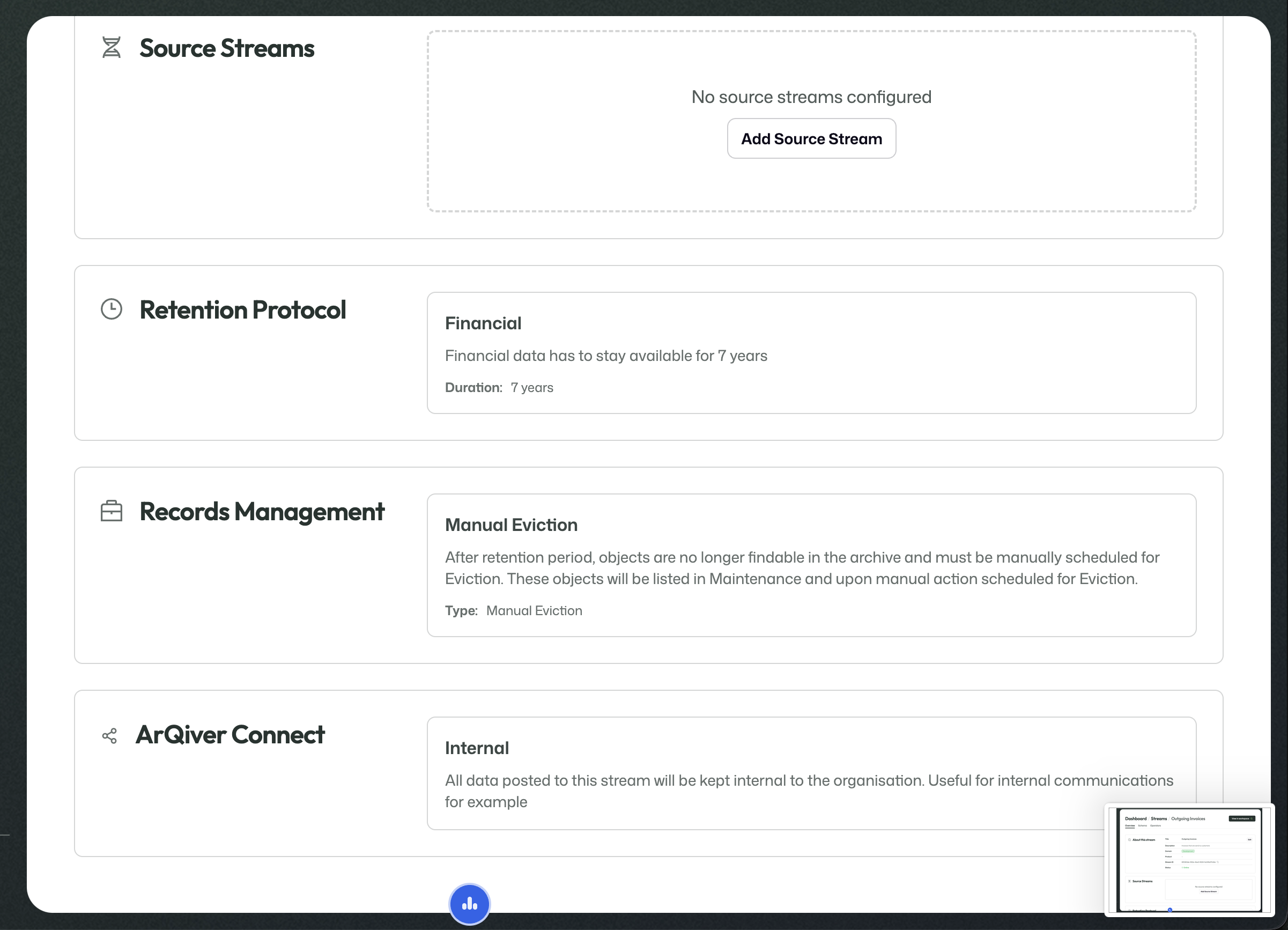
The overview shows the stream identity, online status, and live configuration such as source streams, retention, records management, and ArQiver Connect.
This gives you the key reference information for the stream, including title, description, domain, stream ID, and current status.
Schema tab
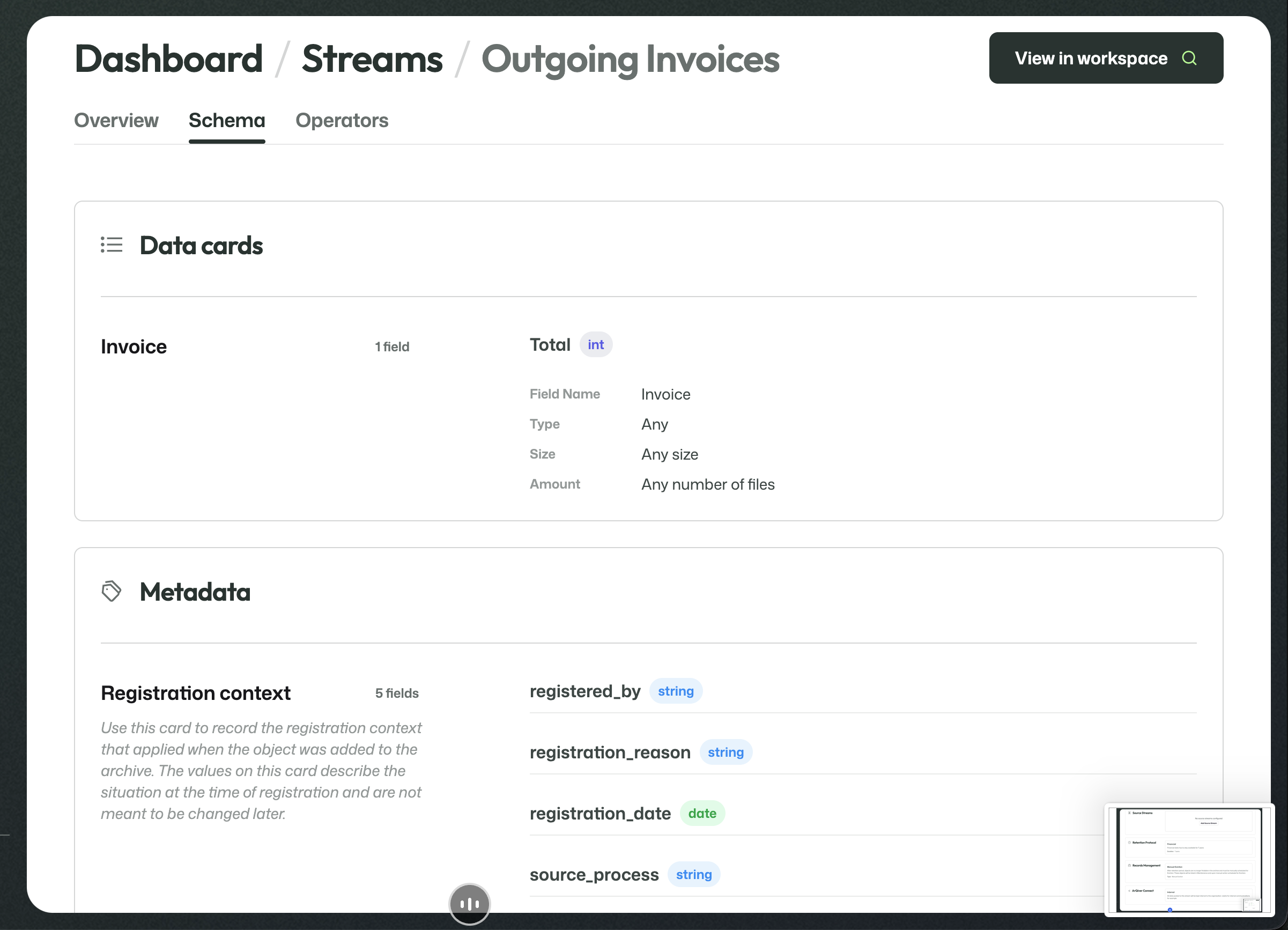
The schema combines the stream's Data Cards and Metadata Cards into one readable view.
This is useful when you want to inspect which incoming data and metadata definitions are actually part of the live stream.
8. Operators and workspace access
The Operators tab determines who may access this stream through the workspace.
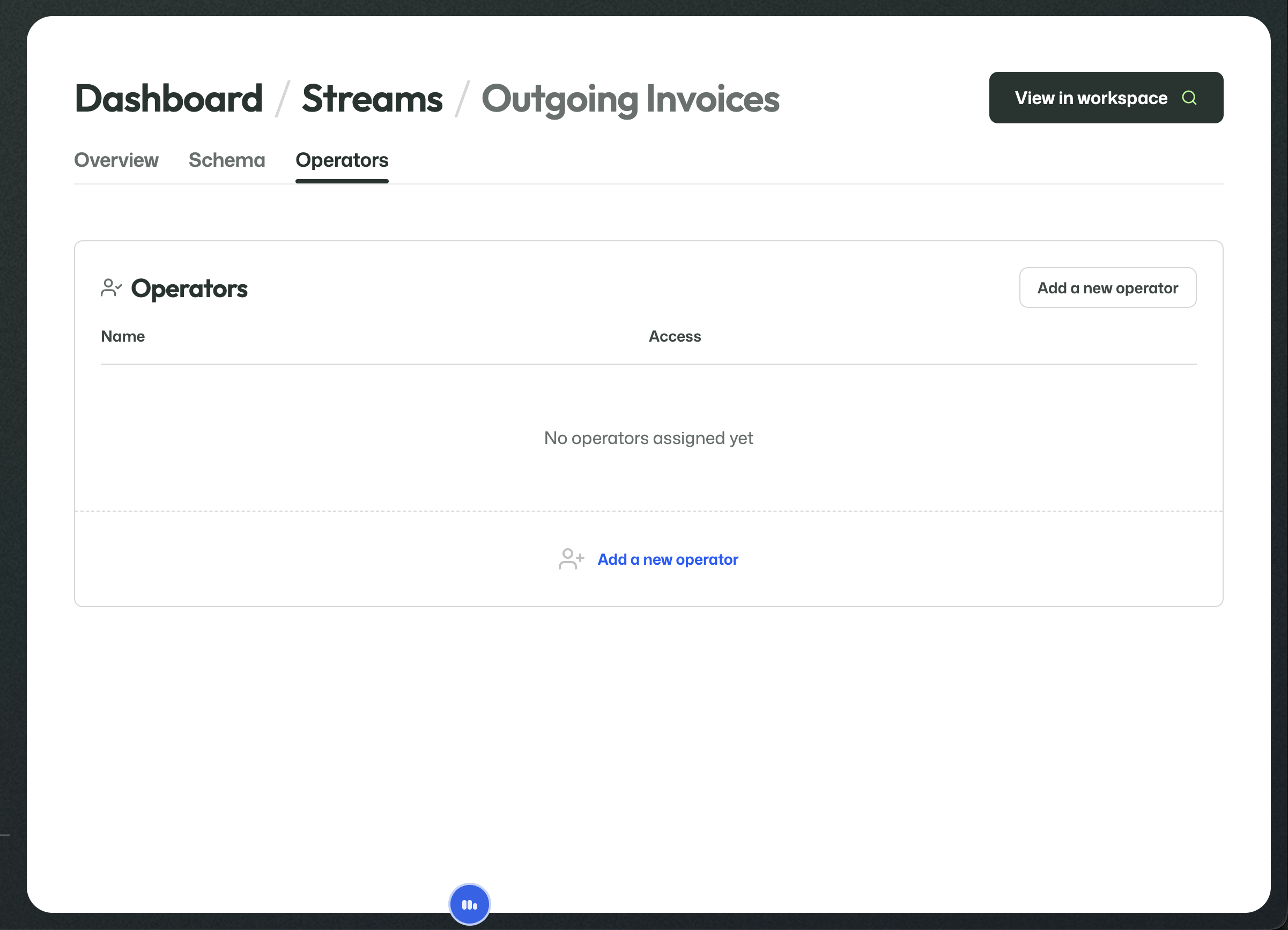
No operator can use the stream in the workspace until an operator is assigned here.
Before any operators are assigned, the stream is not yet exposed through the workspace to an operator user.
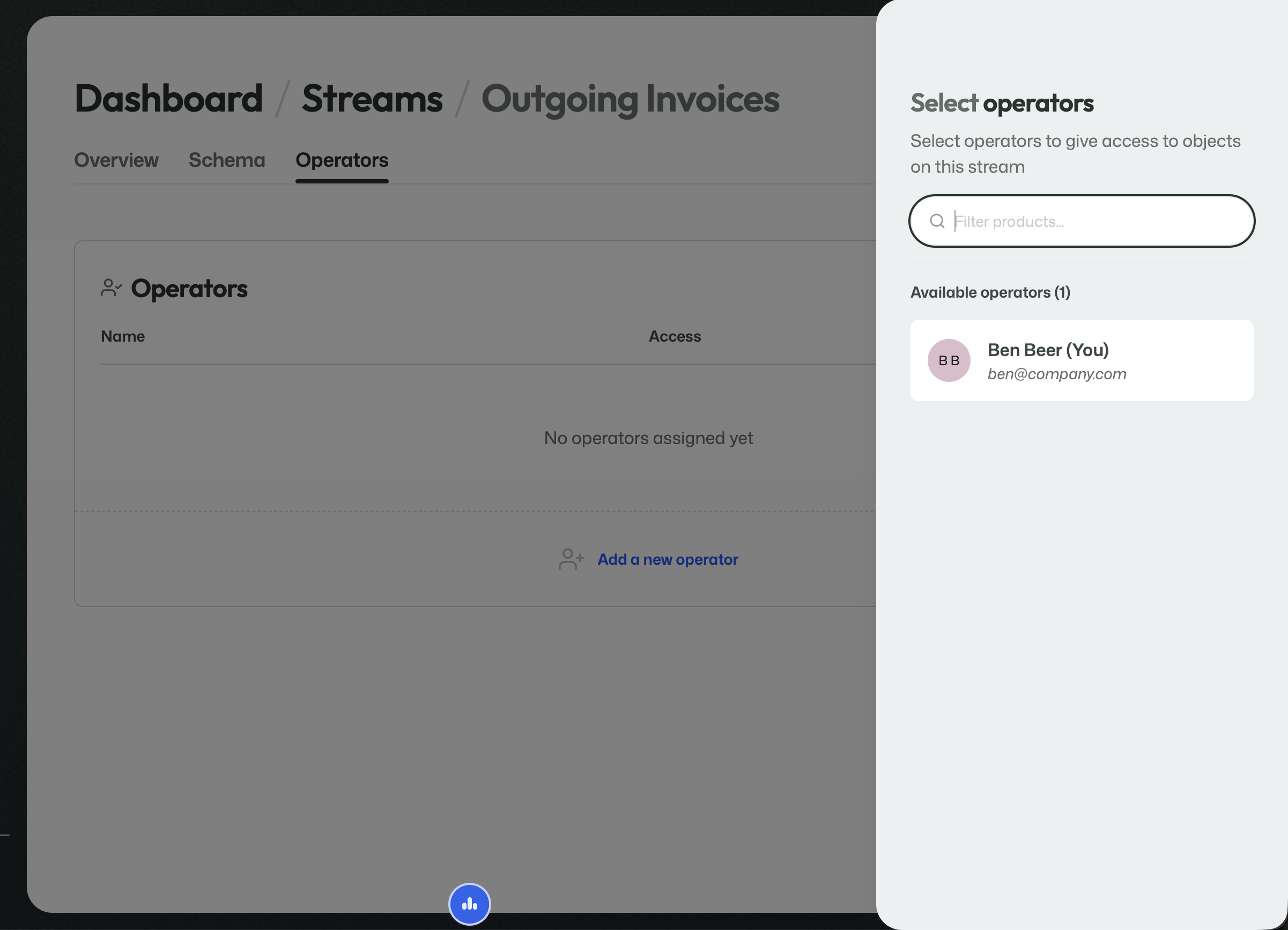
Add an operator
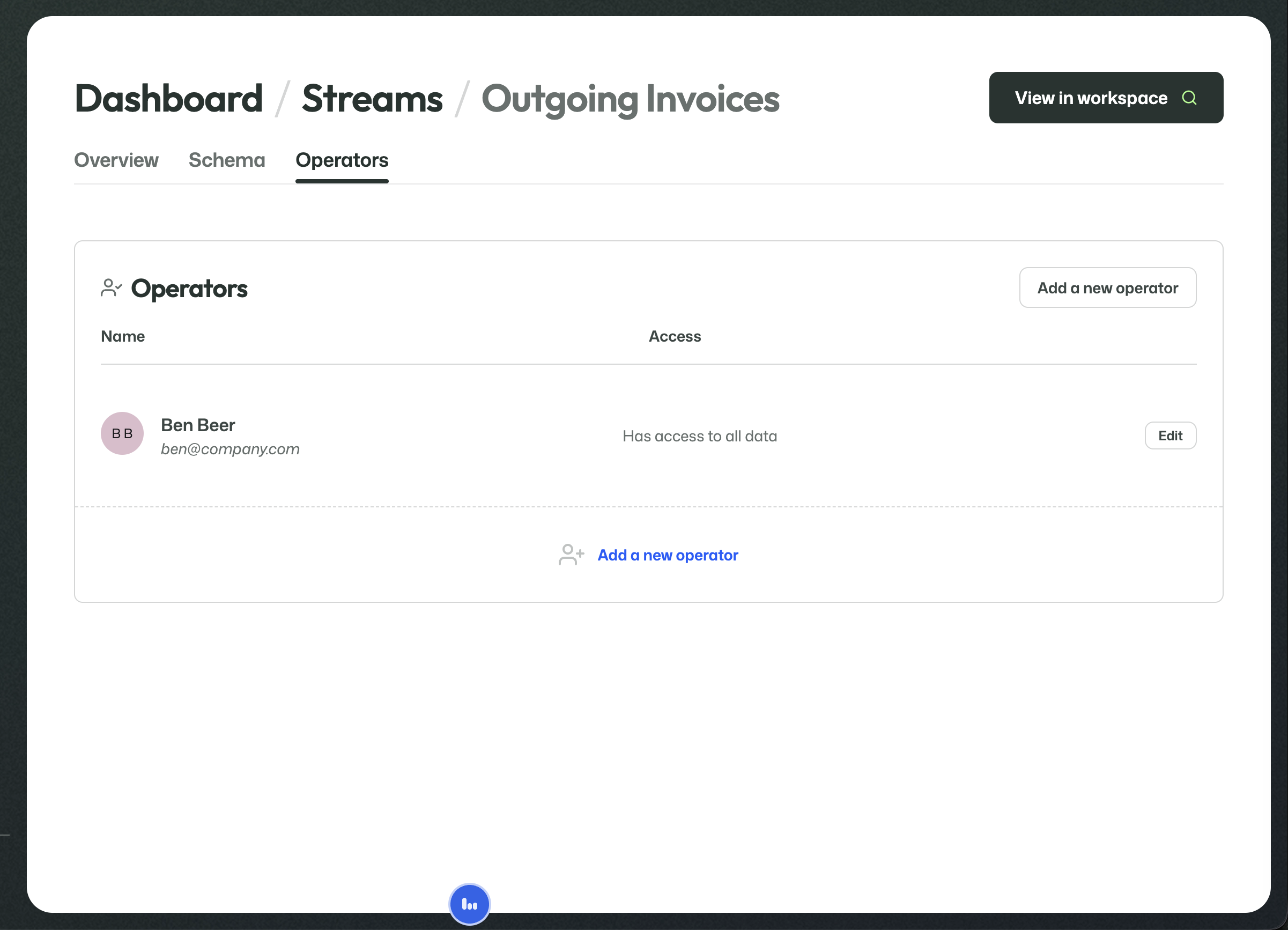
Once assigned, the operator appears in the list together with the current access level.
Selecting an operator gives that user access to objects on this stream.
Attribute-level visibility
Operator access can be controlled in detail.
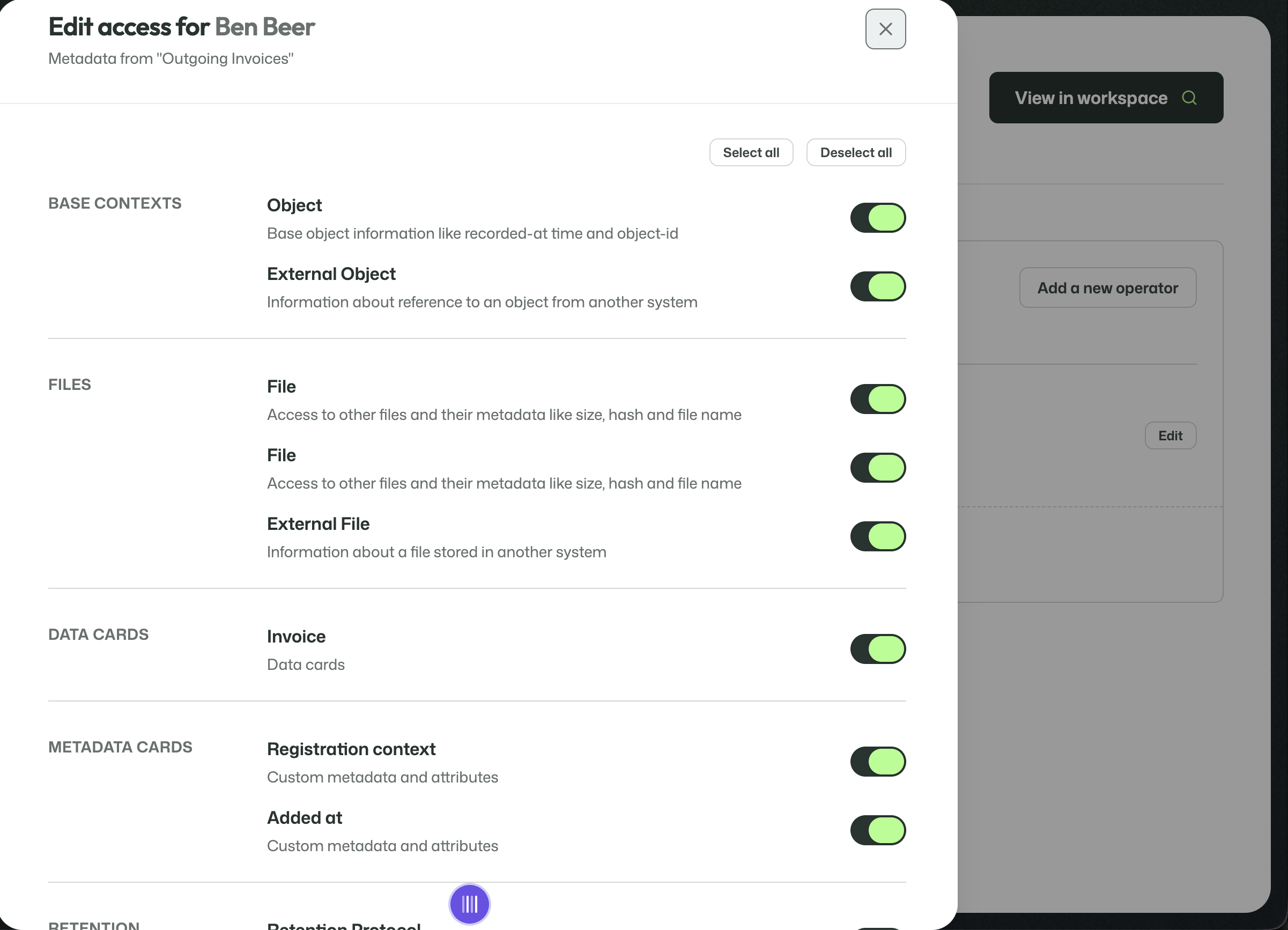
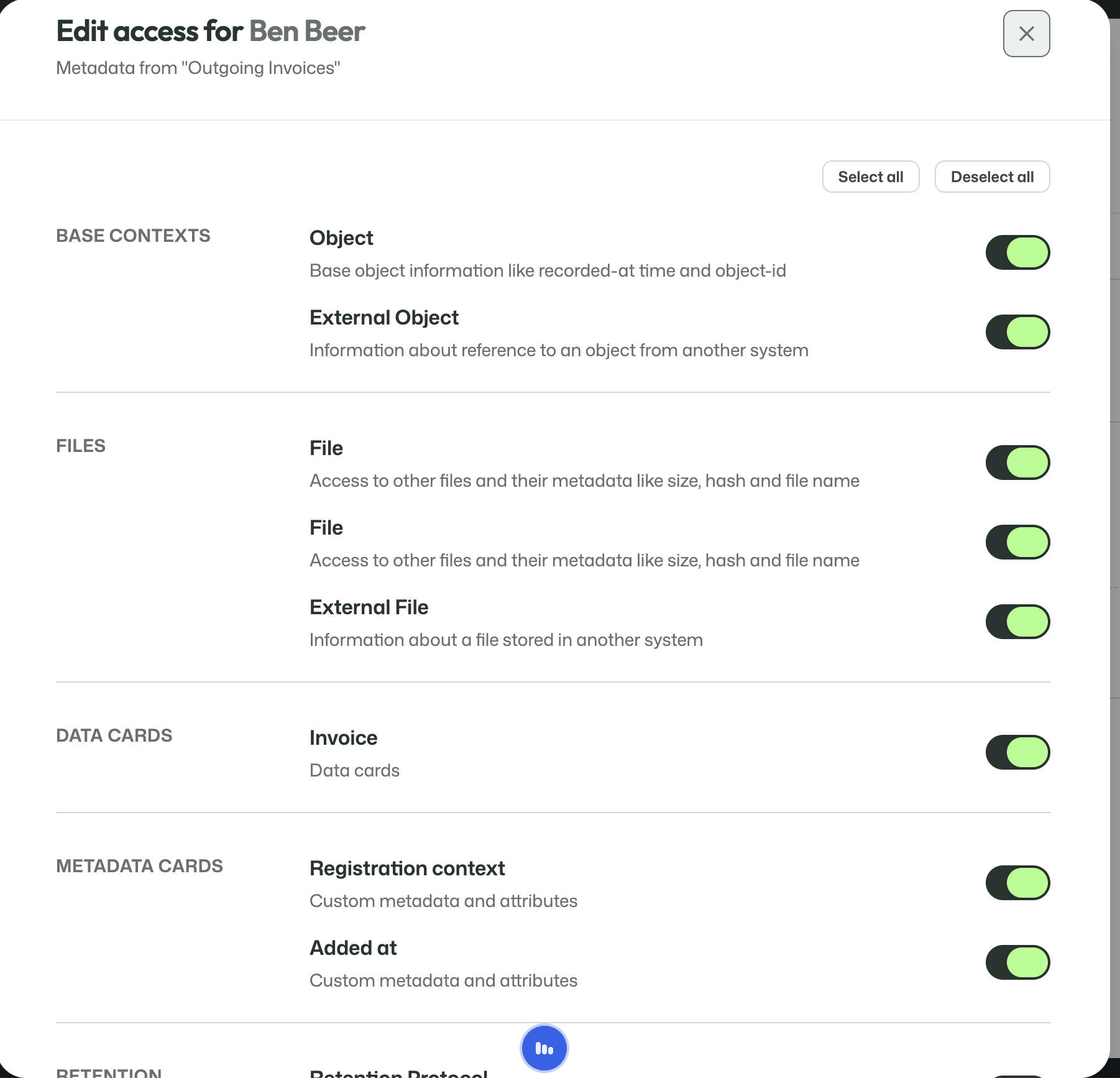
This allows visibility to be split out down to the attribute level across:
- base contexts;
- files;
- Data Cards;
- Metadata Cards;
- retention-related information.
That means an operator can be given exactly the information they need, and no more.
The workspace itself is documented separately because it is a different perspective: not stream configuration, but day-to-day use.
Workspace
The View in workspace button opens the user-facing side of the stream.
That is where users search, inspect, and work with the real archived data that has been uploaded into the stream.
The workspace should still be documented separately, because it is no longer about stream configuration but about day-to-day use.