
Getting started guide
A print-friendly introduction to how ArQiver is structured and how people and roles are set up.
Introduction
ArQiver asks organisations to define structure, roles, and context up front.
That takes some care at the beginning, but it reduces ambiguity later and helps keep governance, privacy, and day-to-day work clear and manageable.
How ArQiver is structured
ArQiver starts with an Enterprise Data Space. Within that dataspace, work is separated into Domains.
Inside each domain, ArQiver distinguishes between two closely connected layers:
- a
design layer, where cards, lifecycle rules, and stream definitions are prepared; - a
runtime layer, where real archived data is processed and used.
Roles do not sit as a separate level in that hierarchy. Instead, they work across those layers. Some roles are focused on structure and governance, while others are focused on operational use.
For the full background page, see Understanding the ArQiver hierarchy.
Roles and responsibilities
ArQiver uses an active-role model. A user may hold multiple roles, but the portal always works from one active role at a time.
This is intentional. ArQiver keeps responsibilities, domains, and governance contexts separate so users do not accidentally act from the wrong context.
Typical roles
Dataspace Admin: enterprise setup and top-level ownershipDataspace Owner: domains, structural roles, and higher-level governanceDomain Owner: structure and responsibility within one domainProduct OwnerandProduct Manager: stream and product accountabilityArchive Officer,Privacy Officer,Maintenance Officer: review and control rolesMember: contributes to setup under governanceOperator: works with active data in the workspace
Role switching
One user can hold multiple roles, and those roles may differ per domain.
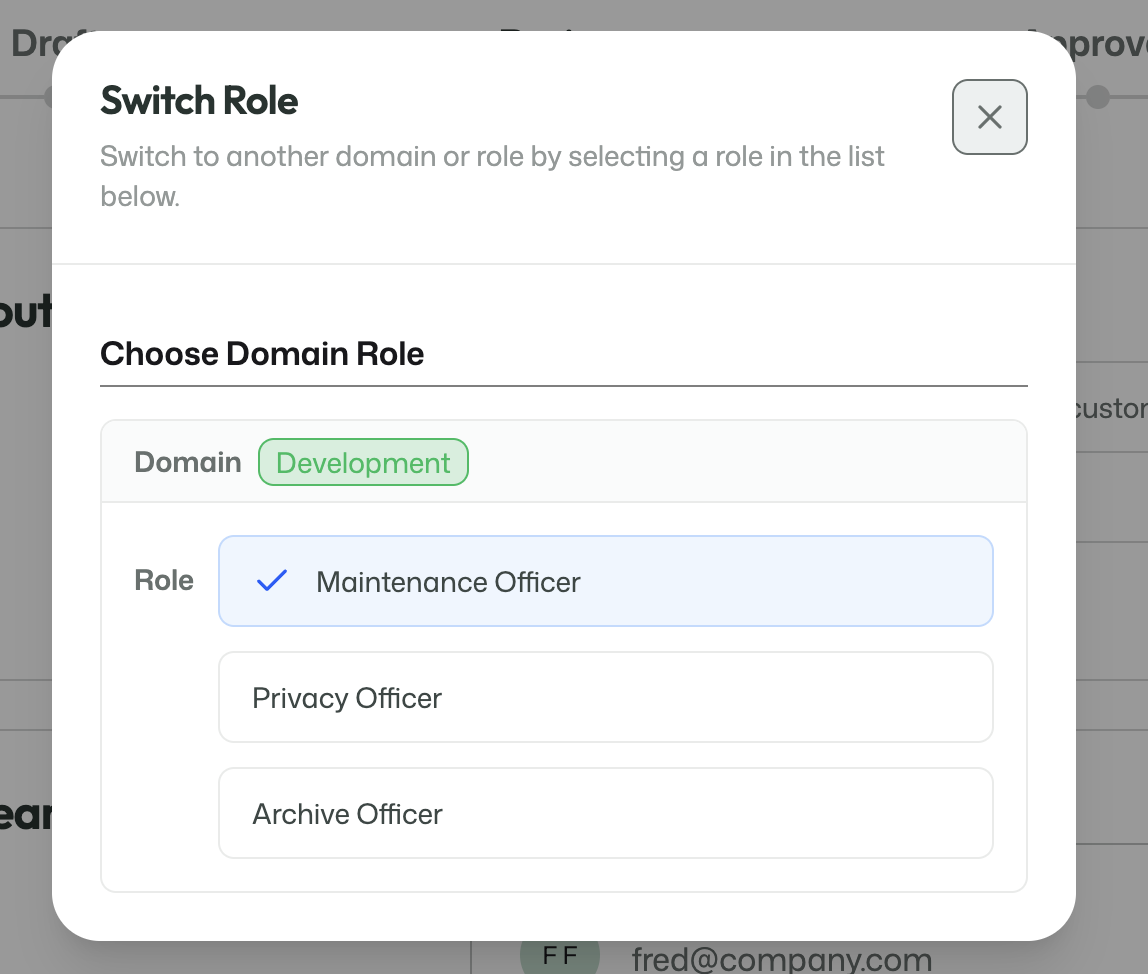
The role switcher shows the roles available to the signed-in user.
When a user switches roles, the visible navigation, available features, and allowed actions change with that role.
For the full overview, see Roles and responsibilities.
Creating a usable domain context
Domain-level roles only become meaningful once the right context exists.
In practice, that usually means:
- a dataspace already exists;
- a
Dataspace Ownercreates a domain; - a
Domain Owneris assigned to that domain; - after that, additional domain-level roles can be assigned and used in a meaningful way.
That flow is documented in more detail on Assigning roles in a new domain.
Demo environment
In the demo environment, ArQiver starts with a special sign-in page that offers fictive users.
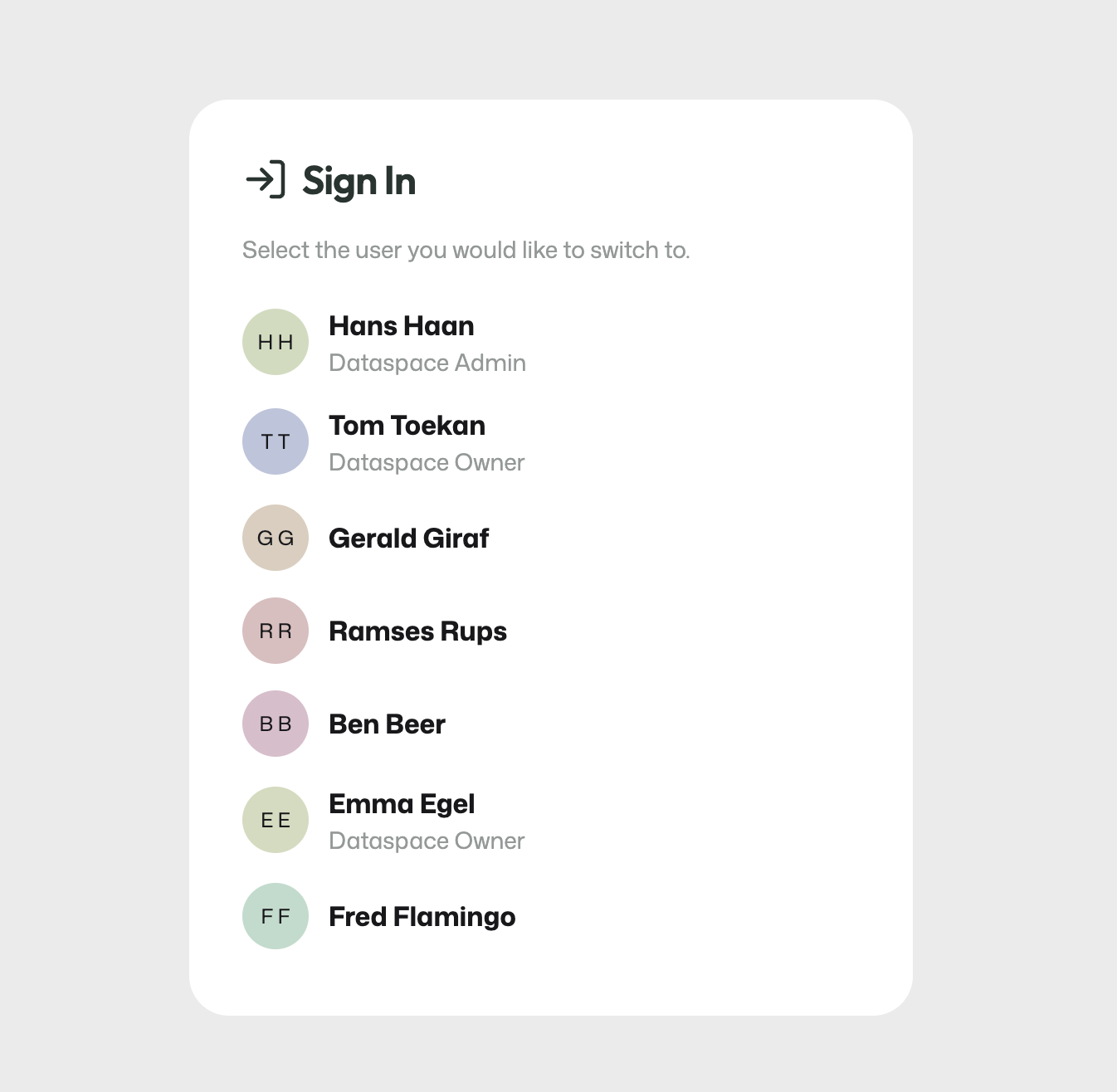
The demo sign-in page is only used in the demo environment.
This is only meant for demonstration and testing. In a production environment, users sign in with their own account and do not see this page.
The demo environment may also reset after a restart or update. Changes made there are not intended to be permanent.
Next step
Once the structure, roles, and domains are in place, the next step is to configure the portal itself.
Continue with the Portal setup guide.