
Portal setup guide
A print-friendly guide for configuring ArQiver from dashboard to published stream.
Overview
This guide covers the setup phase of ArQiver:
- dashboard and navigation
- user and domain management
- metadata cards
- data cards
- retention and records management
- stream creation, review, approval, and publishing
Dashboard
The dashboard is the main starting point for working in the portal.
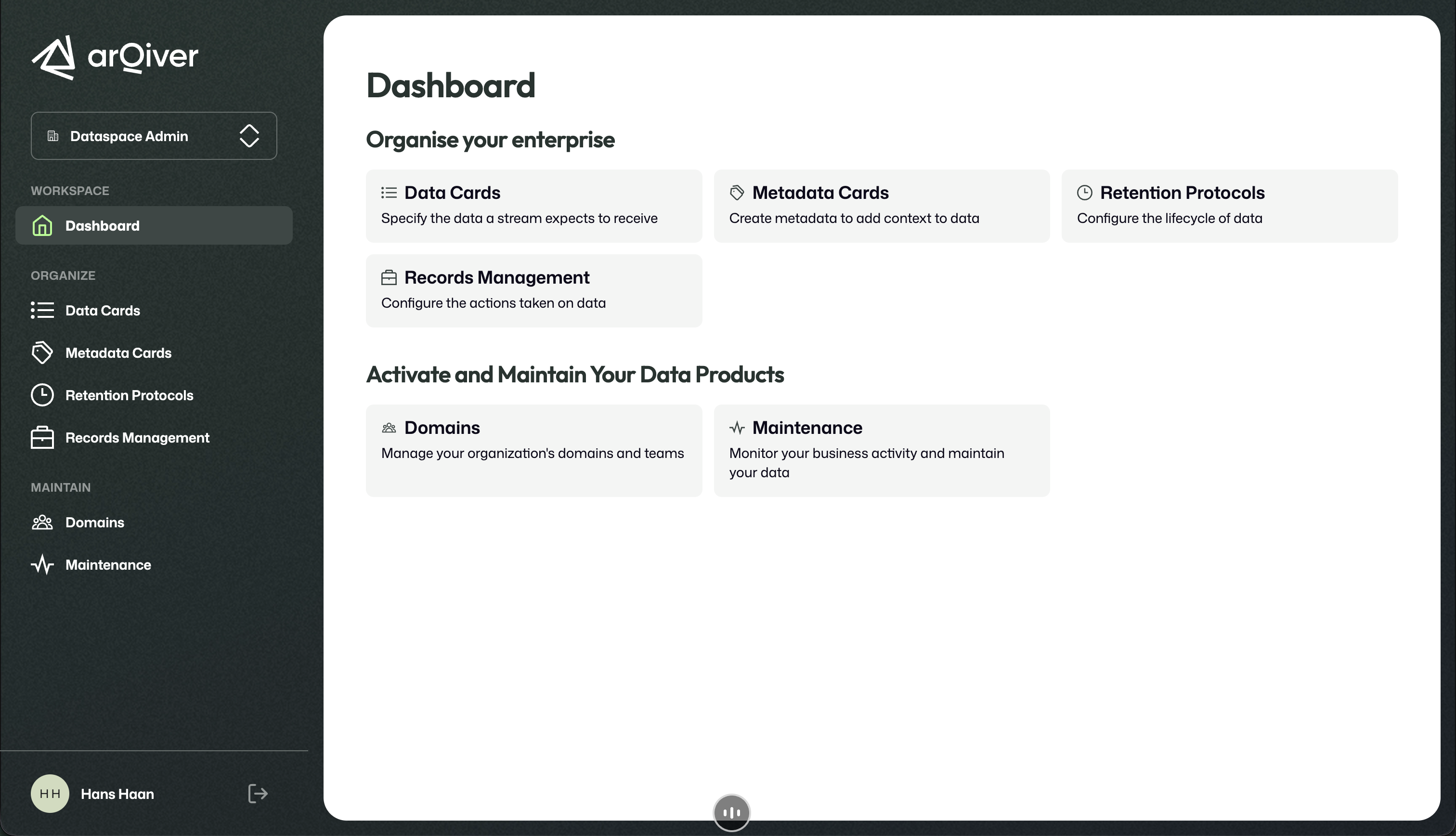
The dashboard groups the most important setup and maintenance areas.
What a user sees here depends on the currently active role.
User and domain management
User and domain management is where the structure of the organisation is maintained.
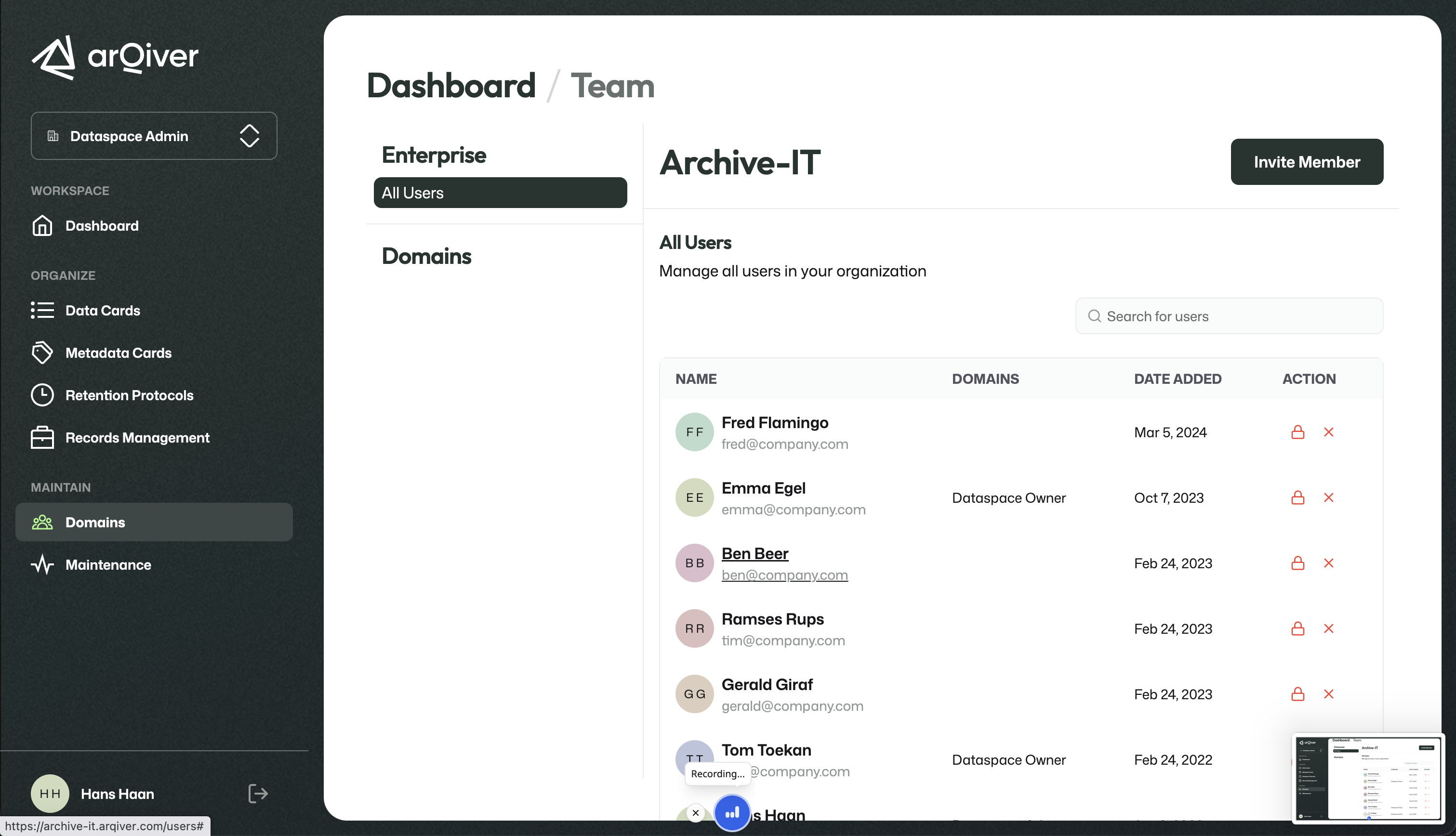
Users, roles, and domains are managed from one central place.
This is where domains can be created and users can be invited.
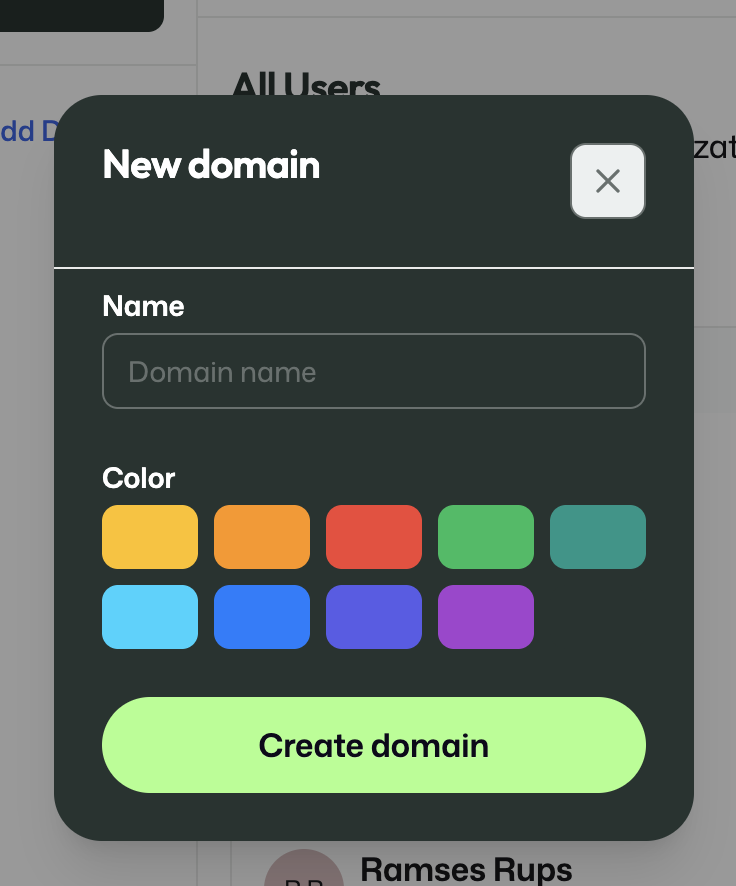
A new domain can be created by a Dataspace Owner.
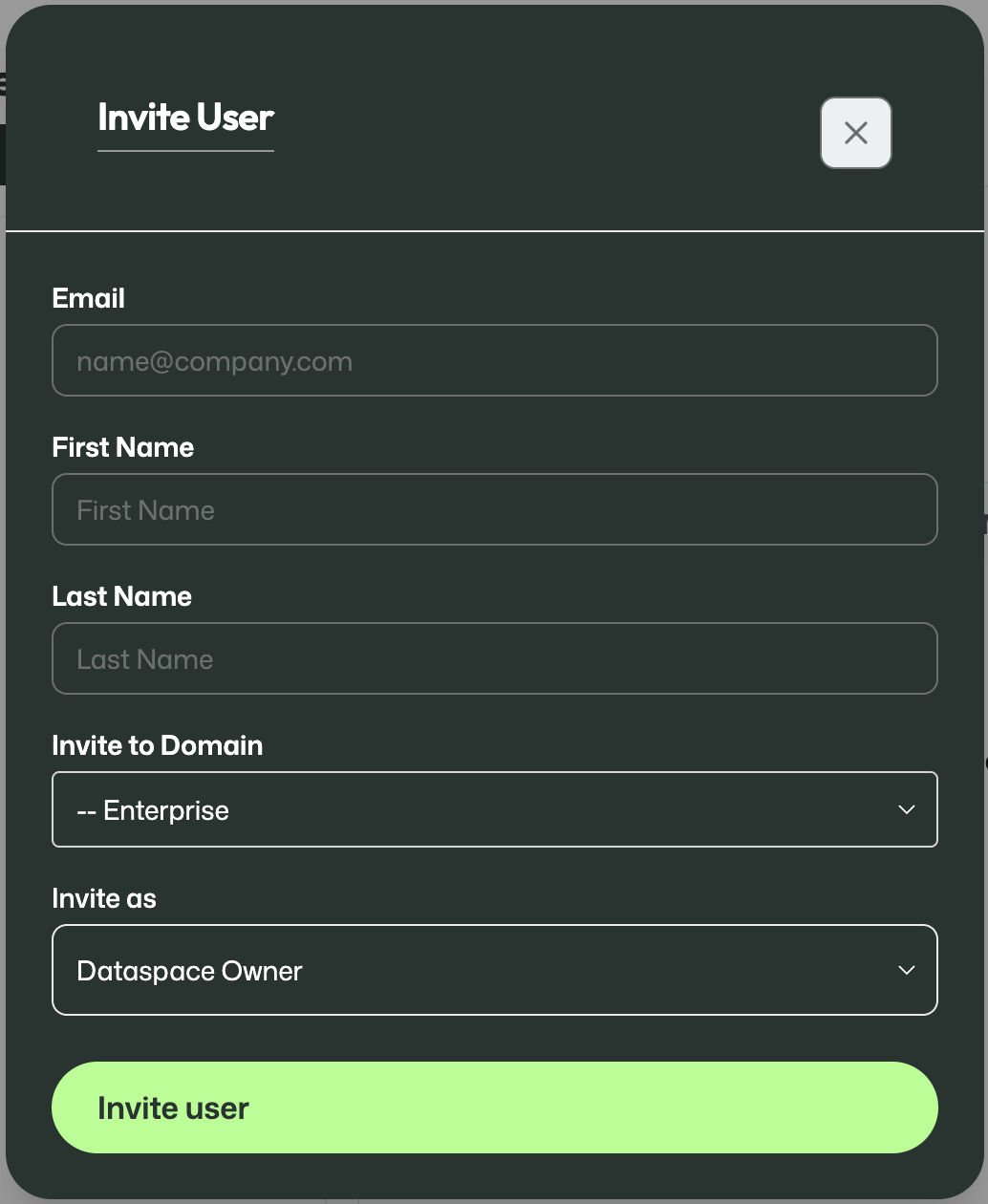
Users can be invited into the relevant context.
Important
Always use the first name and last name exactly as shown on the passport or other identification document.
Metadata Cards
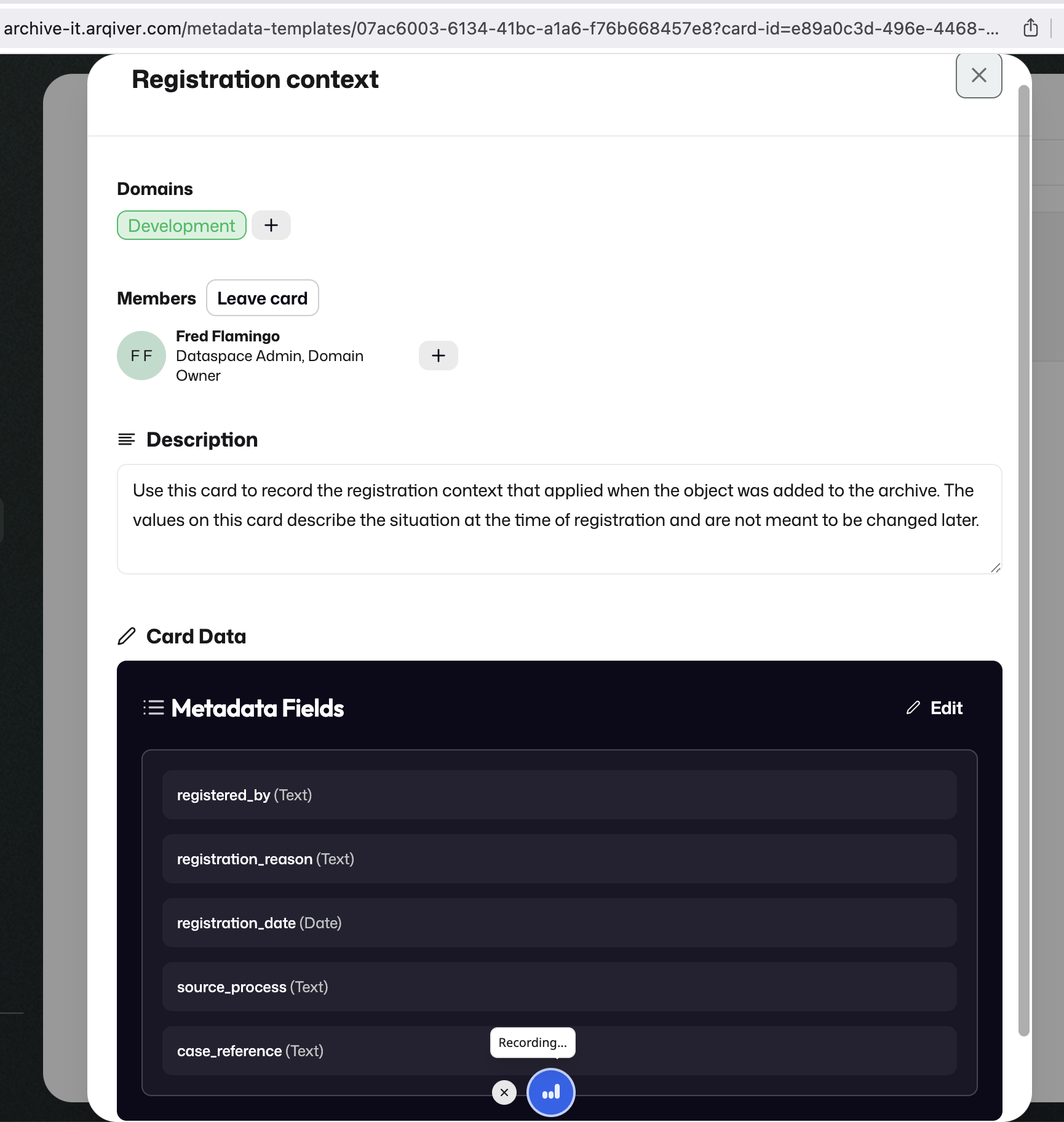
Metadata Cards are reusable building blocks in the design layer.
They define the metadata and context that later become part of a stream.
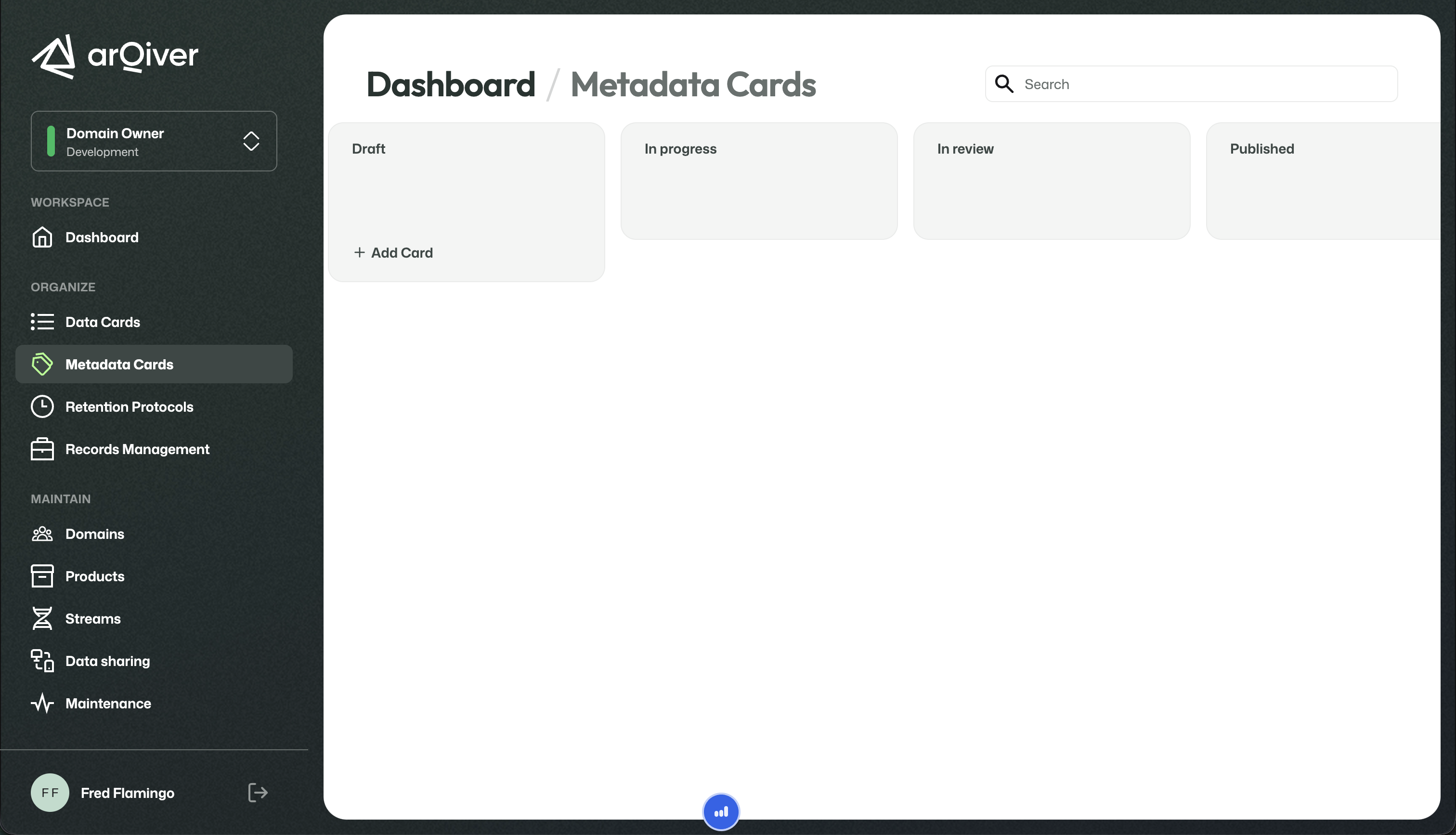
Metadata Cards define reusable metadata structures.
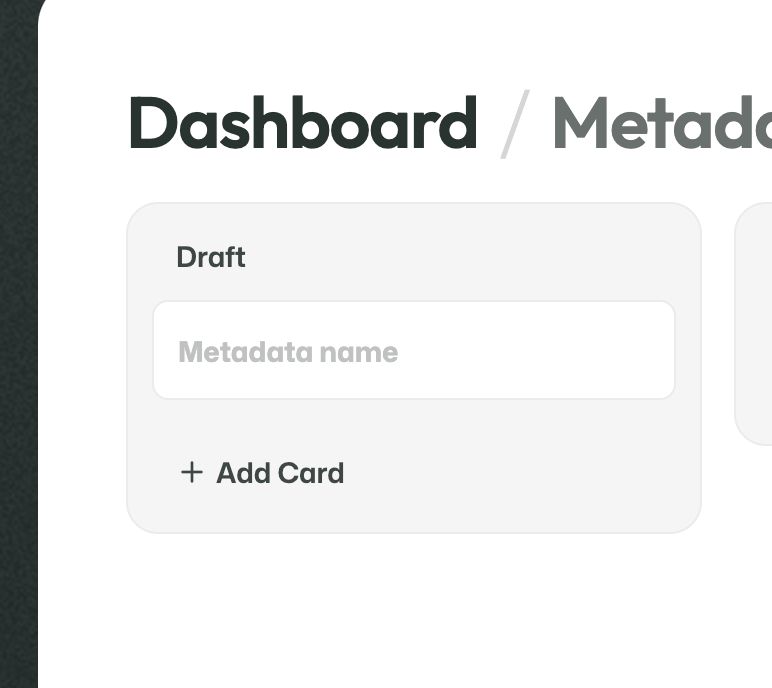
A new Metadata Card starts with a name and can then be opened to add domains, description, and fields.
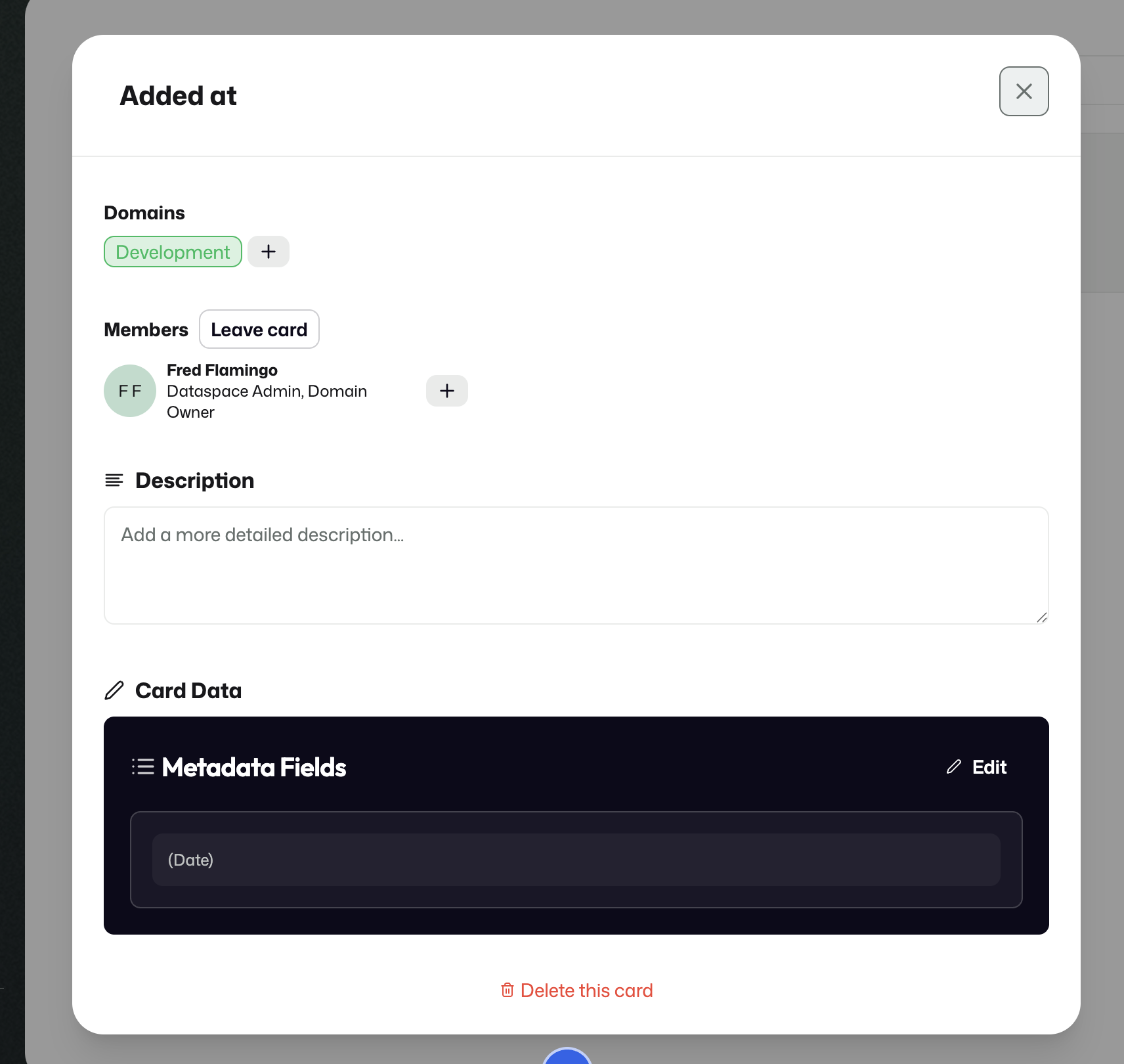
Fields are configured under Card data.
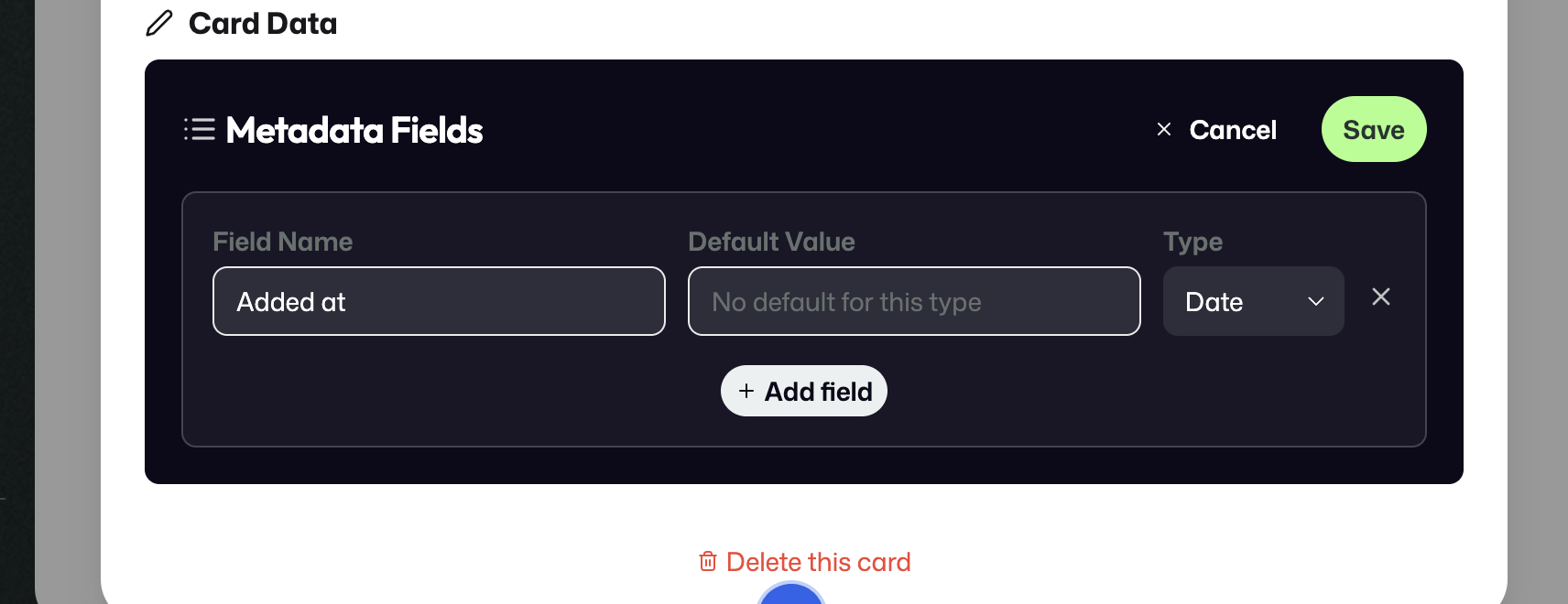
If the selected type supports it, a default value can be configured as well.
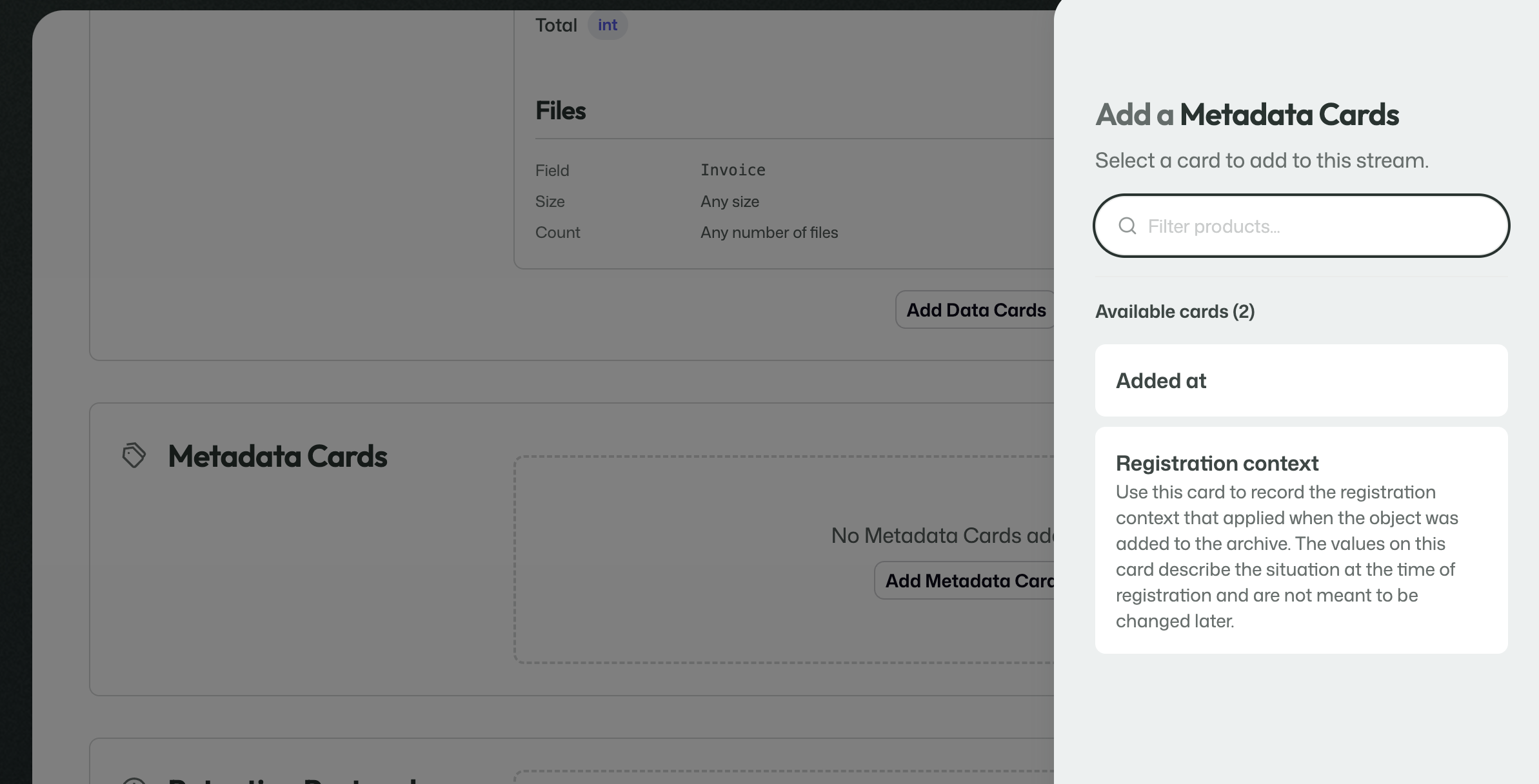
Some Metadata Cards can be treated as Mandatory Cards, which are automatically attached to every new stream.
Data Cards
Data Cards look similar to Metadata Cards, but they serve a different purpose.
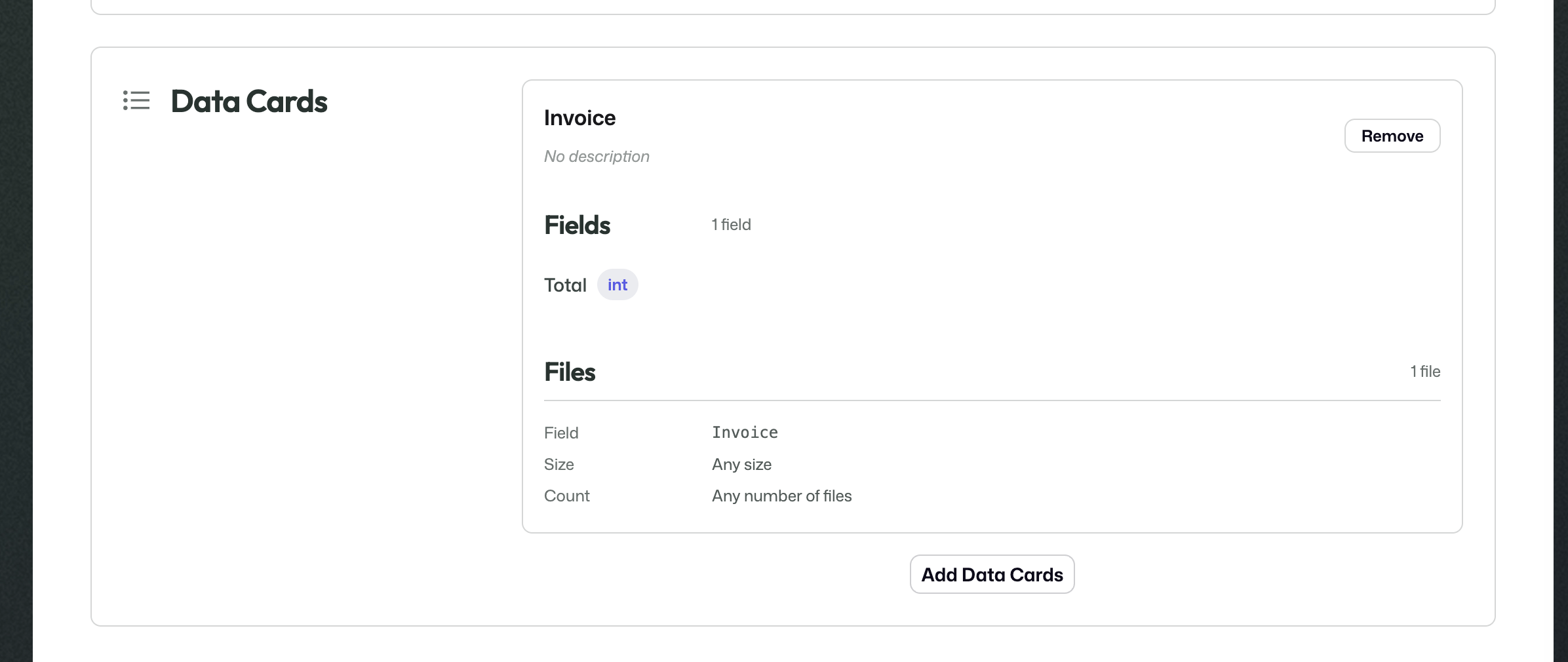
They define the actual incoming data that a stream expects to receive.
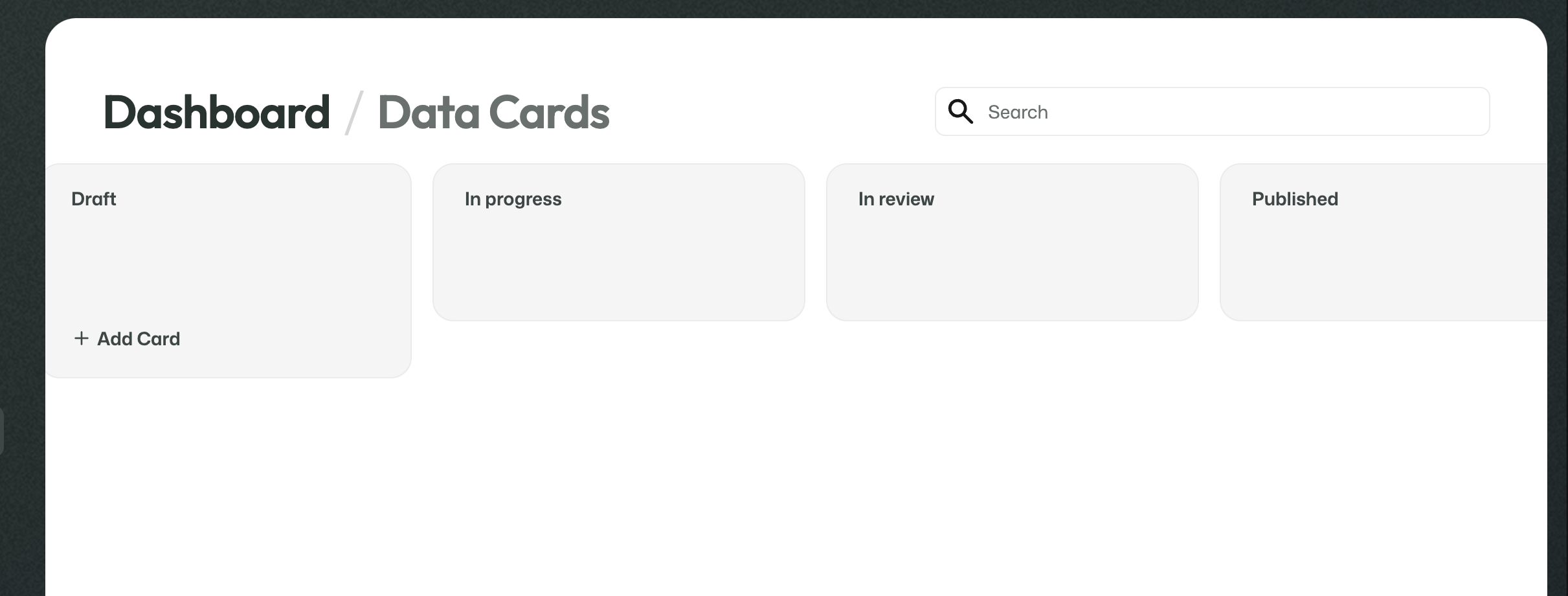
Data Cards describe the incoming payload of a stream.
This includes things like:
- how many files are expected;
- what kind of files they are;
- whether structured values should be received alongside the files.
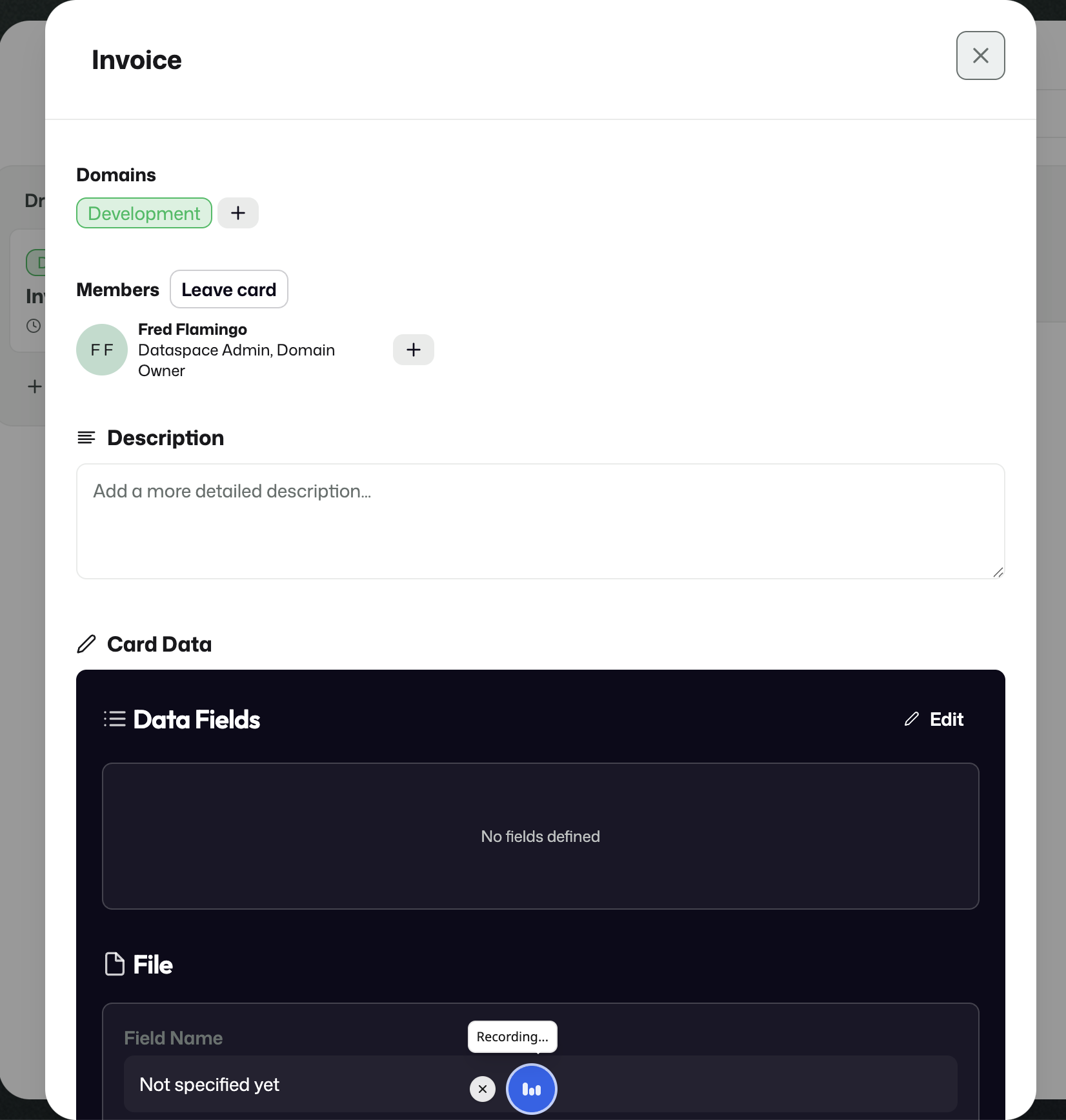
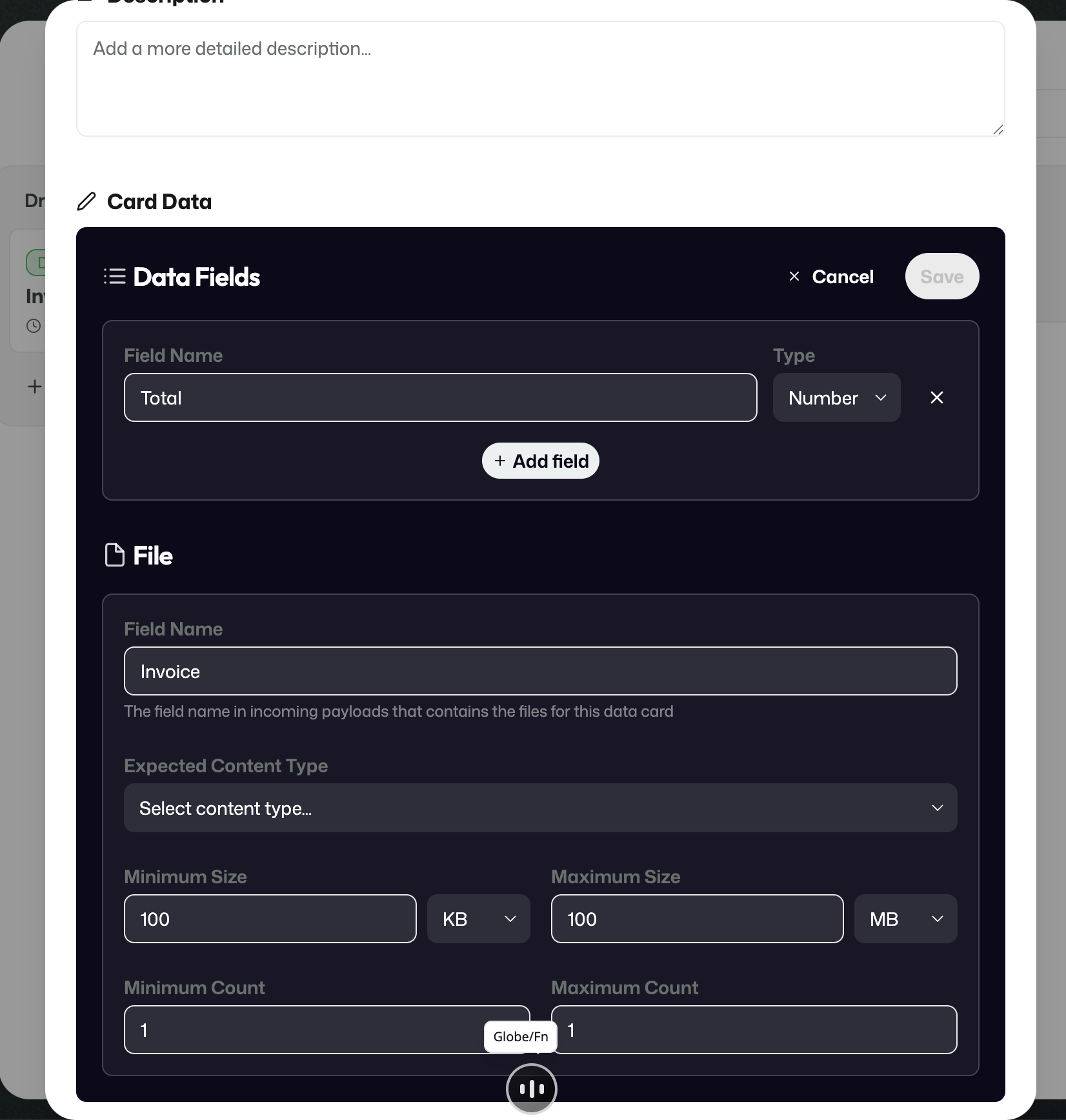
In the invoice example, the stream expects one invoice file plus structured values such as a total amount.
Retention Protocols
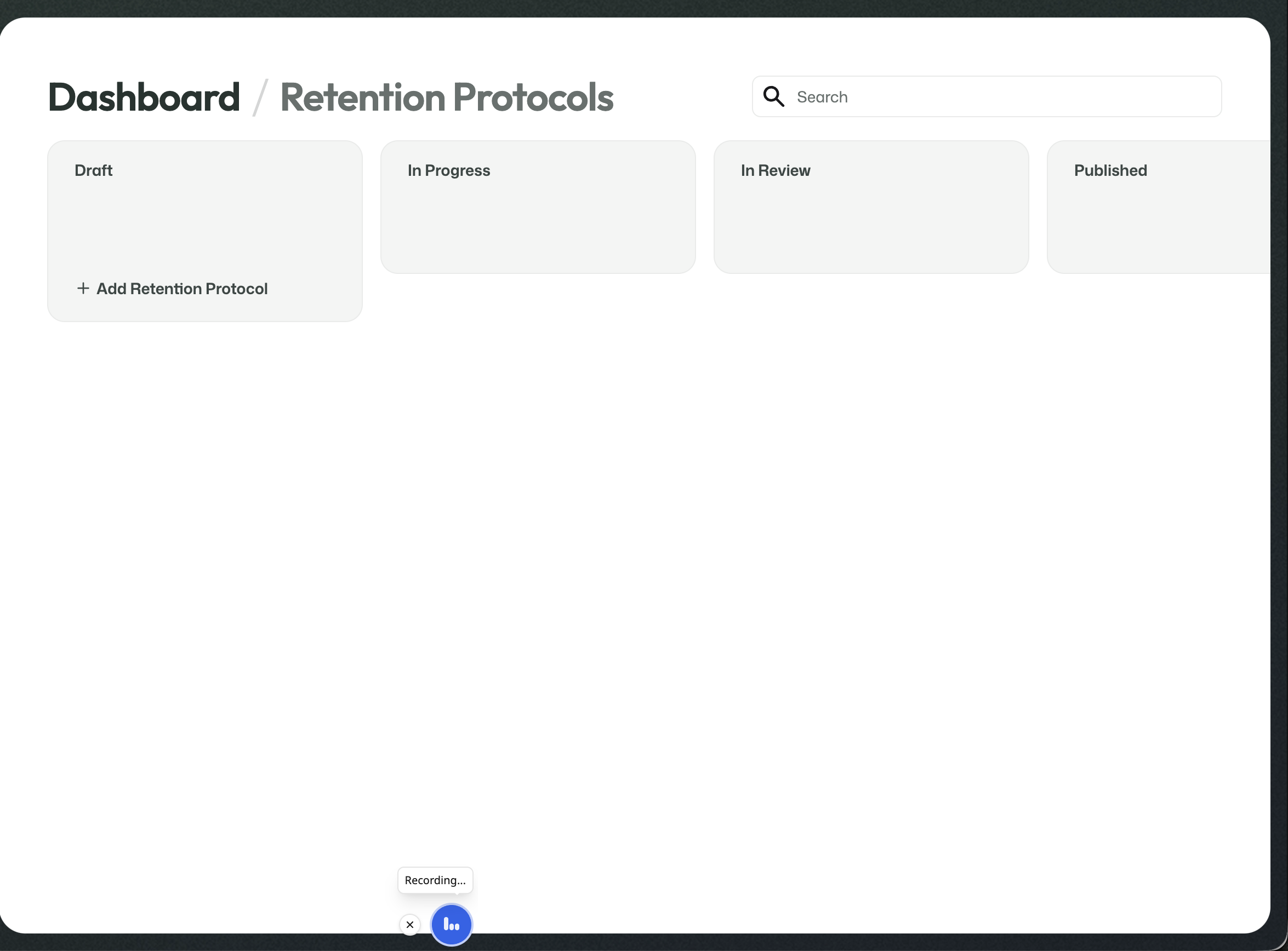
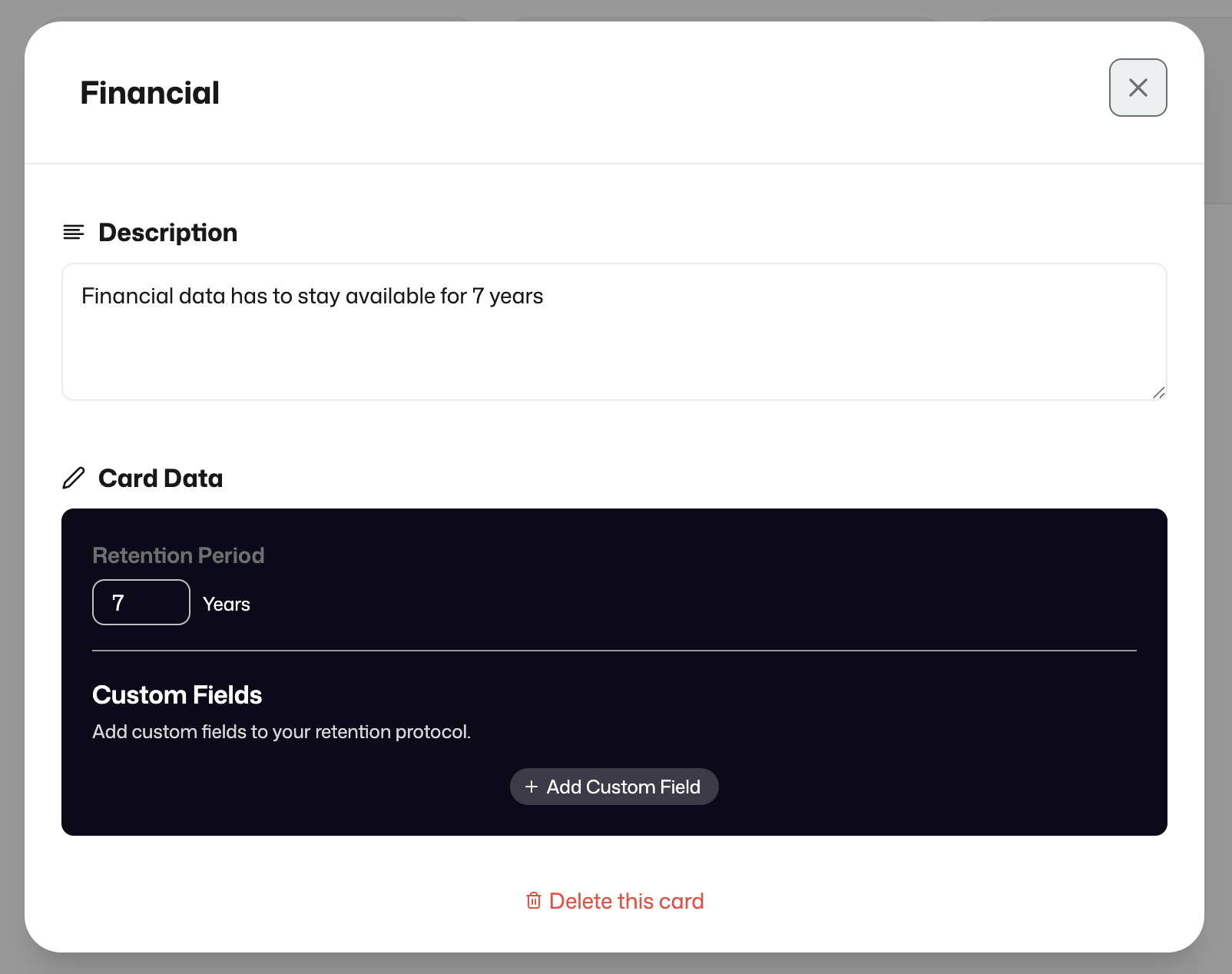
Retention Protocols define how long information should remain available in the archive.
Records Management
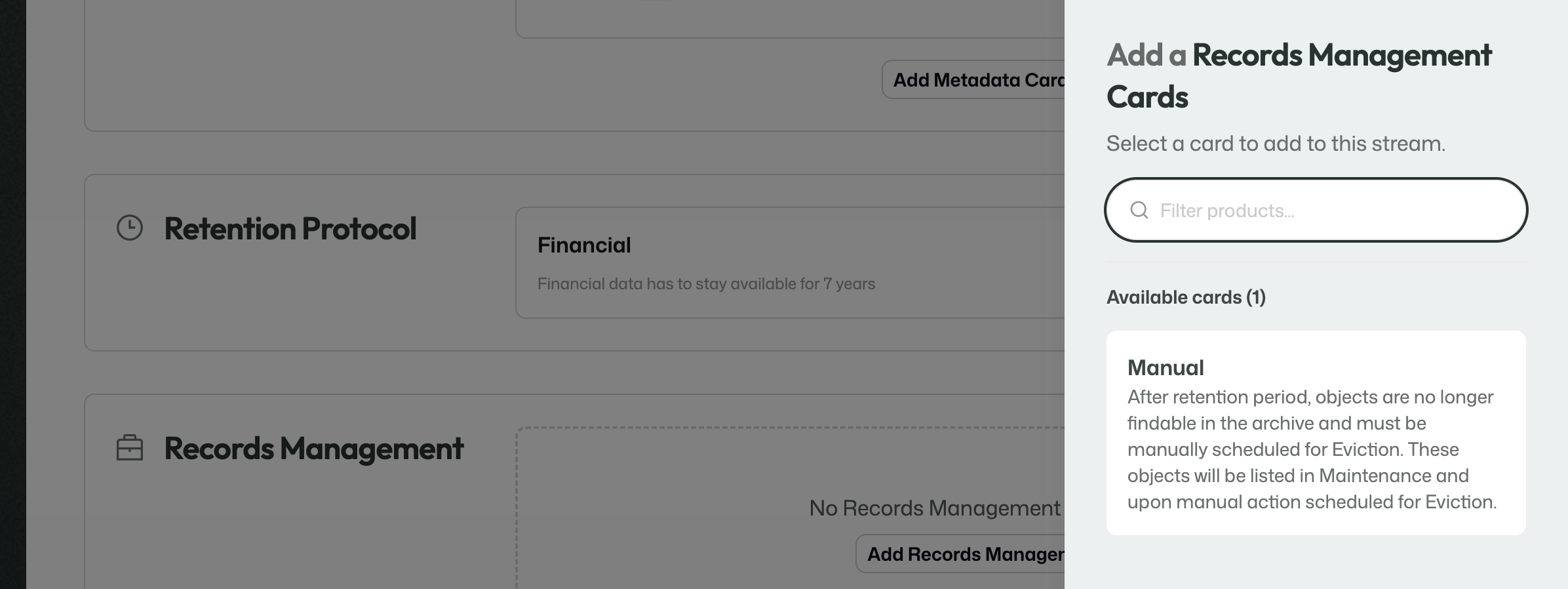
Records Management defines what should happen once the retention period has ended.
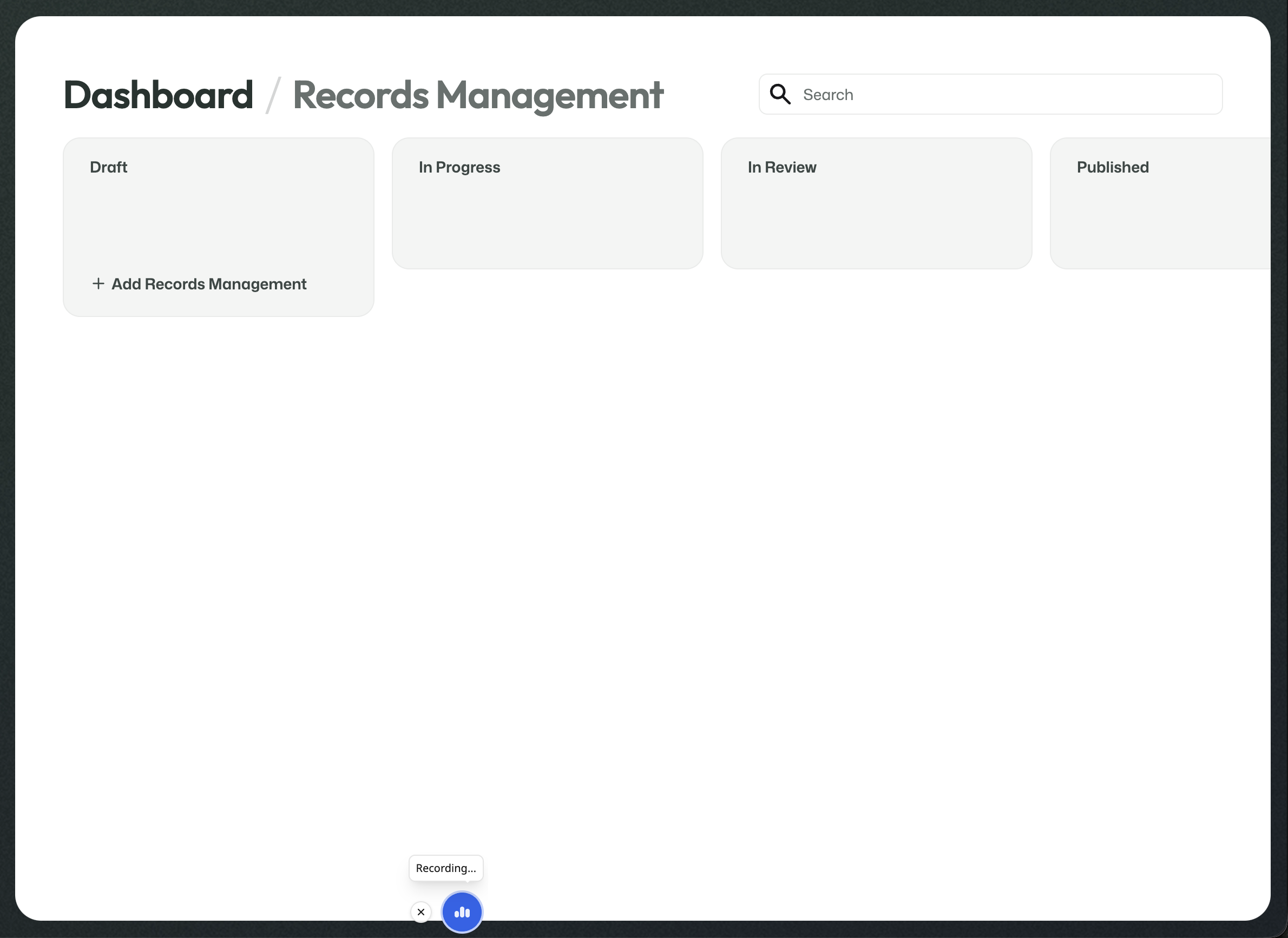
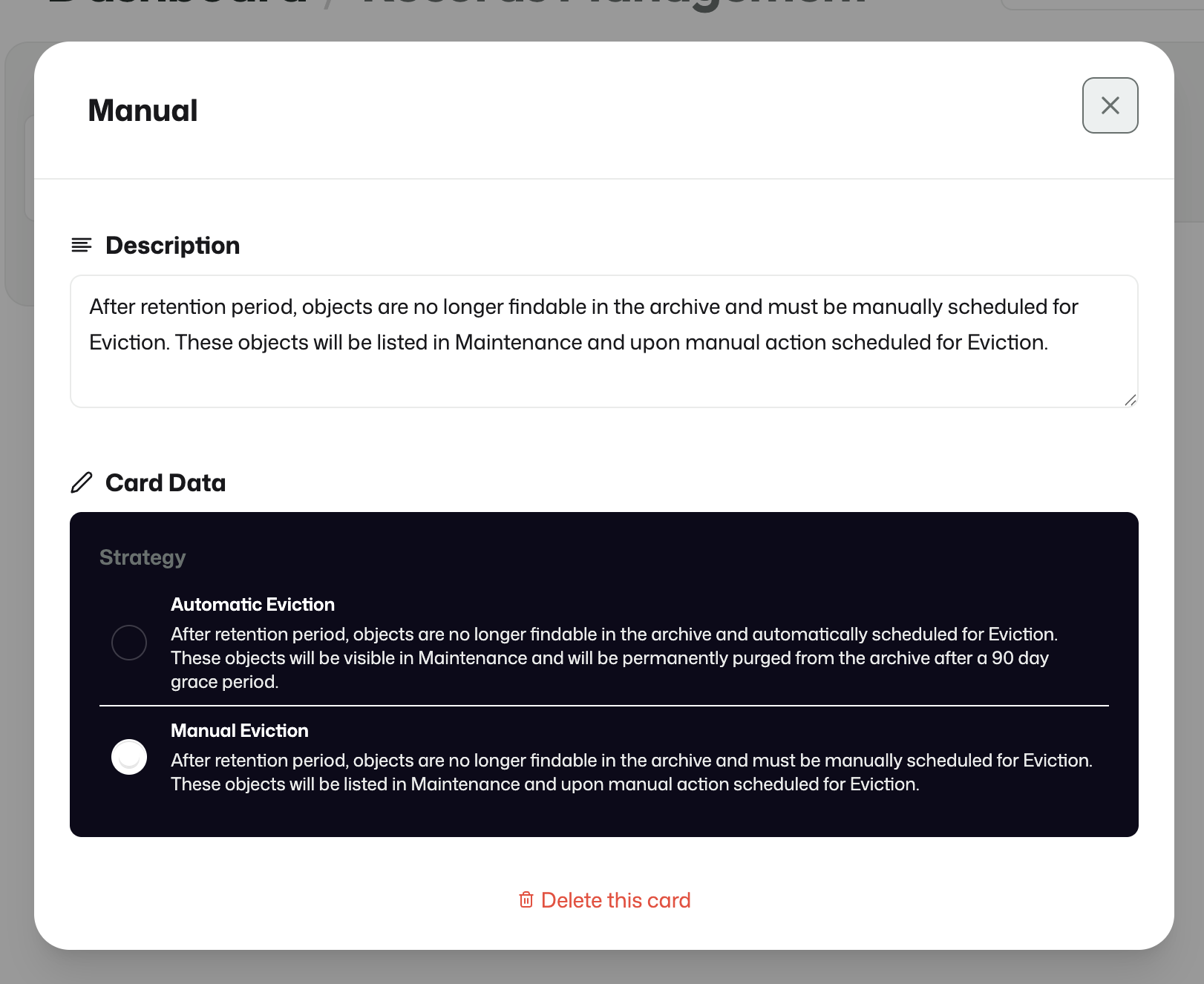
This can be configured as automatic removal or as a manual approval path for later eviction.
Streams
A stream brings all previously published building blocks together into something operational.
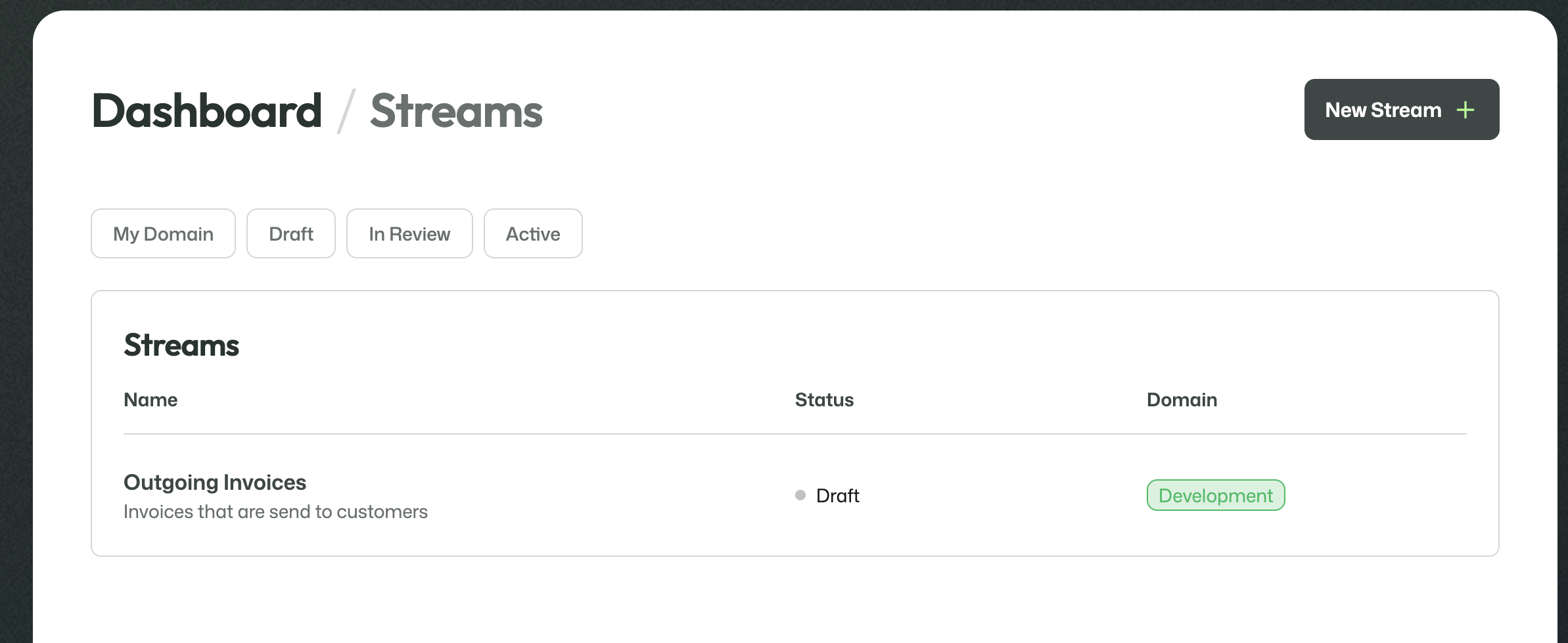
Stream setup
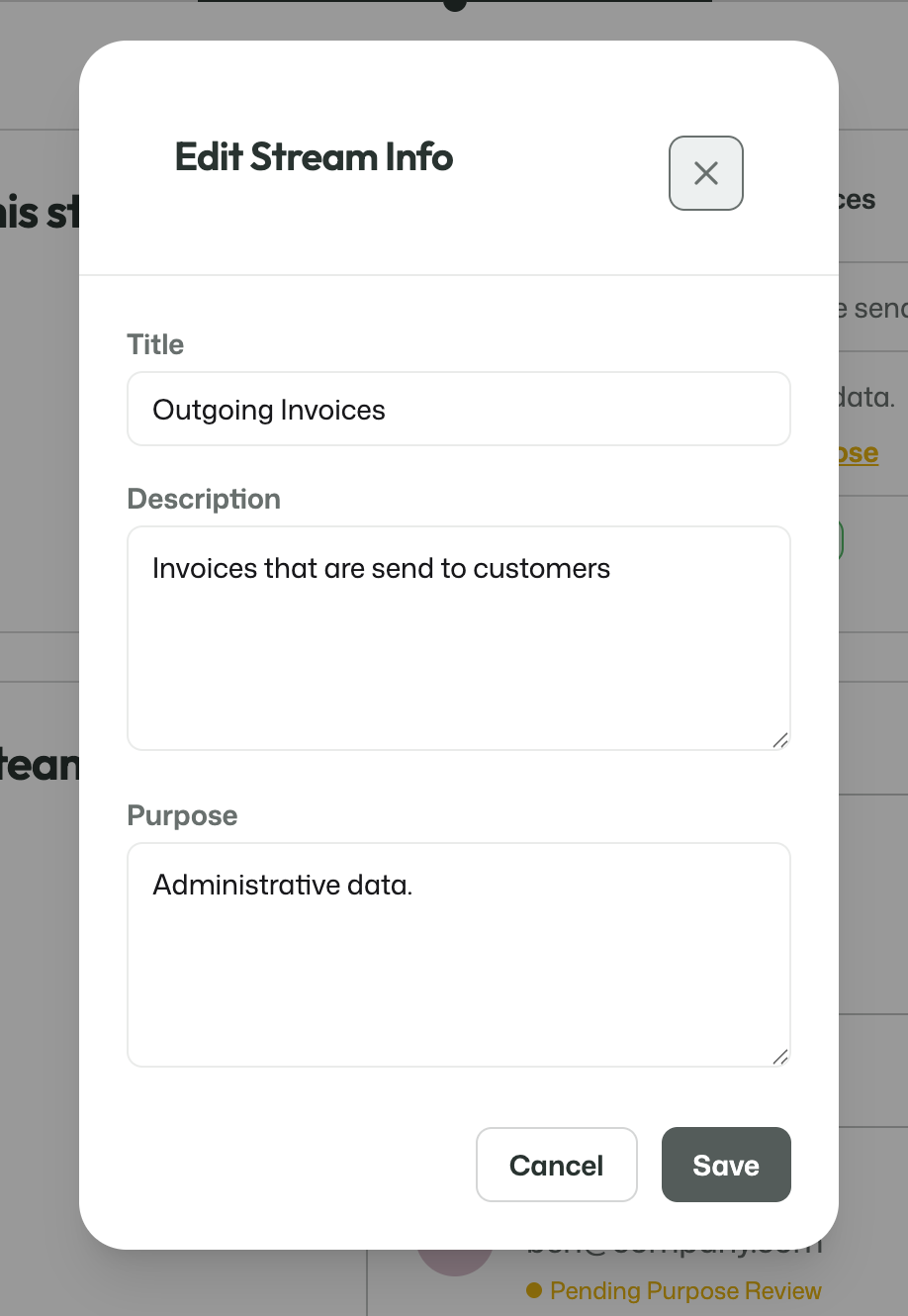
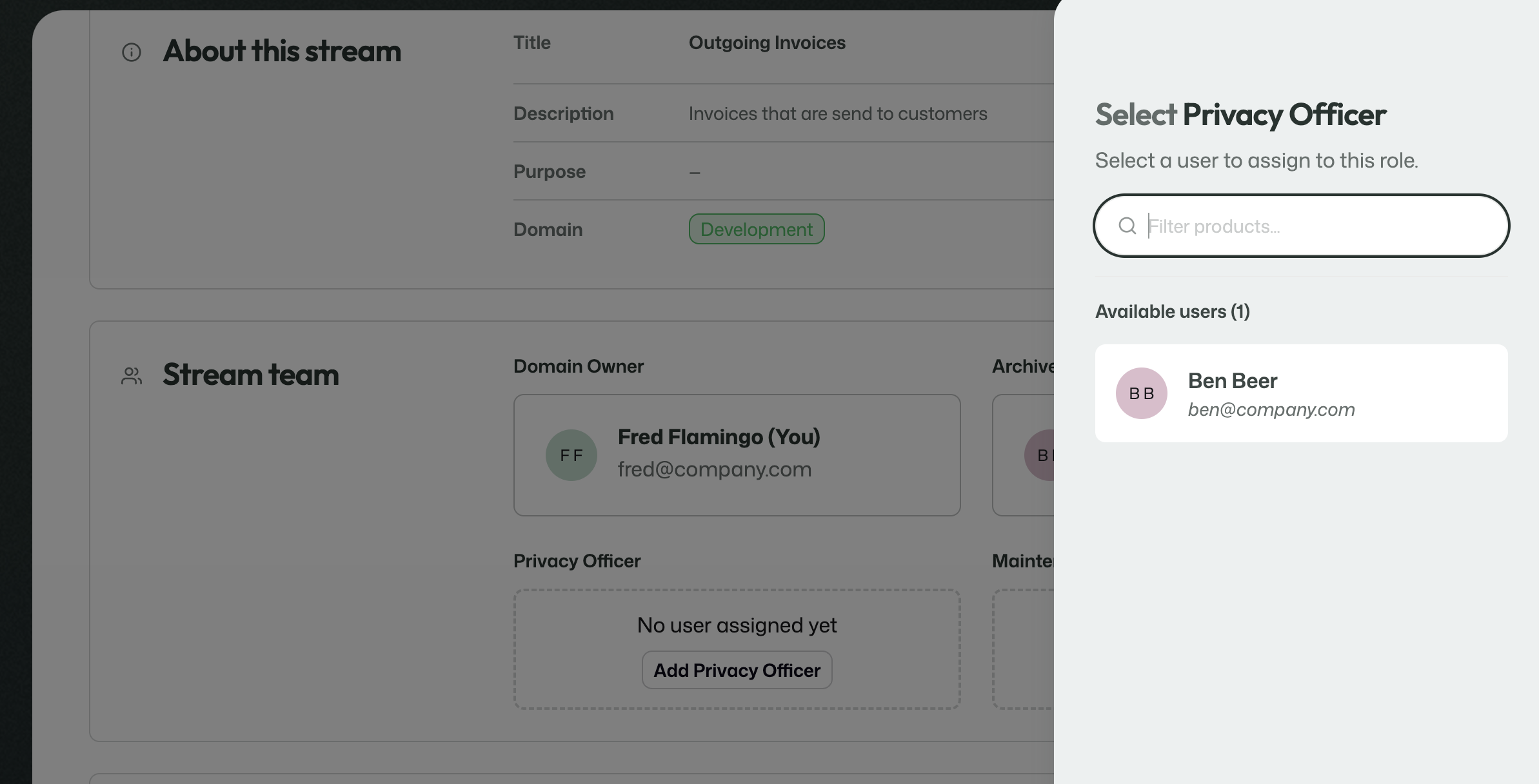
The stream contains:
- stream information
- stream team assignments
- Data Cards
- Metadata Cards
- Retention Protocol
- Records Management
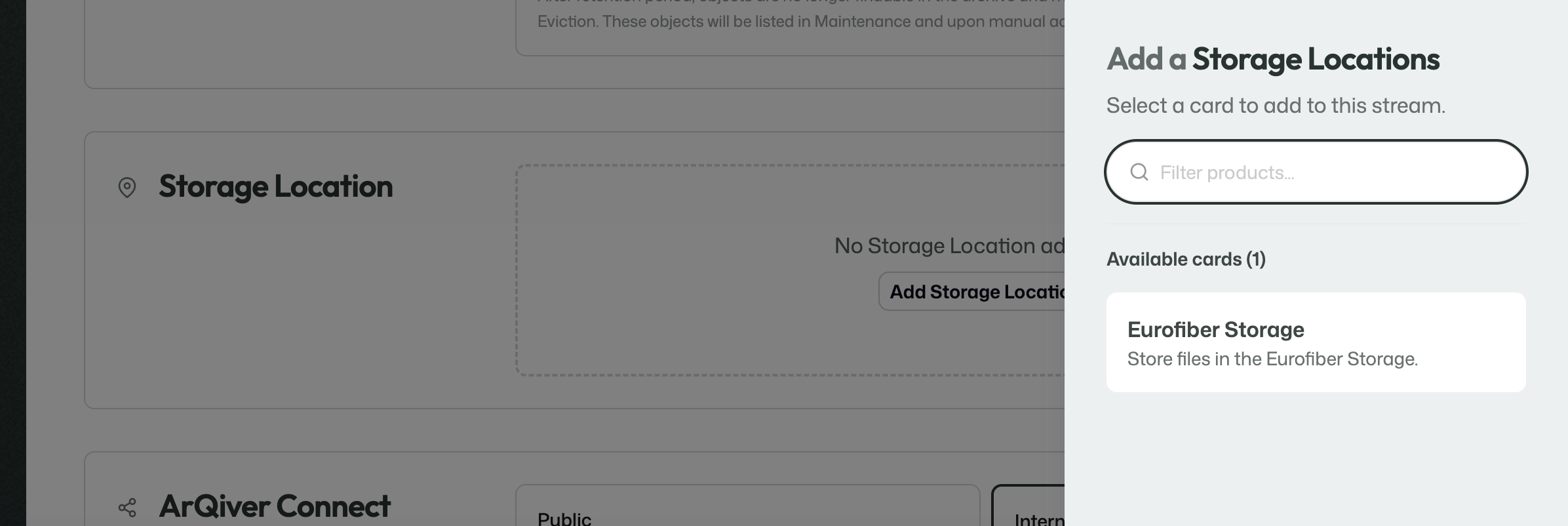
- storage location
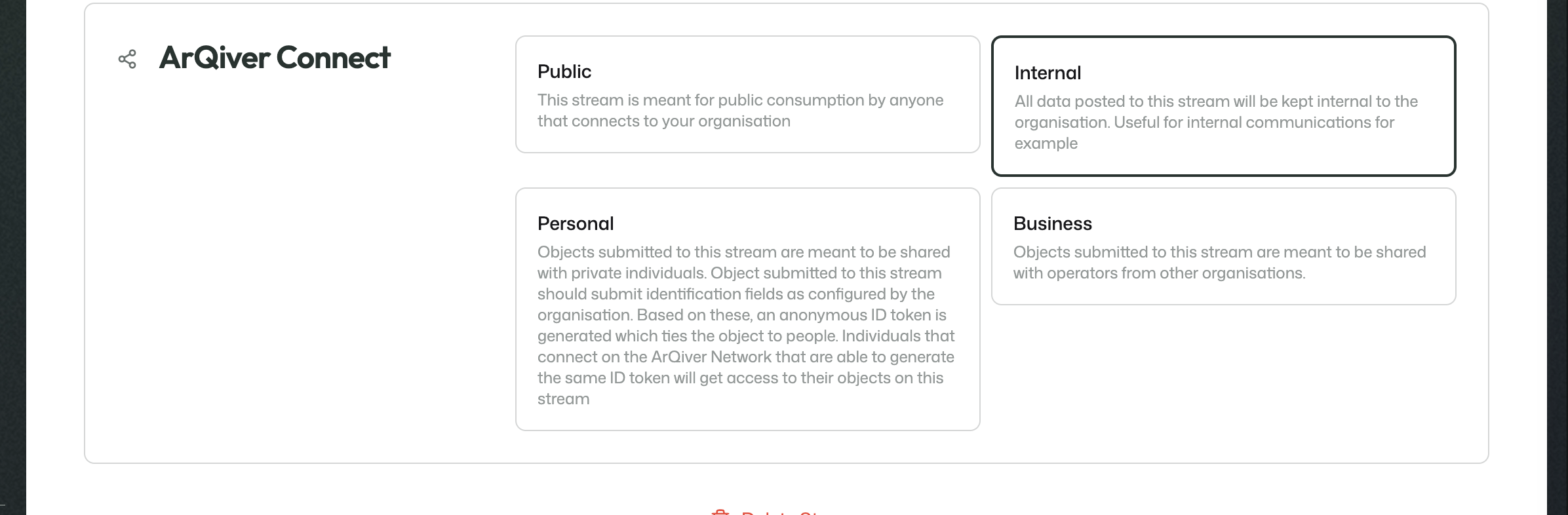
- ArQiver Connect mode

Review
Streams move through a more structured review flow than most other setup components.
During Review, the stream can still be changed.
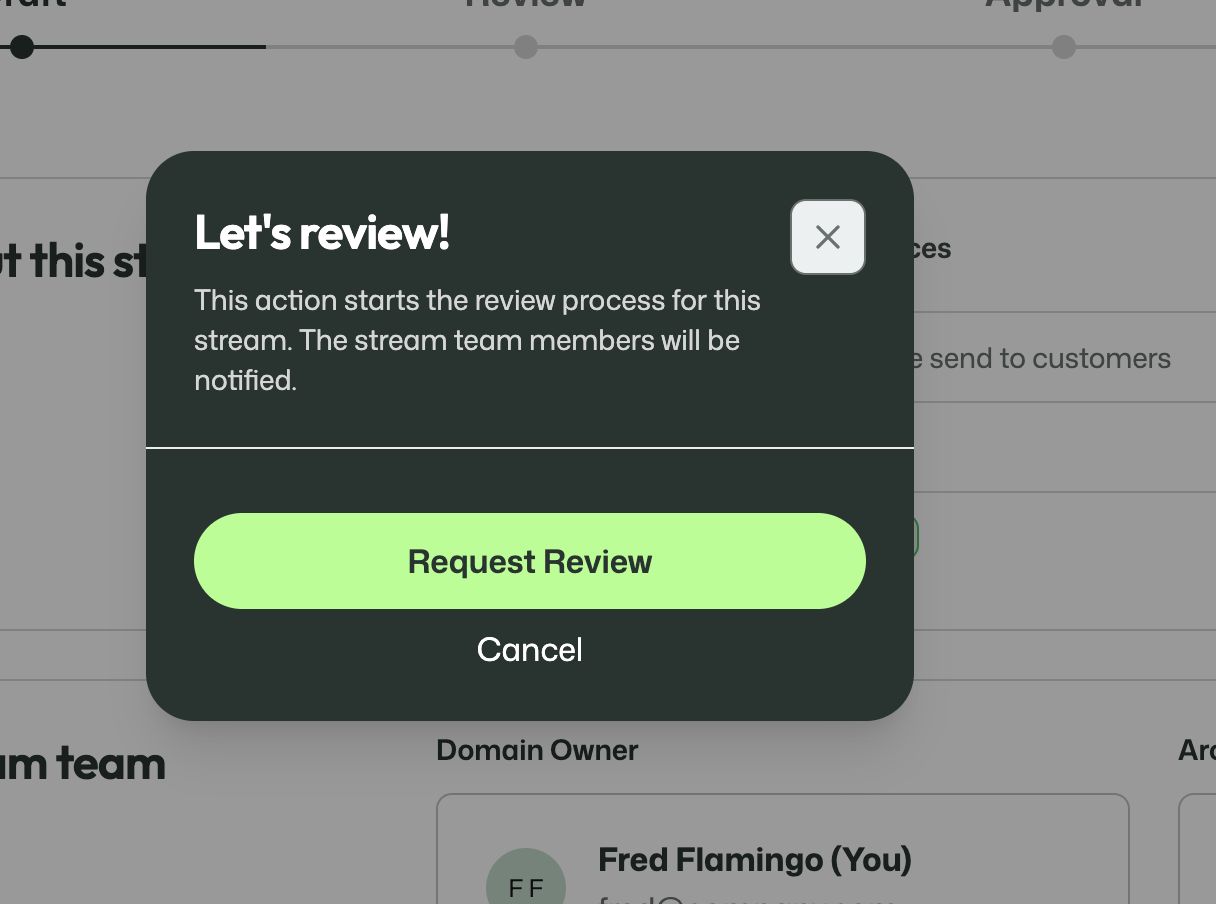
The Domain Owner can start the review and submit their own part.
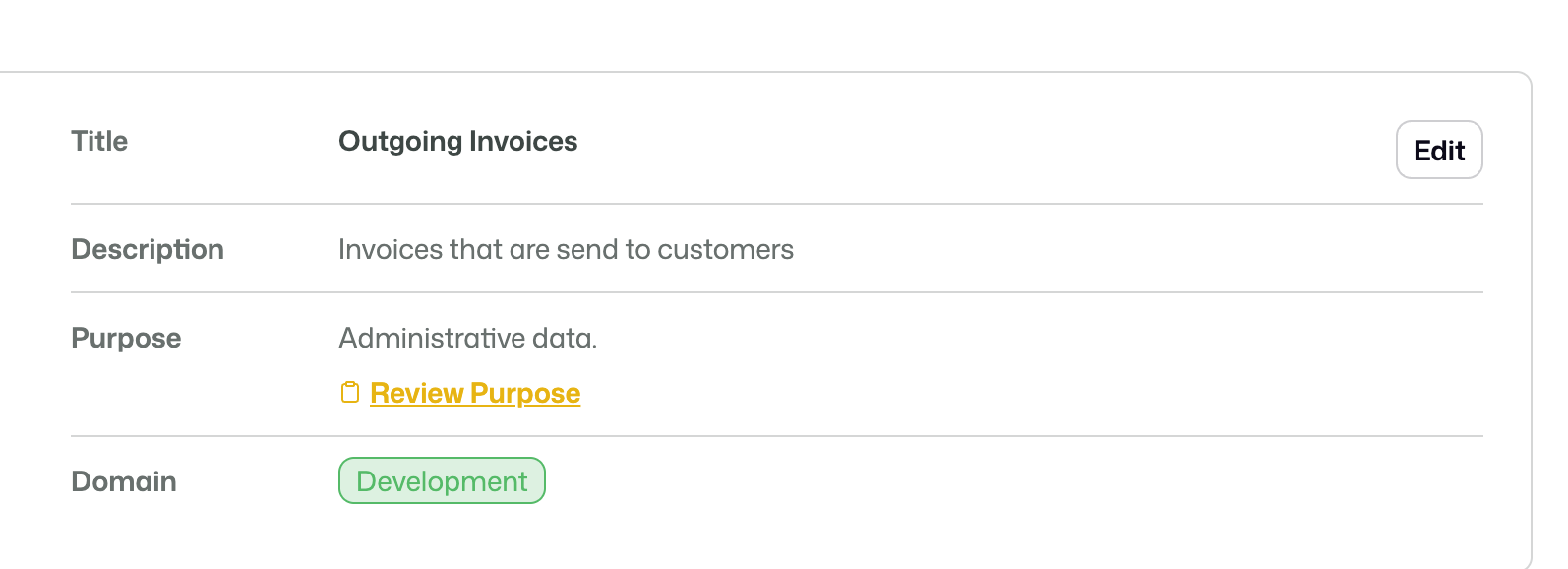
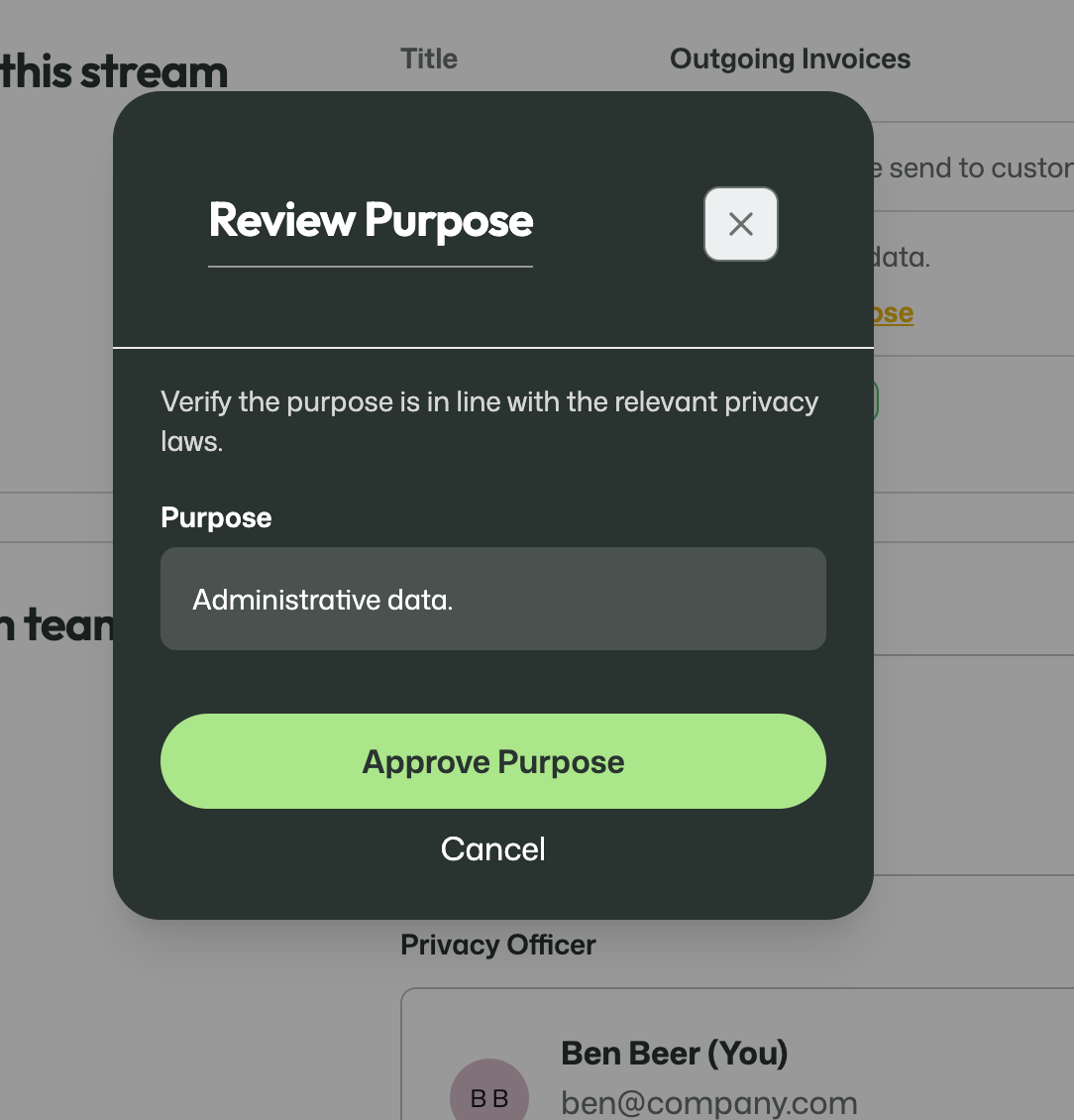
Other roles can review specific parts as well. One example is the Privacy Officer reviewing the stream purpose.
Approval
During Approval, the stream is no longer meant to be edited.
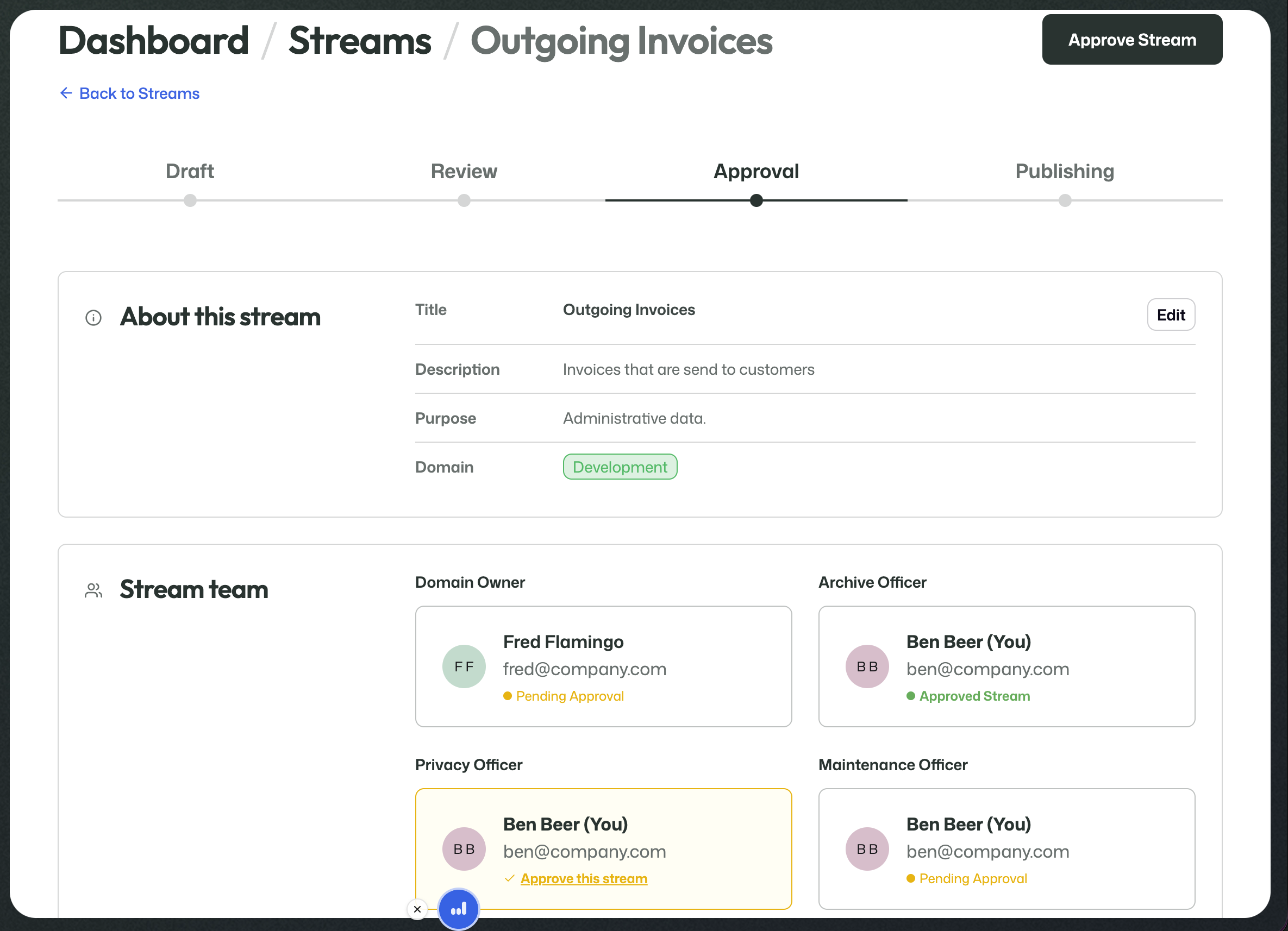
At this point, the work is to confirm the final state of the stream.
Publishing
Once the required approvals have been given, the stream moves to Publishing.
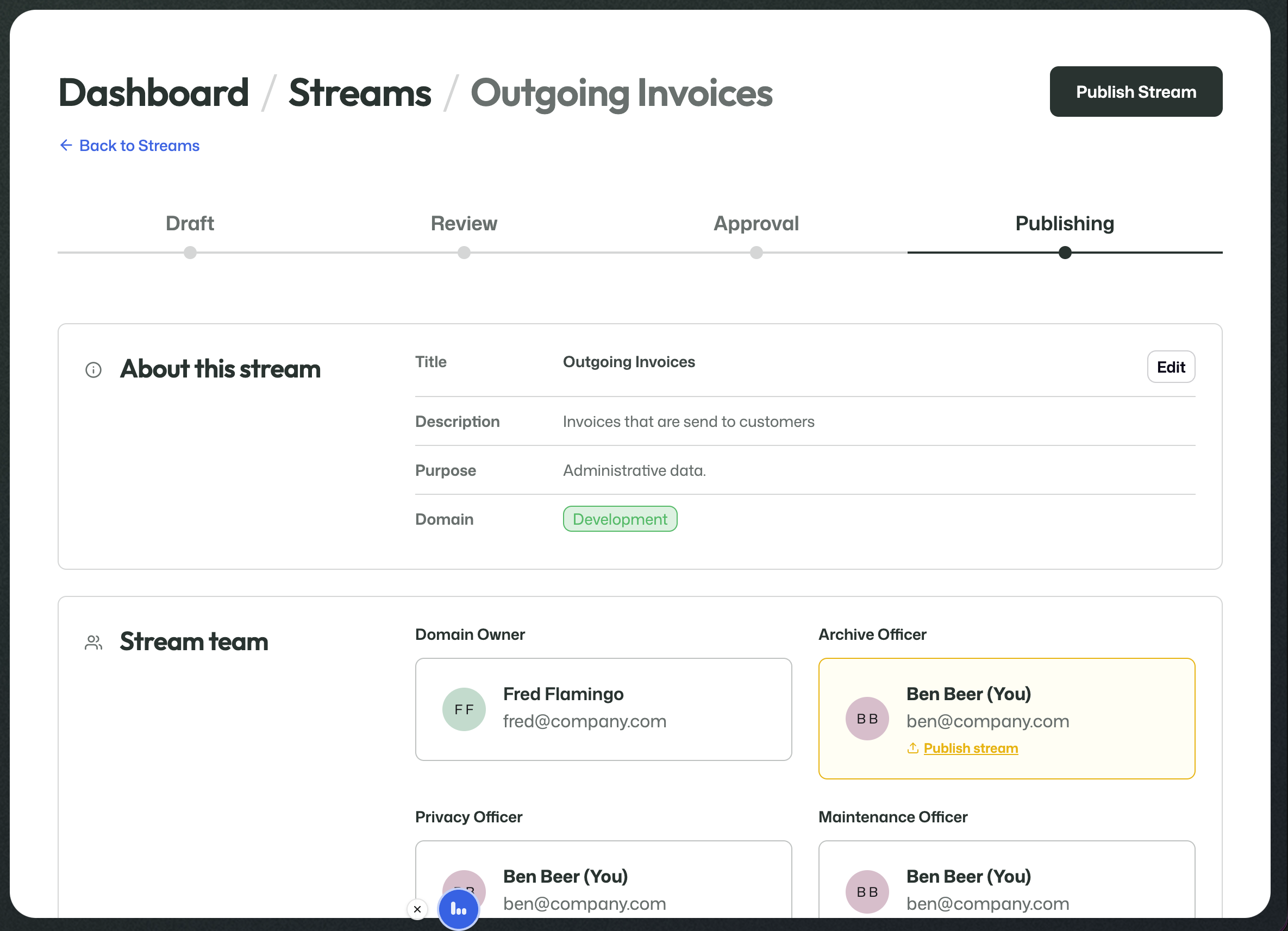
The Archive Officer can then perform the final publish action.
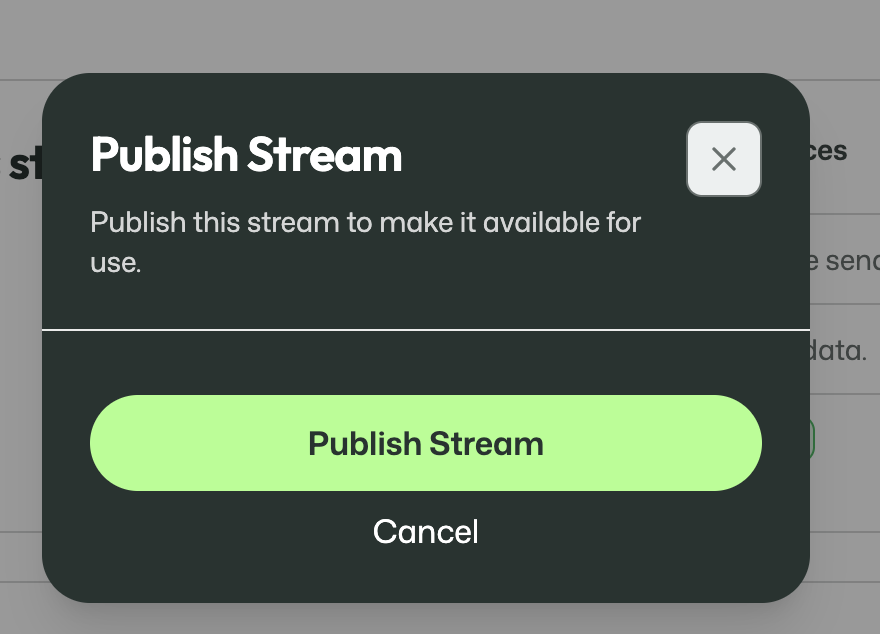
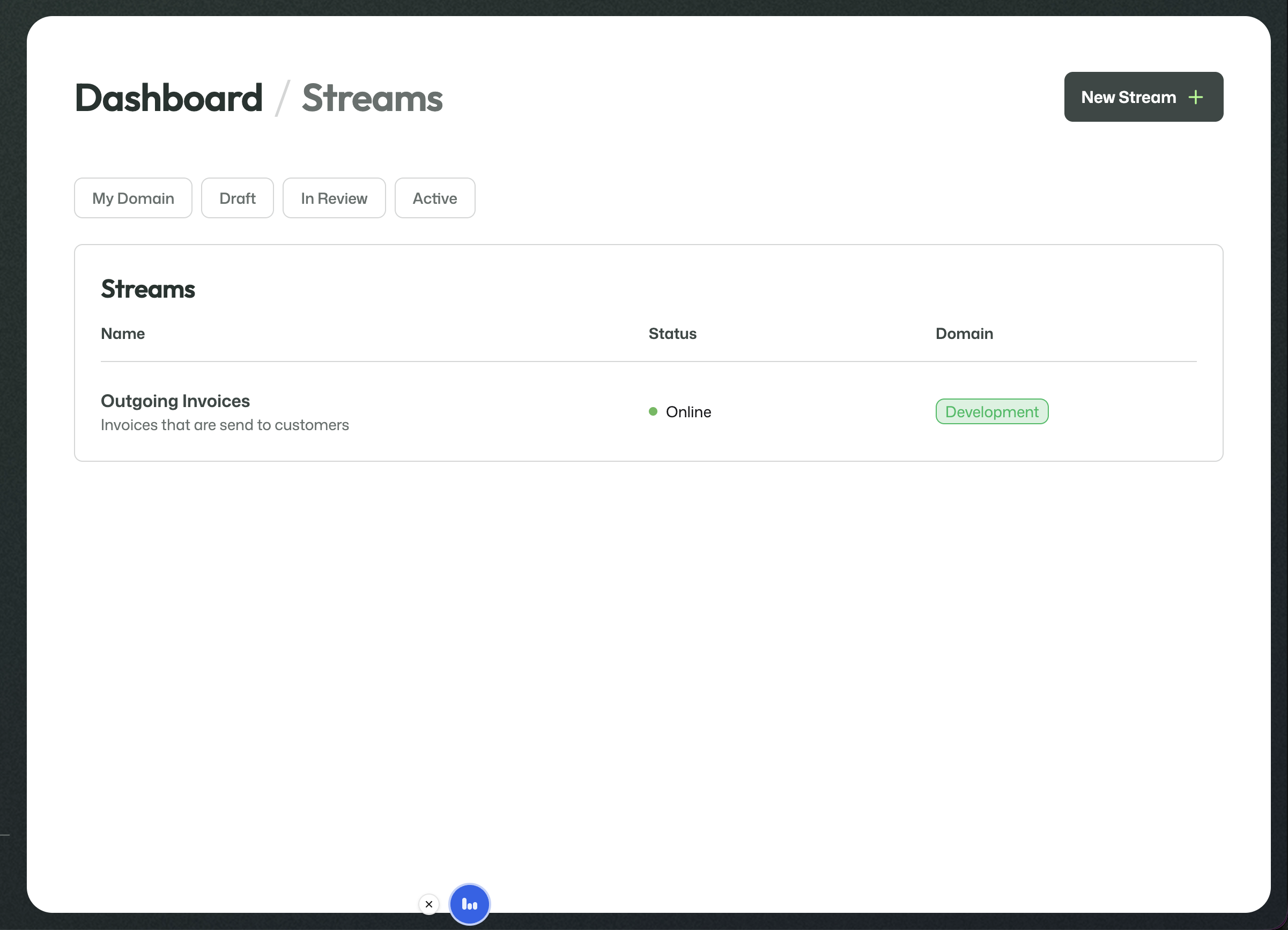
Publishing makes the stream available for real use.
Next step
Once a stream is online, it moves into its live operational phase.
Continue with the Active streams guide.